When you download a movie, series, or video through BitTorrent, you generally have to wait for the download to complete before you can watch it. And when the file weighs several gigabytes, the wait can sometimes be long, especially if the number of people sharing it is limited.
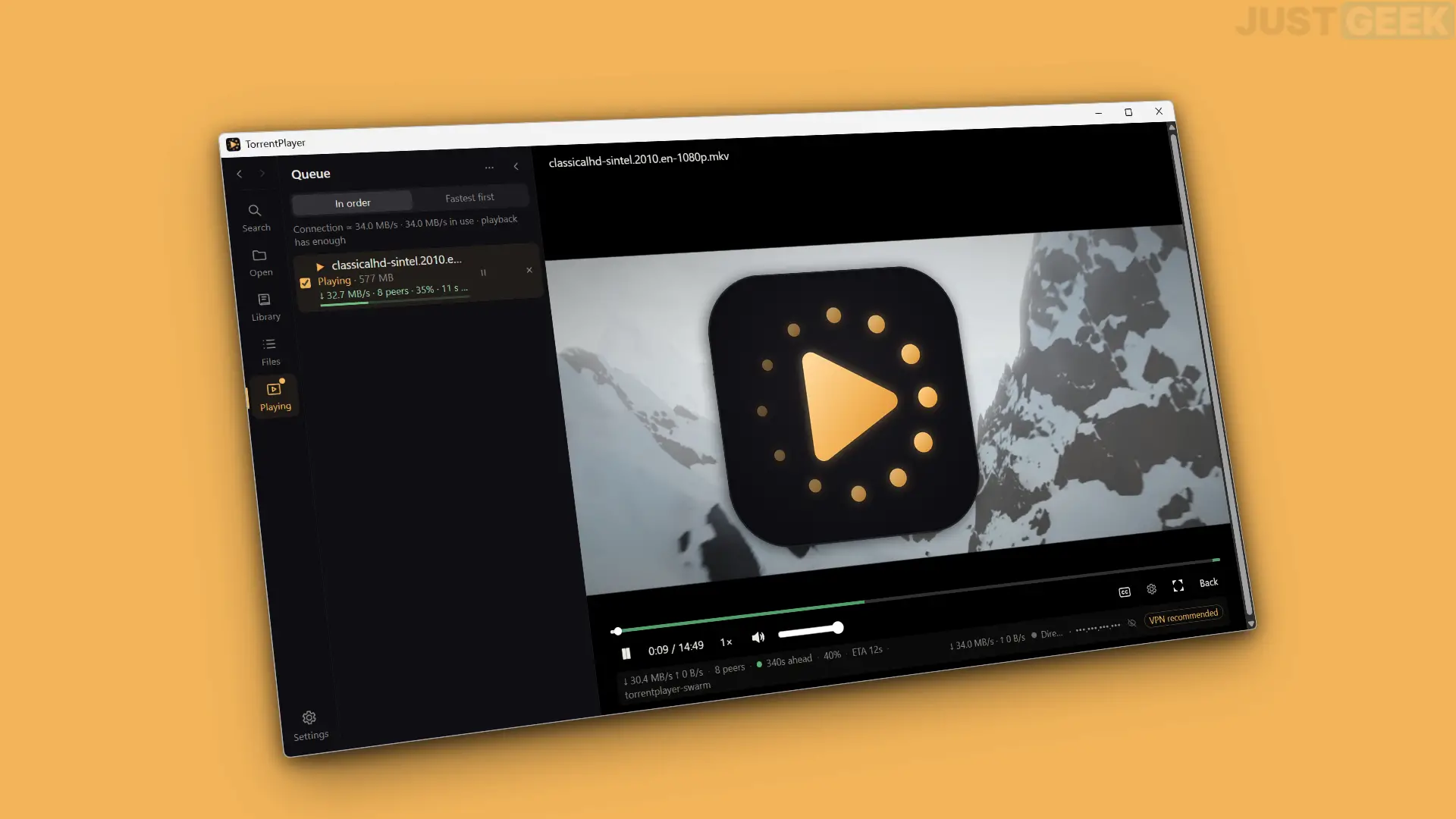
With TorrentPlayer this problem no longer arises. This free and open source software allows you to watch a video directly from a torrent, without waiting for the download to complete. And it even includes a search engine to find content without having to use the browser.
A BitTorrent client with integrated video player
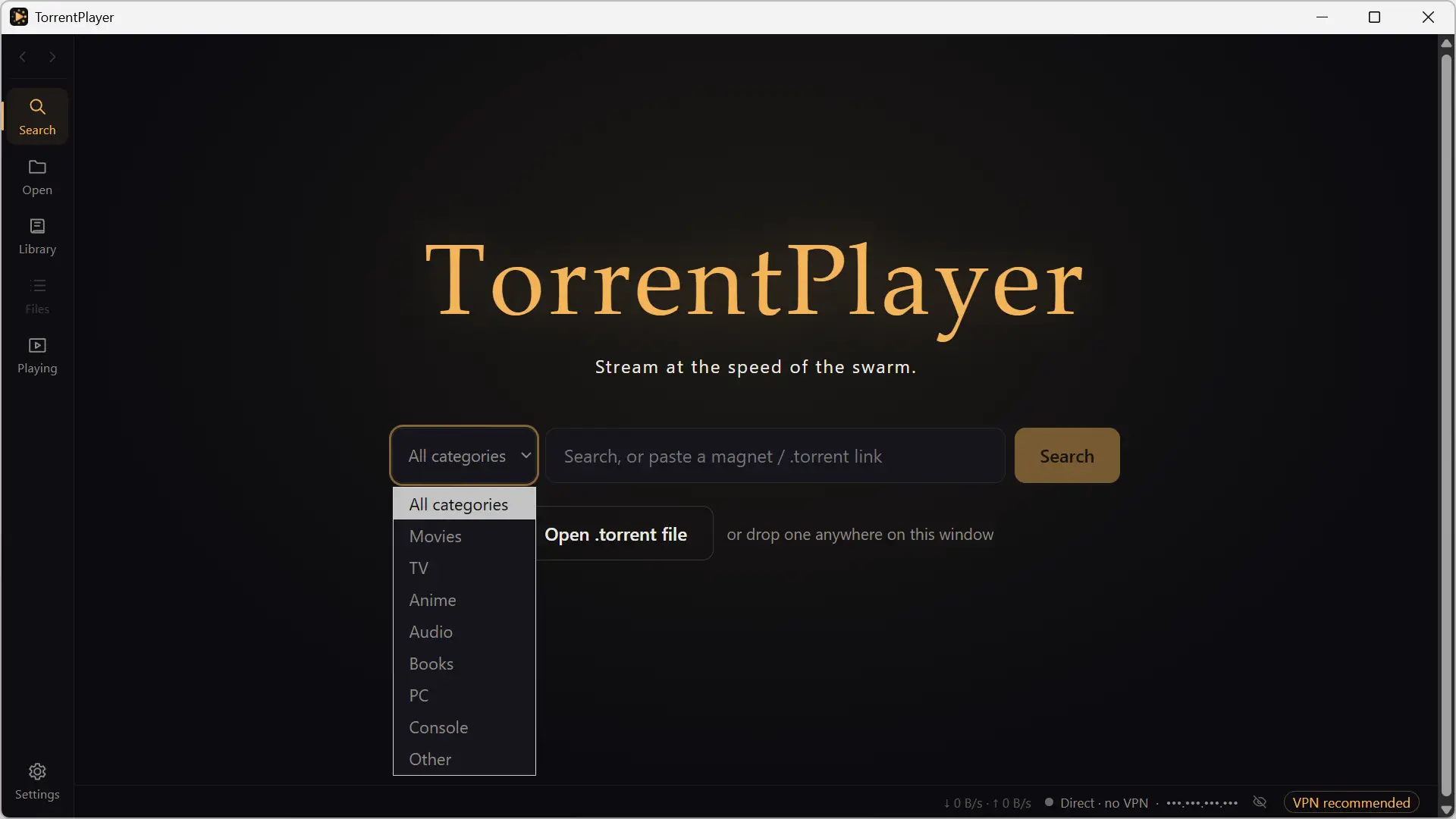
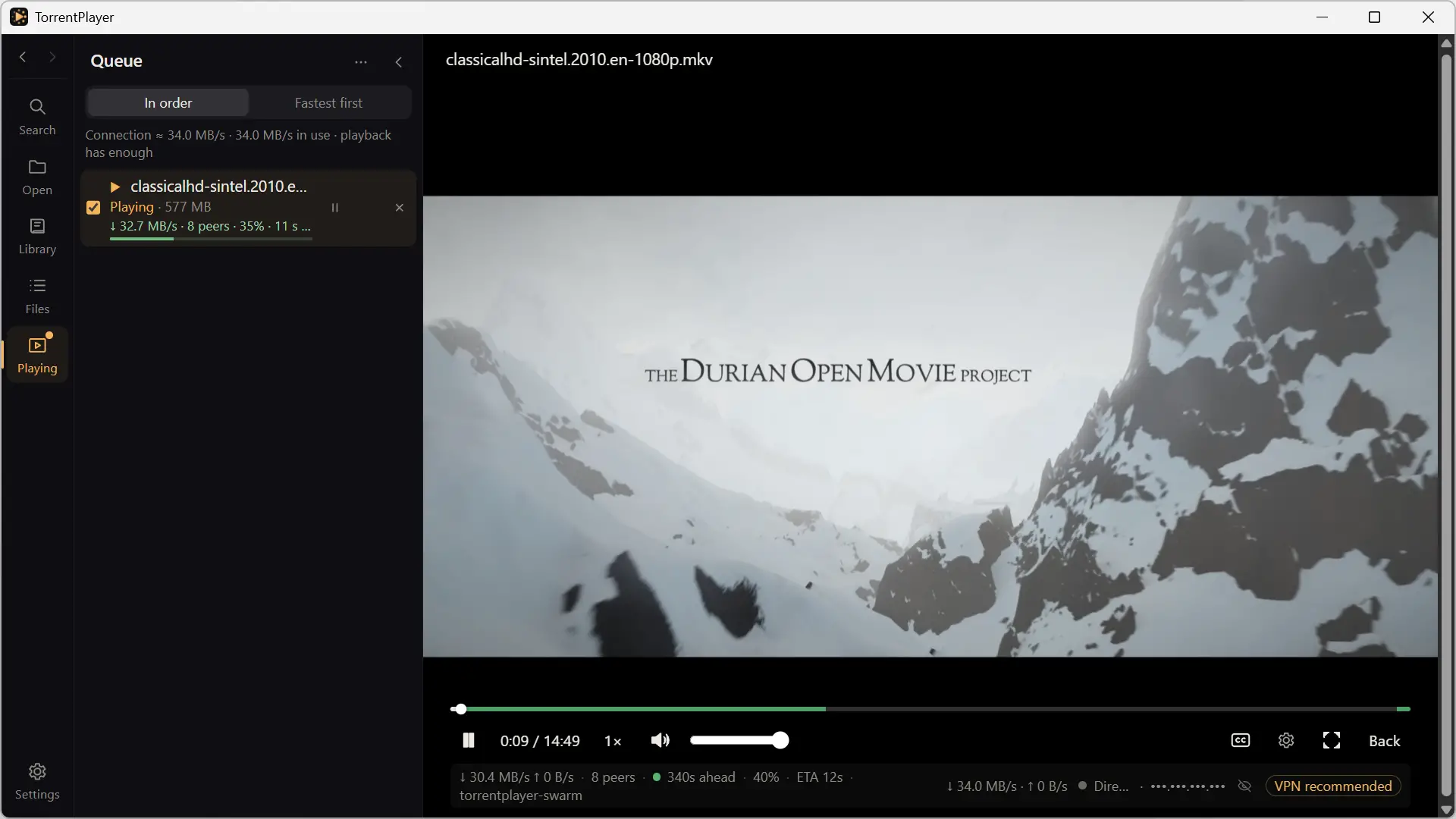
TorrentPlayer is a software that combines a BitTorrent client and a media player in a single interface. In other words, you no longer need to download your files with software like qBittorrent before opening them in VLC. Here everything is done from the same interface.
To watch a video, simply open a .torrent file, paste a magnet link, or drag and drop a torrent file into the software window. TorrentPlayer then downloads the content and starts playing as soon as it has collected enough data.
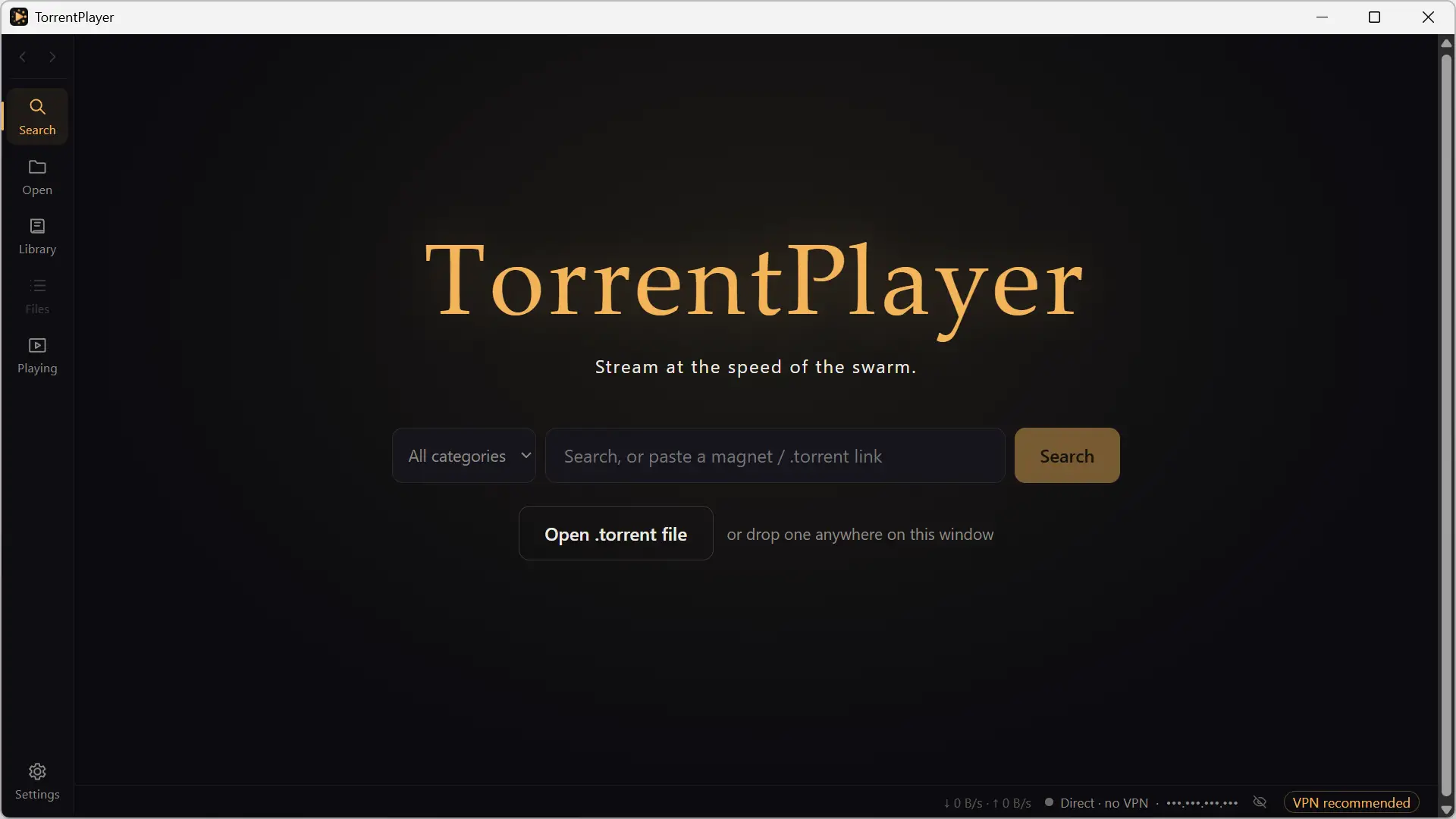
But what I find especially interesting is its integrated search engine. It allows you to search for movies, series, videos or even music without leaving the software. For each result, TorrentPlayer shows various data such as the size of the file, its quality, the number of people who share it or the available sources.
Filters allow you to refine results based on different criteria, including quality, size, or number of seeders.
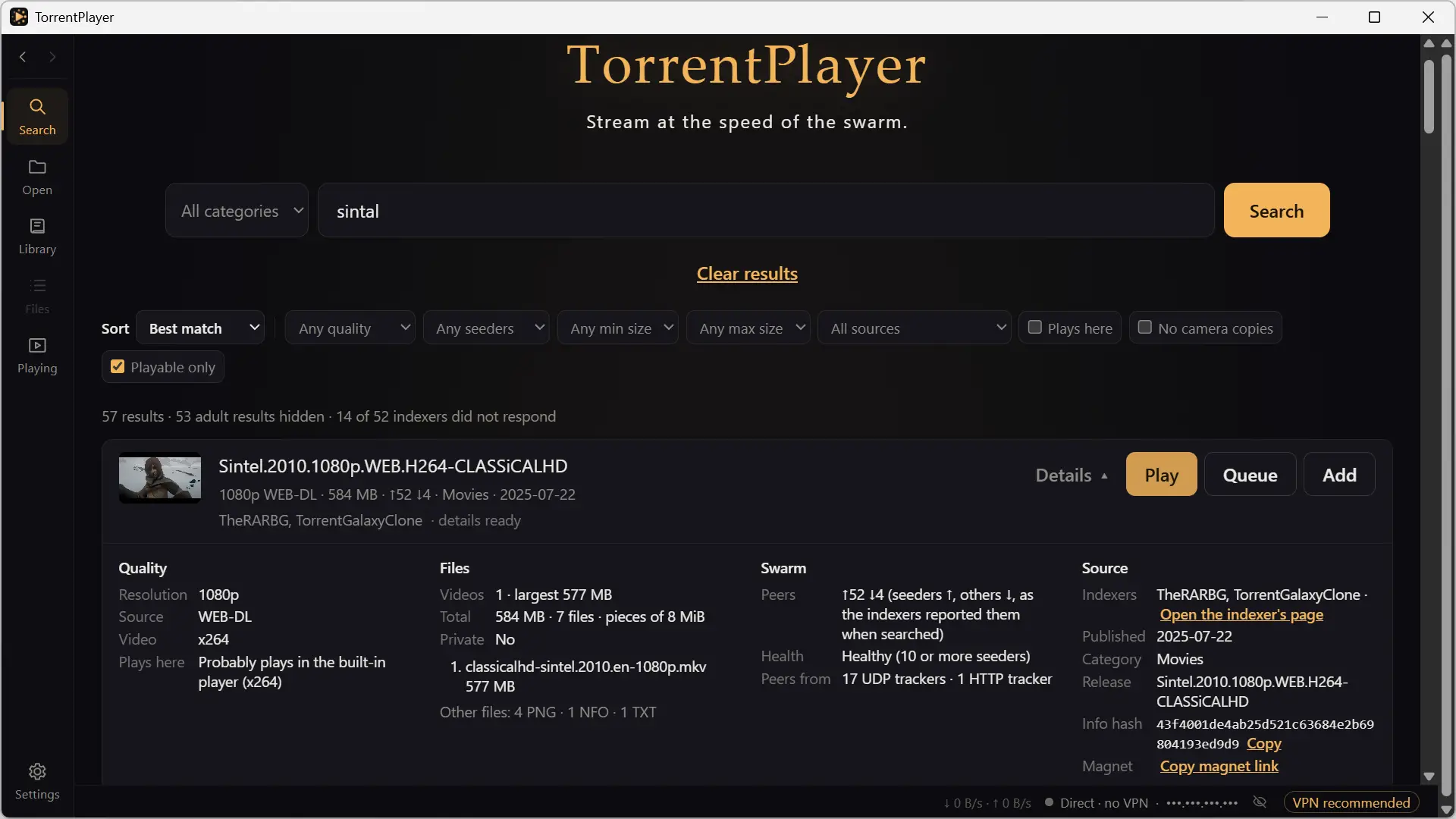
TorrentPlayer also offers a library that saves the history of open files, a playback queue, and several options to manage subtitles or resume a video from where you left off.
⚠️ Attention : If TorrentPlayer is perfectly legal, it is not necessarily legal for all content offered in search results. Downloading or sharing movies, series or other copyrighted works without permission is illegal. So it’s up to you to be careful what you download.
Settings to customize TorrentPlayer
TorrentPlayer offers some settings to customize its operation. You can choose the folder in which the files are downloaded, limit the space they take up on your disk, or activate automatic cache cleaning to prevent it from taking up too much space.
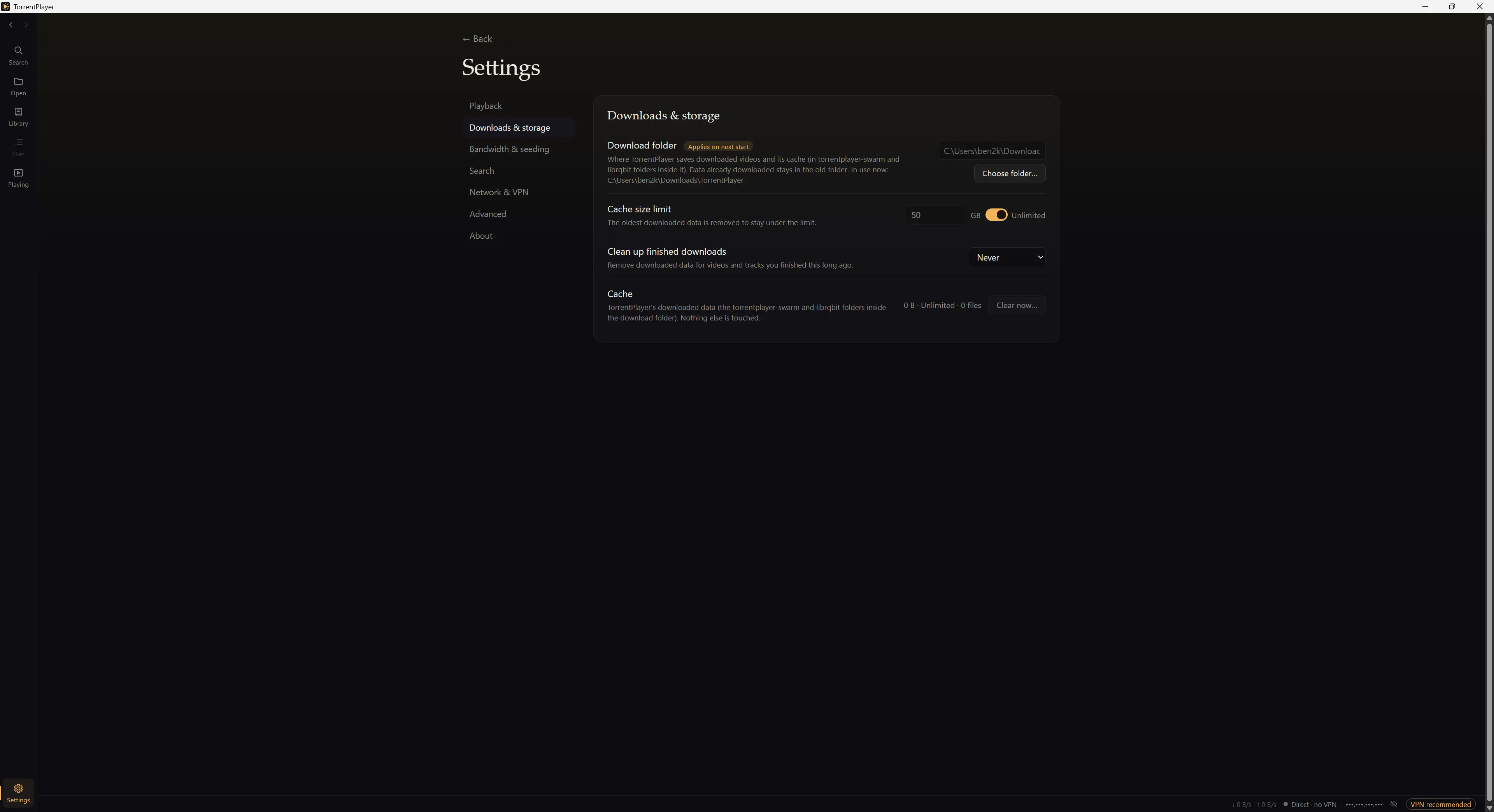
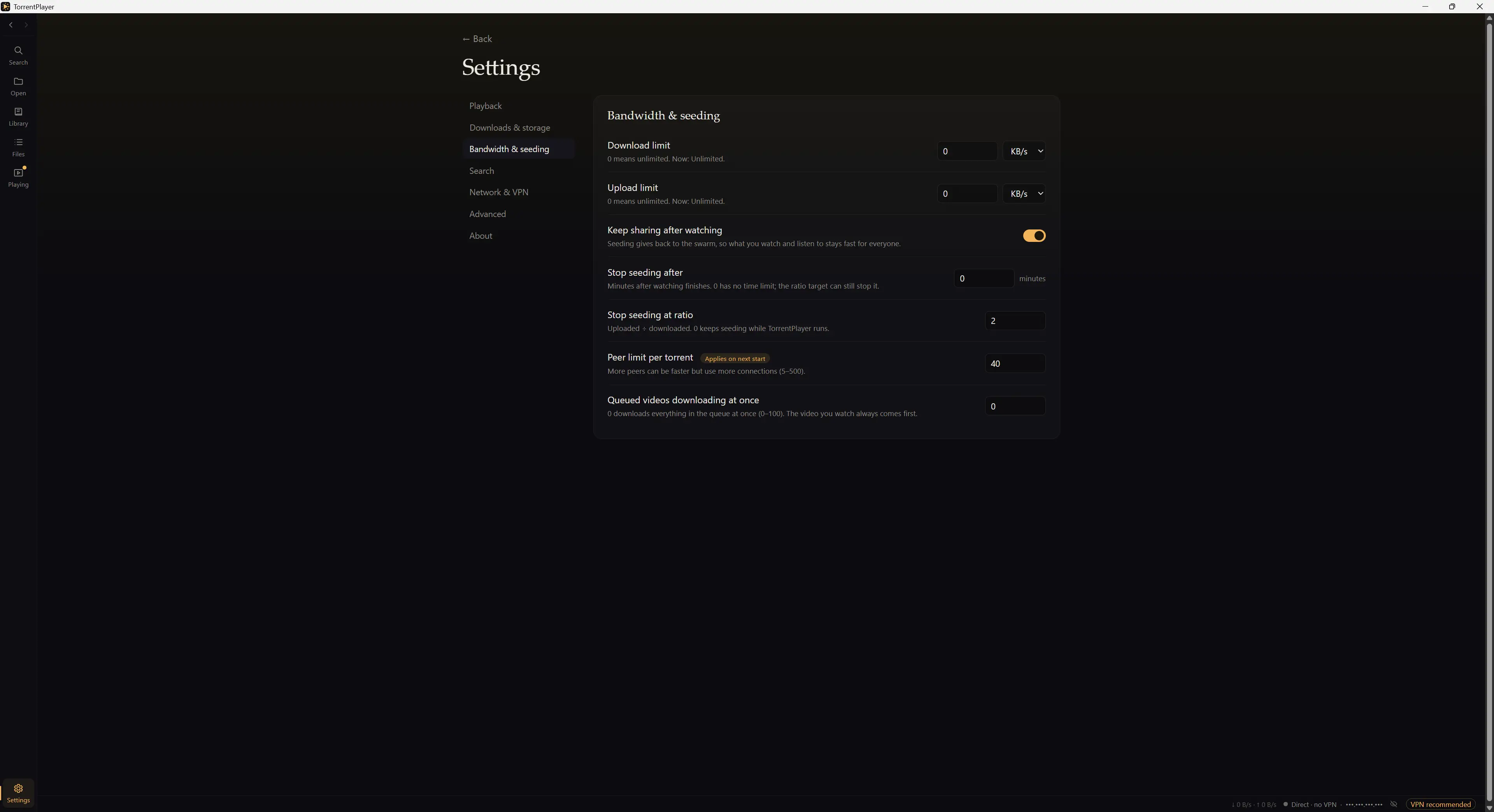
The software also allows you to limit upload and download speeds, as well as define how long files remain shared with other users on the BitTorrent network.
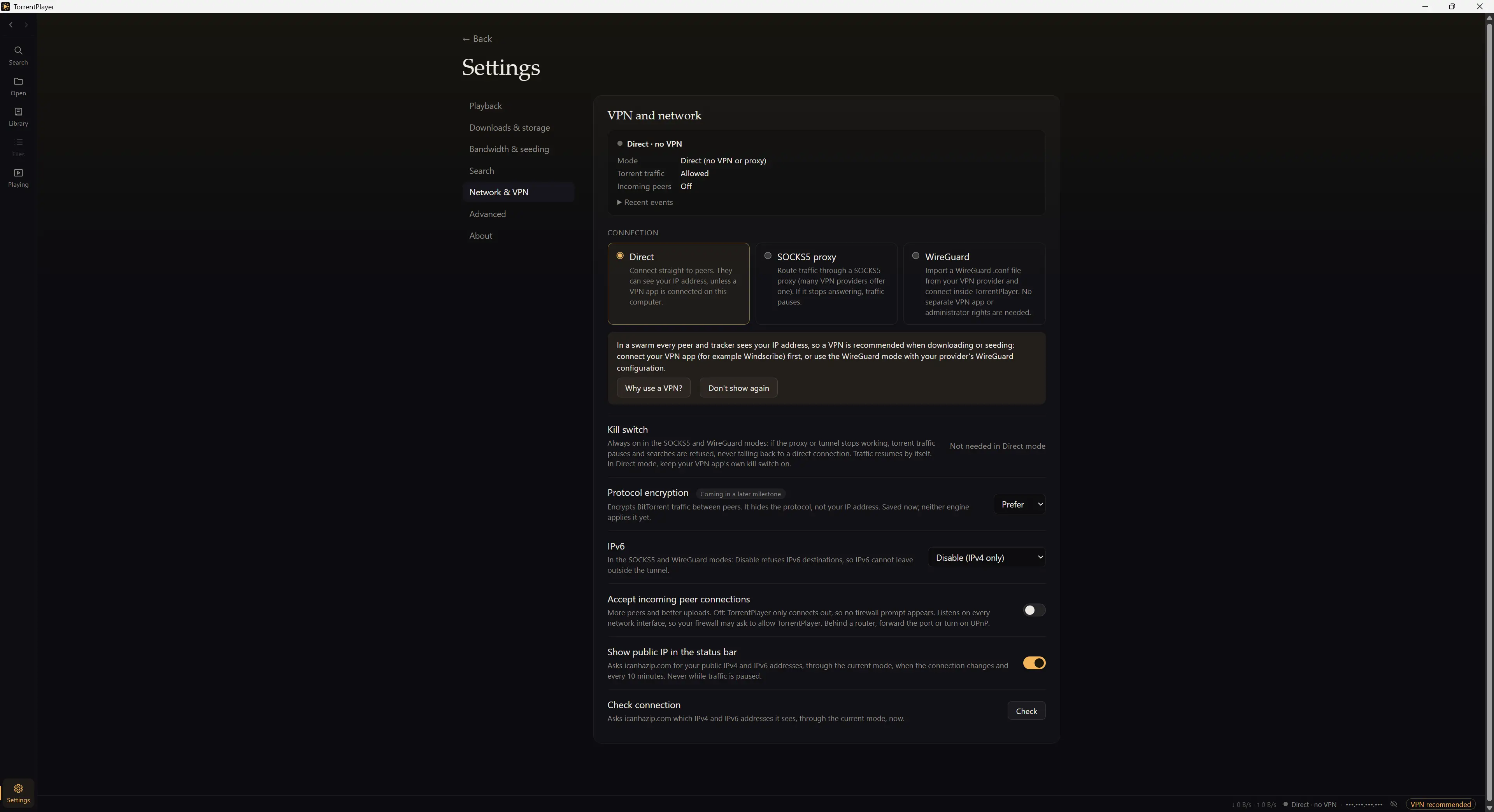
And for those using a VPN, TorrentPlayer supports SOCKS5 proxies and WireGuard connections. It also offers a kill switch to block BitTorrent connections if the protected connection is interrupted.
TorrentPlayer is free, open source, and available on Windows, macOS, and Linux. To download it, go to software download pageand then choose the appropriate version for your operating system.
On Windows, simply download the installer and run it. Nothing too complicated!
For Linux, the software is offered in AppImage, DEB, and RPM formats. As for macOS, it also has its own version.