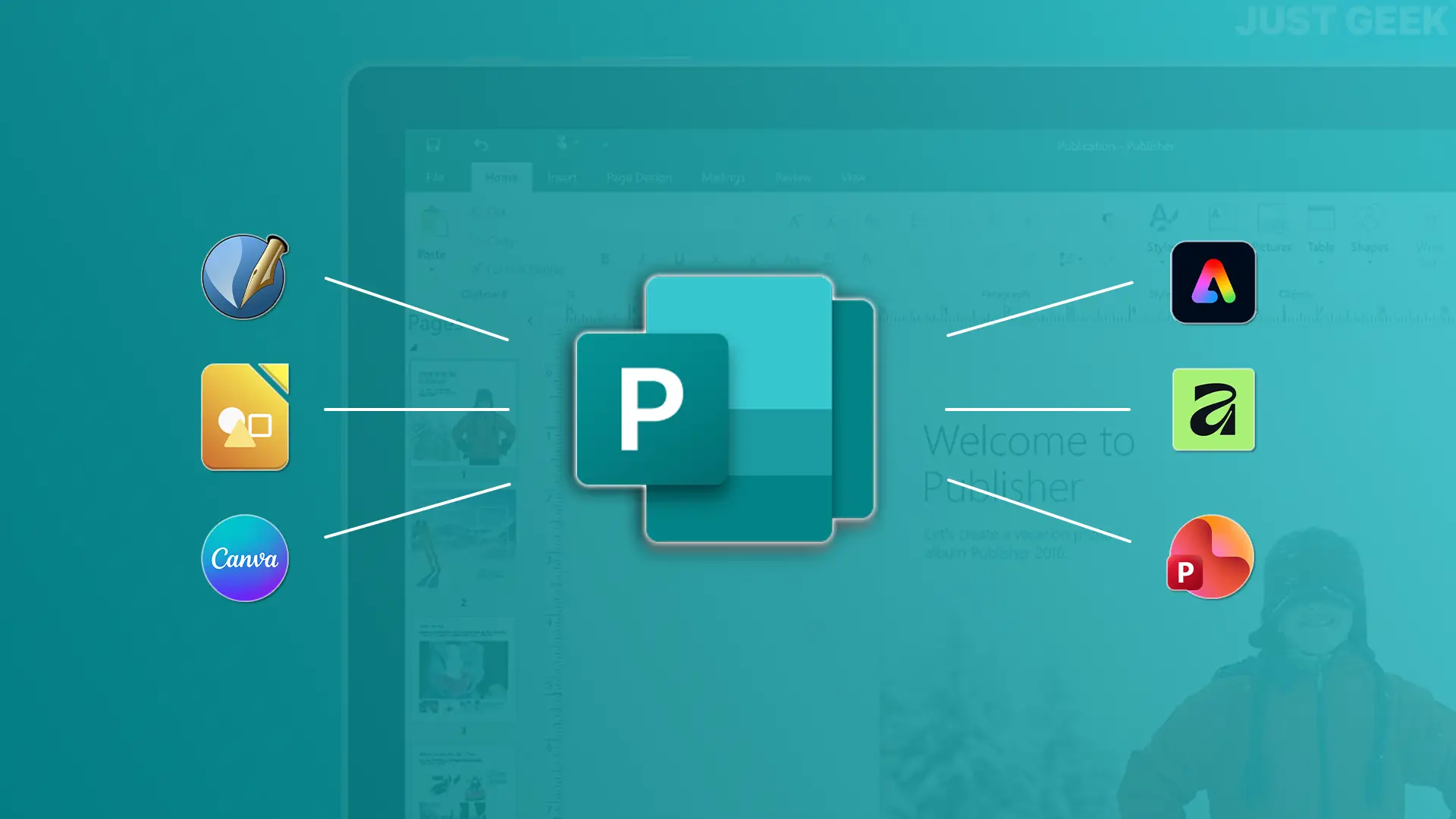
Microsoft Publisher is retiring. Microsoft has decided to discontinue its desktop publishing software and remove it from Microsoft 365 starting October 1, 2026. After this date, subscribers will no longer be able to use Publisher to open or edit their .pub files.
If you use Publisher to create brochures, business cards, invitations, or posters, you’ll need to find a replacement. microsoft advises Obviously use Word or PowerPoint depending on the type of document, but these are not the only possibilities.
There are several free alternatives to Publisher to continue creating this type of documents. We have selected six, with a real DTP solution like Scribus, but also easier to use tools.
Scribus: a truly free alternative to Publisher
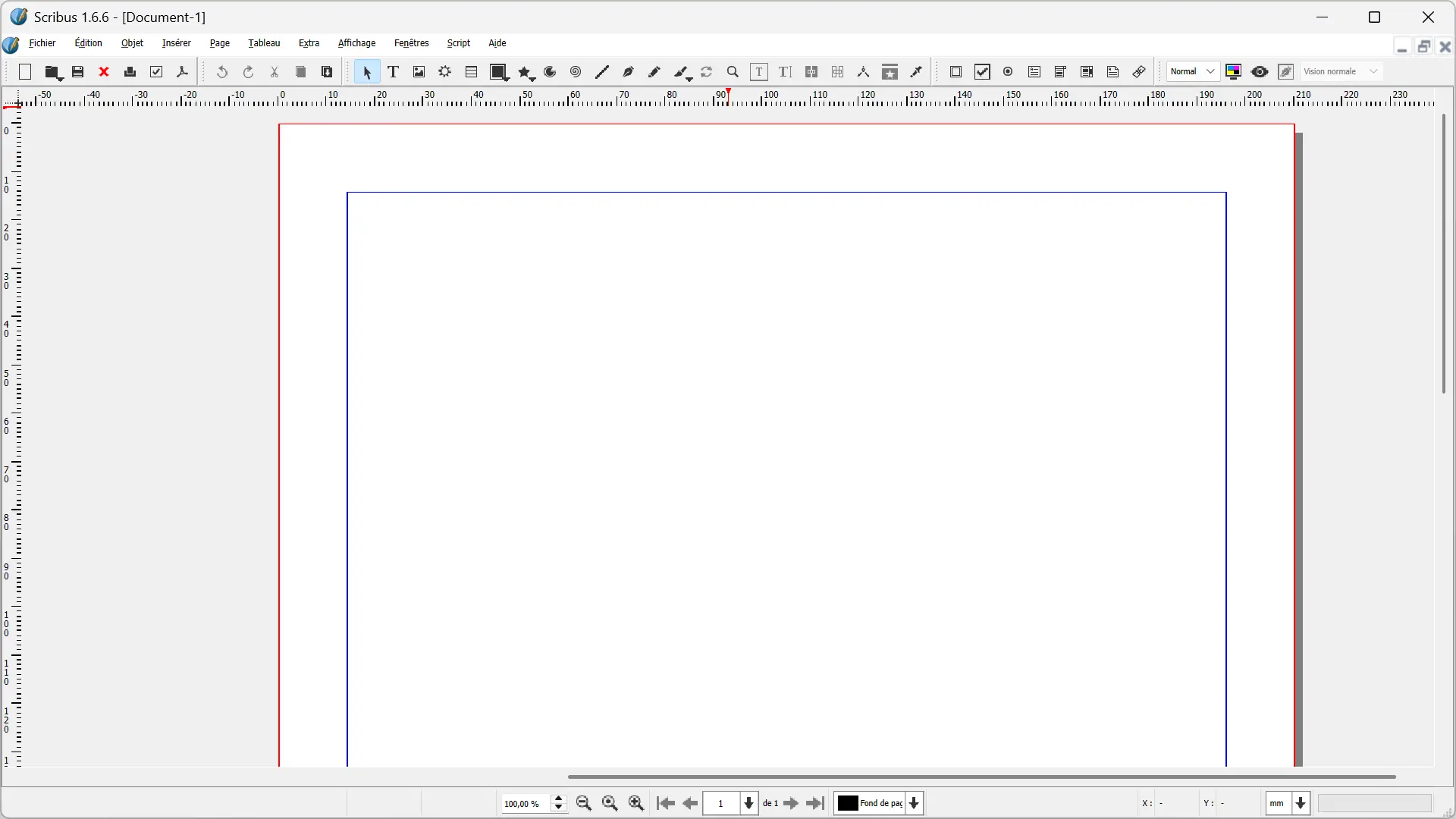
Among the free alternatives to Microsoft Publisher, write It is perhaps the one that comes closest. This free and open source desktop publishing software is available on Windows, macOS and Linux.
Allows you to create flyers, brochures, business cards, posters, magazines, books or other printed documents. Scribus also offers more advanced features, including CMYK color management, spot colors, and ICC profiles, as well as numerous options for creating and exporting PDF files.
If you still have documents created with Publisher, Scribus can also import .pub files. This feature continues to be improved since Scribus 1.6.6, released in April 2026, fixes, among other things, the behavior of certain images when importing a Publisher file. However, the import is not always perfect, and sometimes some adjustments will need to be made once the document is opened in Scribus.
The software, however, is a little less user-friendly than Publisher. Its interface and operation take a little getting used to, especially if you’ve never used desktop publishing software before. But if you’re primarily looking for free software to install on your computer and continue creating these types of documents, it’s probably worth trying Scribus first.
Affinity: a free and complete alternative to Publisher
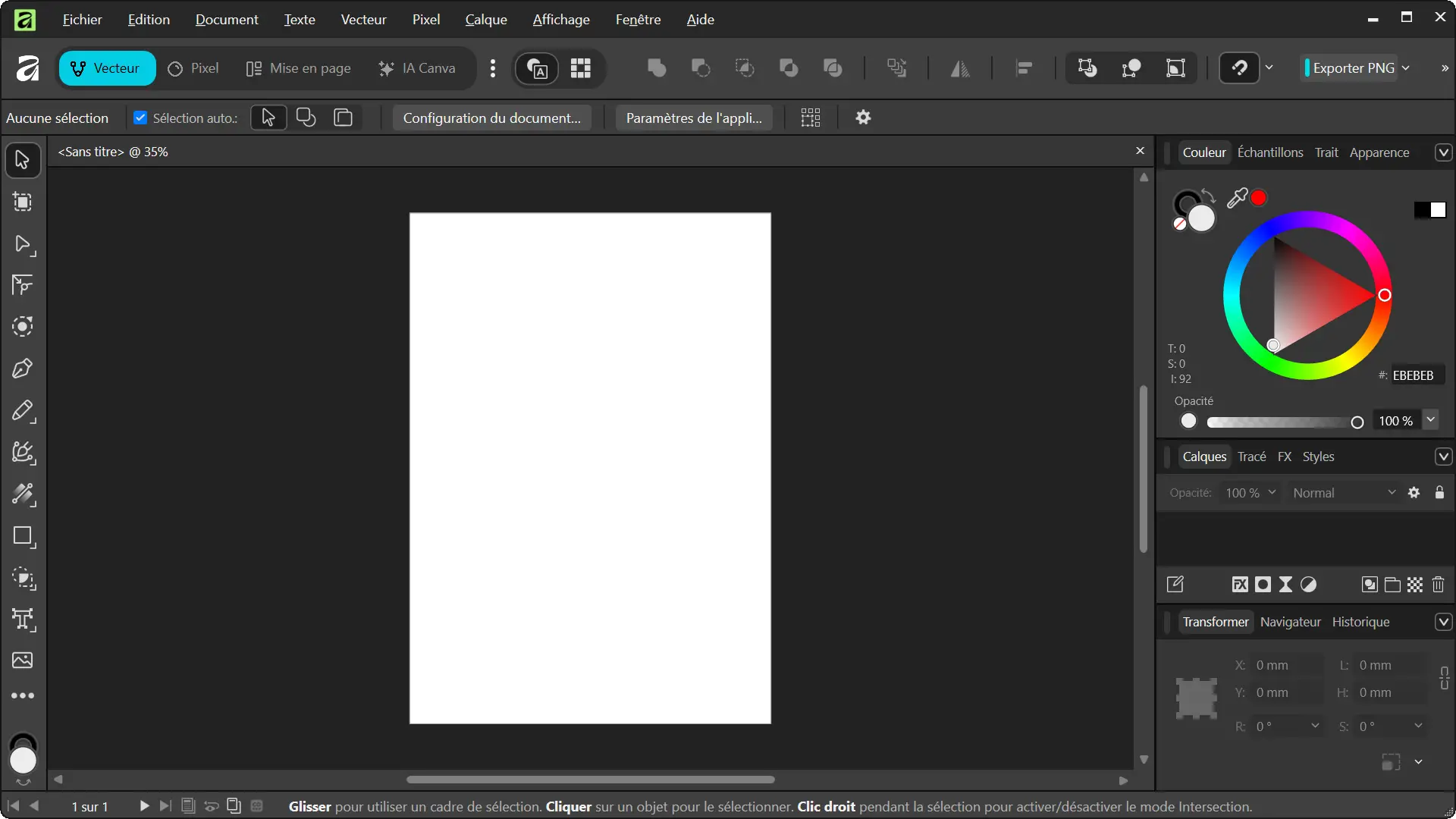
Paid for a long time, Affinity It became completely free in October 2025. Since then, the old Affinity Publisher, Designer and Photo have given way to a single application that brings together layout, vector drawing and photo editing tools.
Replacing Publisher, what interests us mainly is the part dedicated to layout. Affinity allows you to work on brochures, books, reports and other documents that consist of multiple pages. It offers in particular master pages, styles, column guides, advanced typography tools, bleed management and PDF/X export for printing.
All of these tools are available for free, without a subscription. However, Canva’s AI features built into Affinity require a Canva Premium plan, but do not need to use the software’s desktop publishing features.
Affinity is currently available on Windows and macOS and requires a free Canva account to download. The only drawback is that it does not allow you to directly open Microsoft Publisher .pub files.
LibreOffice Draw: a simpler alternative to Publisher
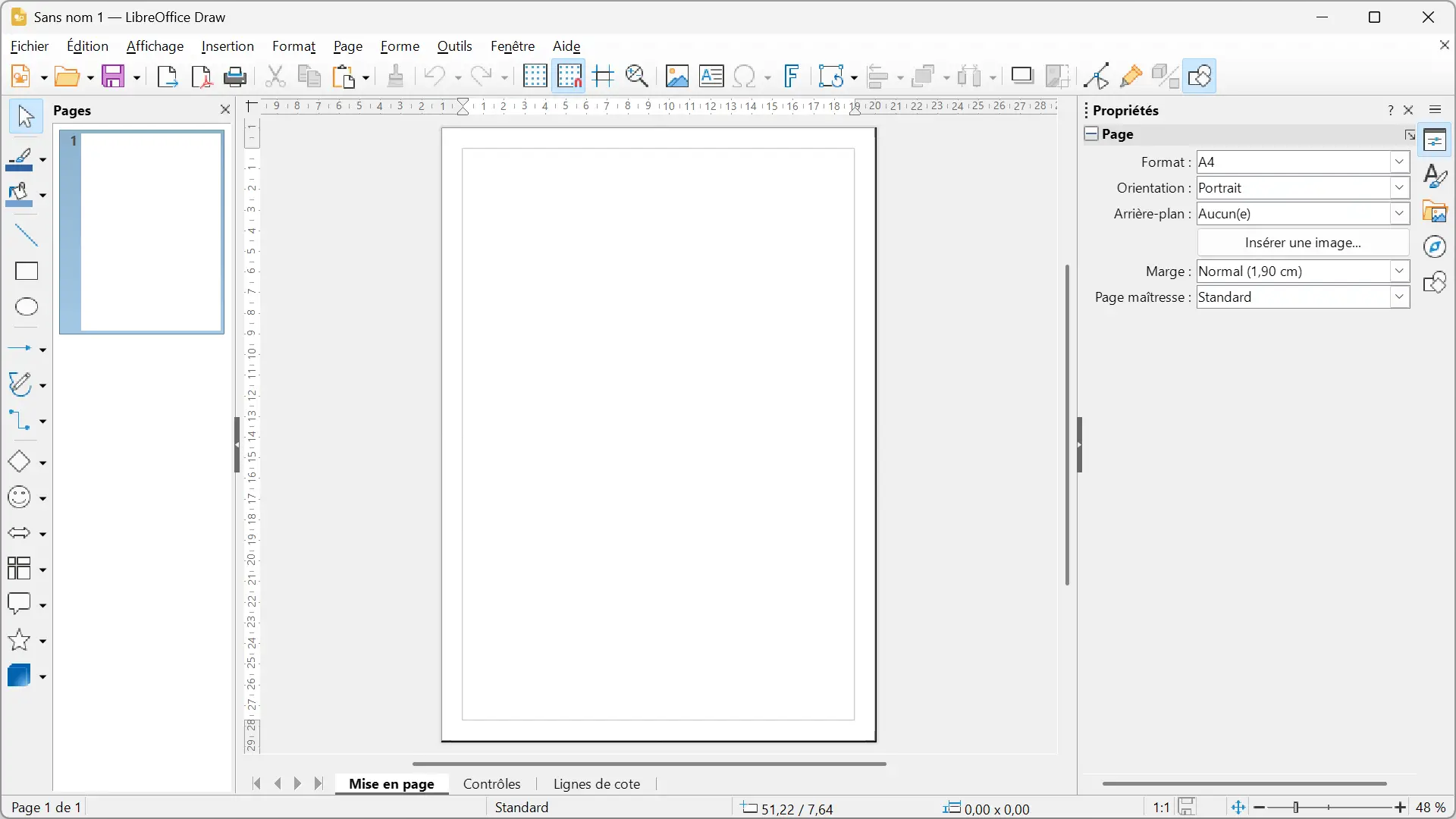
LibreOffice Draw is part of the LibreOffice office suite. This software is primarily used to create vector drawings, but it can also be used to create documents composed of texts, images, shapes, and other graphic elements.
Draw offers in particular text boxes, layers, alignment tools and a grid to precisely position different elements on the page. You can create posters, brochures, or other relatively simple documents and then print or export them to PDF format.
If you still have old Publisher files, note that Draw can open .pub files. Therefore, you will be able to modify them in LibreOffice, although sometimes you will have to put certain elements back in place after opening them.
Draw goes less far than Scribus for desktop publishing work. But to create simple documents, it can be the solution. The suite is free, open source, and available on Windows, macOS, and Linux.
Canva – to easily create flyers, posters and invitations
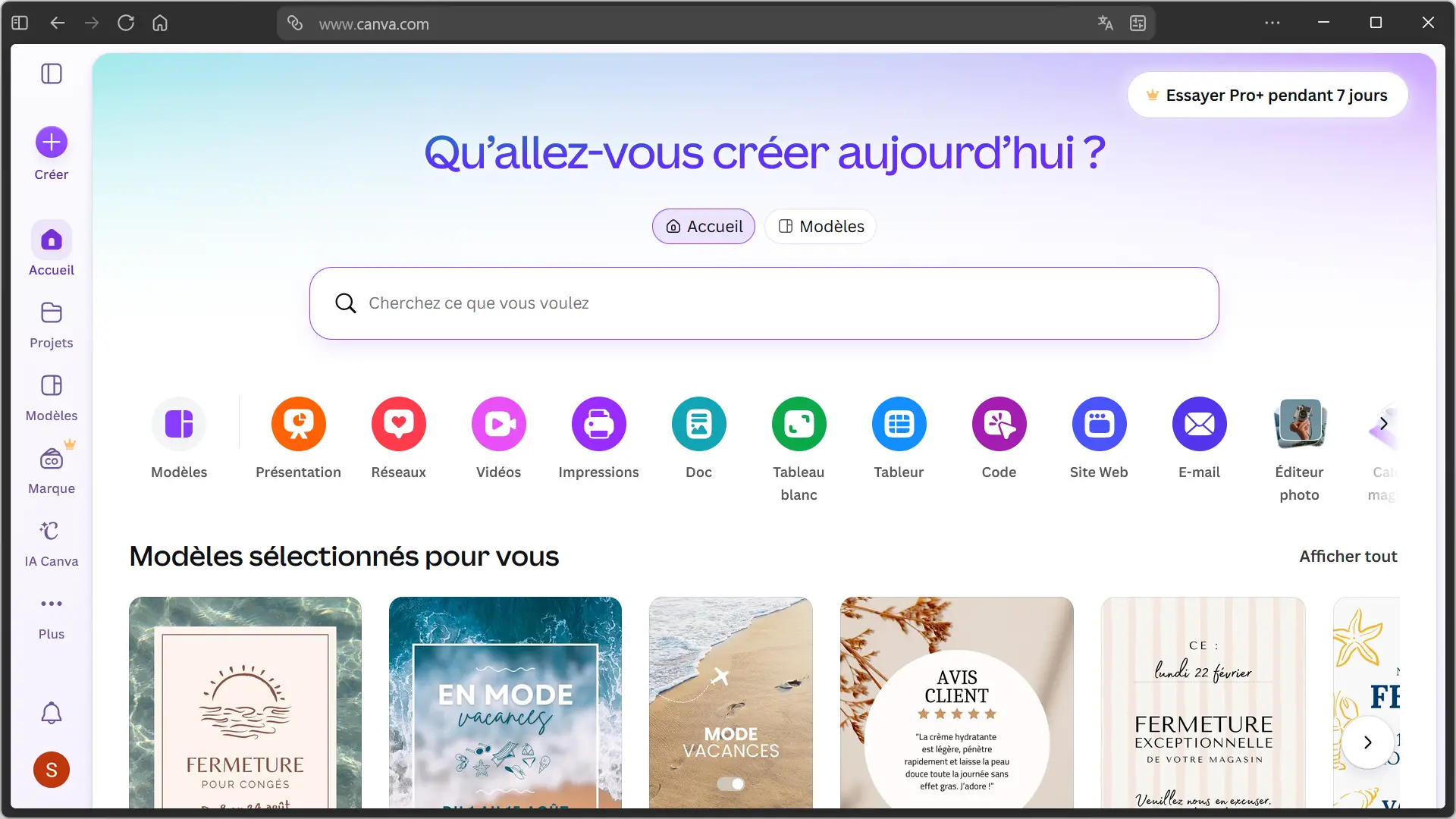
Canvas It is quite different from Scribus and LibreOffice Draw. The service can be accessed directly from a browser, but also offers an app for windows AND macos.
Canva allows you to create flyers, posters, brochures, business cards, invitations, menus, and even greeting cards. You can start from a blank page or choose from the many templates offered and then add text, images and other graphic elements using the drag and drop editor.
The free plan already provides access to many templates, images, illustrations, and fonts. However, part of the catalog is reserved for Canva Pro subscribers. If you use the free version, you will have to be careful with the elements you choose.
Canva does not allow you to directly open Publisher .pub files. But to create brochures, invitations or posters, it can easily replace Publisher.
Adobe Express: another online solution to replace Publisher
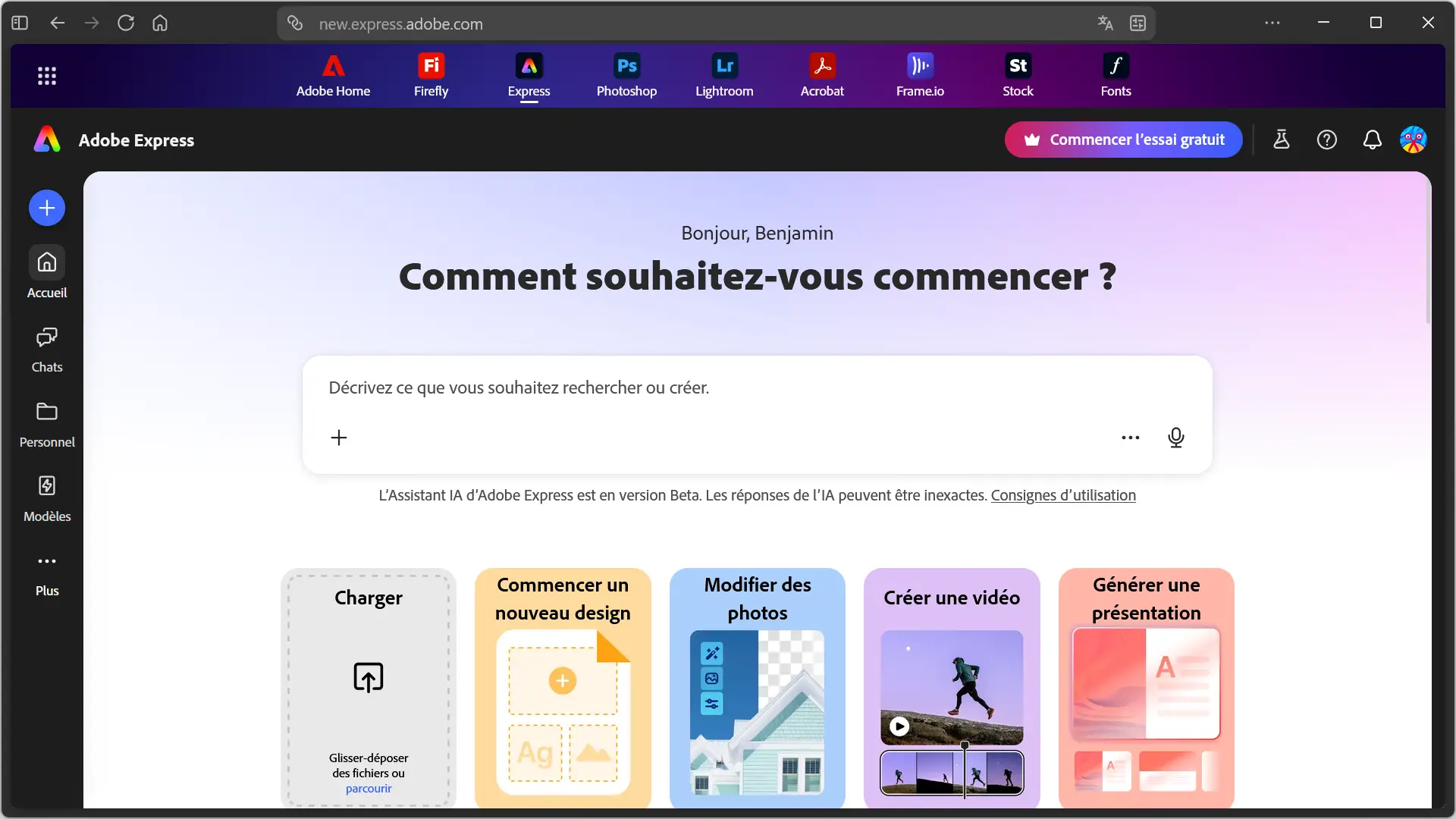
Adobe Express It can also replace Publisher to quickly create a brochure, poster, invitation, booklet, or business card. Everything happens from the browser, with the option to start on a blank page or modify one of the many templates Adobe offers.
The free plan provides access to more than 100,000 templates and more than a million photos, videos, music, and other Adobe Stock assets. It also includes more than 4,000 Adobe fonts and 5 GB of storage. However, some resources and features displayed in the editor require a Premium subscription.
Adobe Express also works with other Adobe software. For example, you can recover Photoshop and Illustrator files, import PDF files, or access your creations from the Adobe Express mobile apps on Android and iOS.
It is not desktop publishing software comparable to Scribus and Adobe Express cannot open .pub files. It is aimed more at those who want to create their documents from templates without installing software on their computer.
PowerPoint for the Web: the alternative recommended by Microsoft
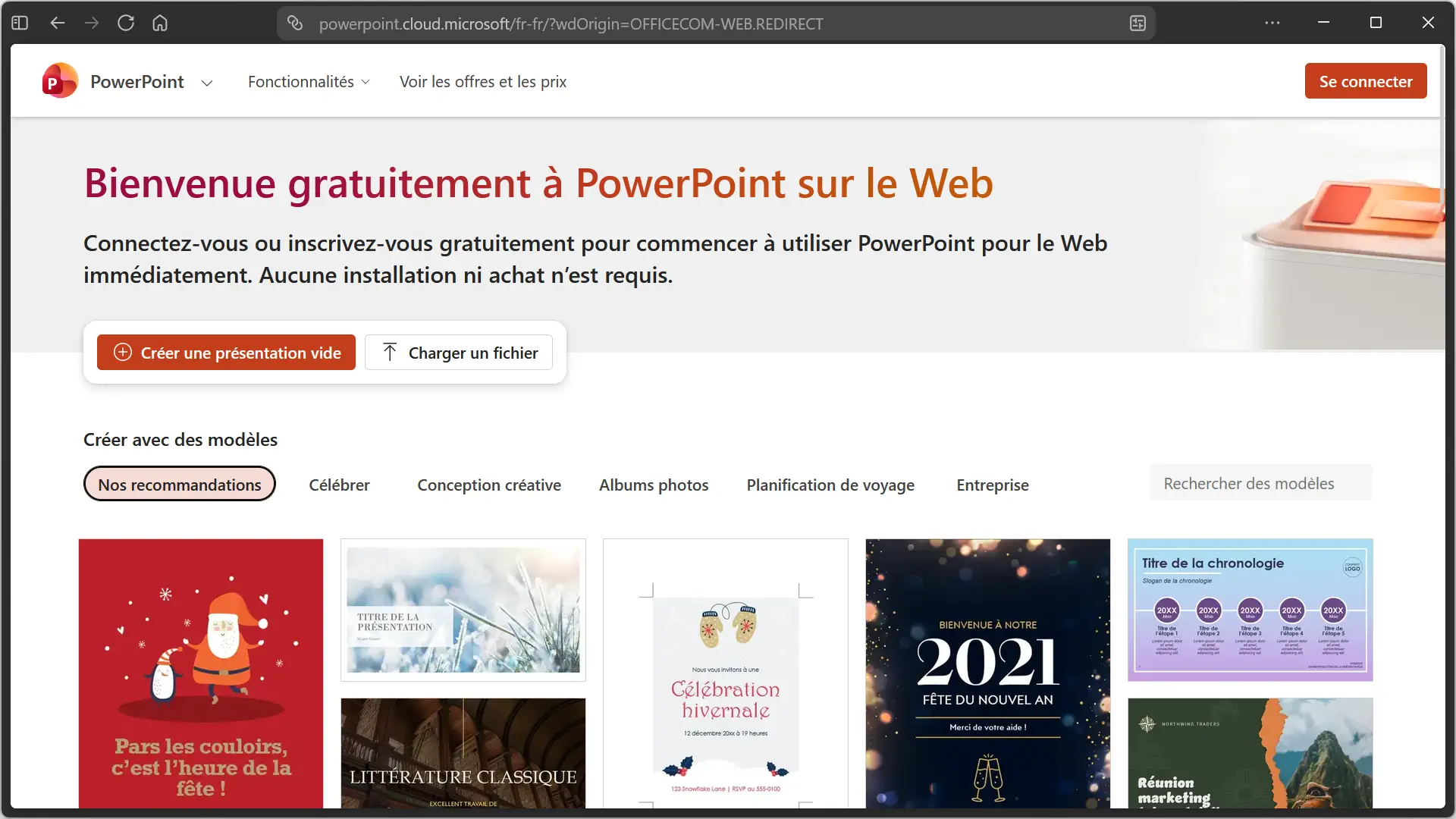
It is not surprising that Microsoft advises in particular to resort to PowerPoint for the web to replace the editor. The software can be used to create flyers, brochures, posters, business cards, calendars, and even greeting cards.
The advantage of the web version is that it can be used for free with a simple Microsoft account. It works directly from a browser and you can start from a blank presentation or use one of the templates offered.
PowerPoint slides provide enough freedom to place text, images, and shapes wherever you want. Then simply adapt the page dimensions to the document you want to create. Once completed, it can be downloaded in PDF format to share or print.
Which free alternative to Microsoft Publisher should you choose?
The choice depends mainly on what you were doing with Publisher. Below is a summary of the five solutions presented in this article.
| Alternative | For what use? | .pub files | Platforms/access |
|---|---|---|---|
| write | DTP, brochures and printed documents | Matter | Windows, macOS, Linux |
| Affinity | DTP and complex documents | No | Windows, MacOS |
| LibreOffice Giveaway | Simple designs | Matter | Windows, macOS, Linux |
| Canvas | Brochures, posters, invitations. | No | Web, Windows, macOS, Android, iOS |
| Adobe Express | Creations from templates. | No | Web, Android, iOS |
| PowerPoint | Simple documents with Microsoft tools | No | Web, Android, iOS |
If you’re looking for the closest thing to Publisher, in our opinion, Scribus is still the best option, especially since it can import .pub files. However, Affinity is an alternative to seriously consider if you don’t need to recover your old Publisher files. LibreOffice Draw is less comprehensive for DTP, but it can also open .pub files. Canva and Adobe Express are best suited for brochures, posters, invitations, and other simple designs. As for PowerPoint, it may be interesting if you already know the software and want to stick with Microsoft tools.