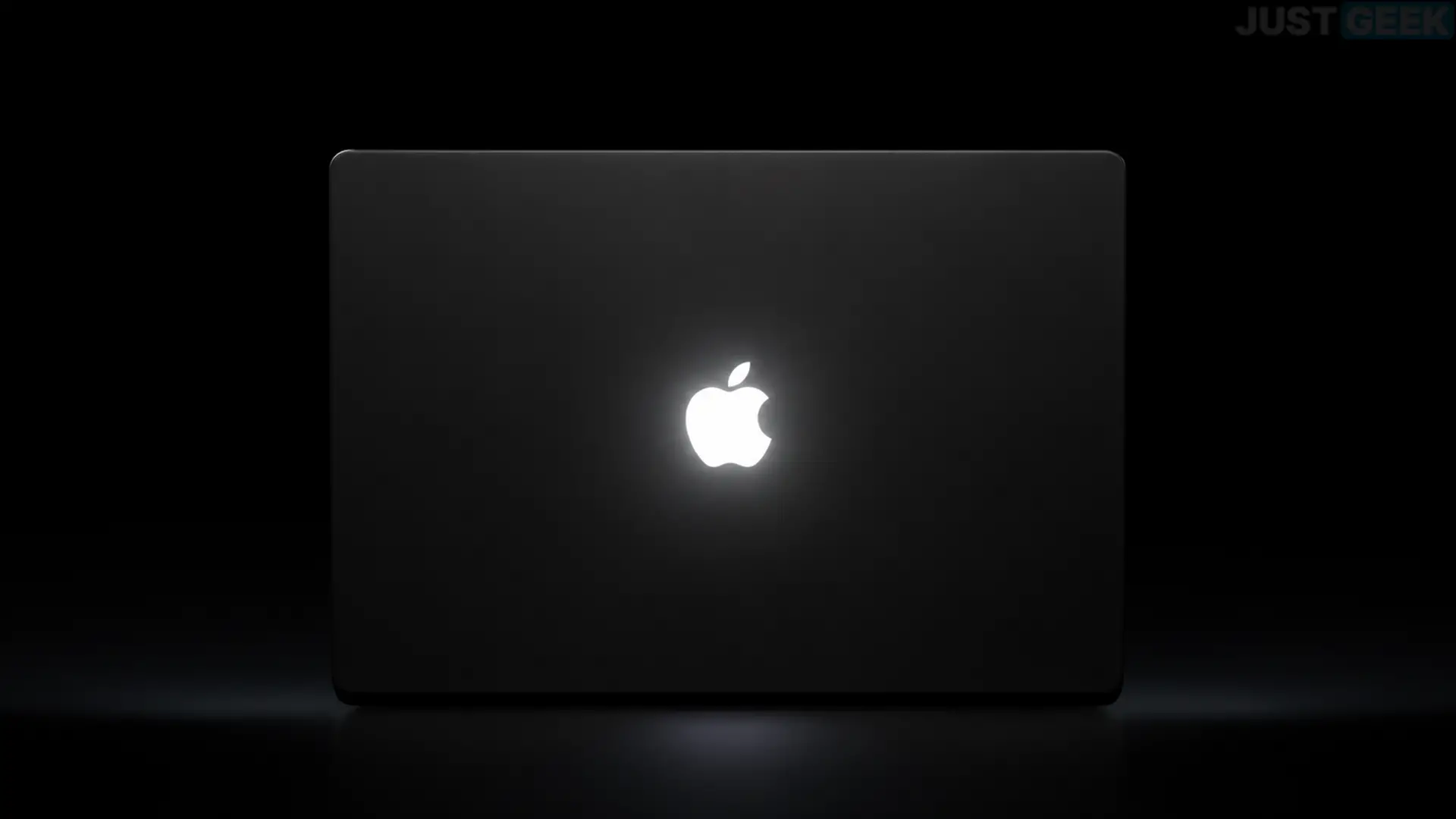
If you are the happy owner of the new MacBook Pro PROLED XDR, you will no doubt have noticed the return of the famous illuminated Apple logo on the back of the screen. Disappeared since 2016, it returns with a small novelty: its brightness automatically adapts to the ambient lighting.
But if you are not a fan of this luminous apple, you should know that it is possible to deactivate it. Here we explain how to do it.
On the MacBook Pro PROLED XDR, Apple does not limit itself to adopting the illuminated logo of its previous laptops. On this occasion, the apple has its own lighting system, independent of that of the screen.
The logo lights up whenever your Mac is active, and its brightness automatically adapts to your environment. In a dark room, it shines less. On the contrary, in a well-lit area, it becomes brighter. To do this, macOS takes into account the brightness of the screen as well as the information from the ambient light sensor.
And that’s not all. Developer Guilherme Rambo uncovered that Apple individually calibrates the logo lighting on each MacBook Pro and adapts its brightness based on the color of the chassis.
If you prefer to keep the Apple logo off, don’t look in macOS system settings. Apple has not provided an option to disable its lighting. You have to go through the Terminal.
Here’s how to do it:
- open it Terminal from the macOS “Utilities” folder or using Spotlight.
- Copy and paste the following command, then press Entrance :
sudo defaults write com.apple.CoreBrightness LEBacklightMode -int 0- Enter your administrator password when prompted, then validate with Entrance. Don’t worry if nothing appears while you type, this is normal.
The logo light turns off immediately, without needing to restart your Mac.
These settings apply to all user accounts on the computer, even when you boot from the macOS recovery environment.
How to reactivate the Apple logo?
If you change your mind and want to find your shiny apple, simply open Terminal again and enter this command:
sudo defaults delete com.apple.CoreBrightness LEBacklightModeThe logo turns back on and returns to its normal operation, with a brightness that automatically adapts to your environment.
Apple accurate In addition, this setting is preserved when migrating to a new Mac. On the other hand, reinstalling macOS automatically reactivates the logo lighting.