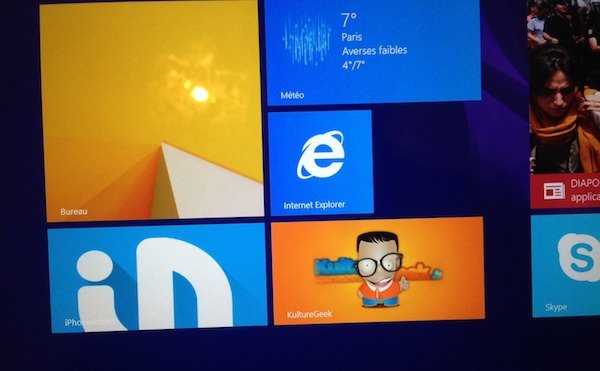
In the modern user interface of window 8Tiles now replace icons to launch programs but also to quickly display information. Just like on iOS or Android, you can also pin a website to your home screen for quick access to your favorite sites:

iPhoneAddict and Techbose Tiles
Microsoft offers the possibility with Windows 8.1 to customize this tile with an image (different depending on its size), background color and a default title that the user can change when pinning the site. It is also possible to add a notification system to indicate the latest news from the site in question.
To implement it on your site, simply place these tags in the header:
Mosaic name:
Mosaic background color:
Image of the mosaic in format. png 70×70:
Image of the mosaic in png format 150×150:
Image of the mosaic in format. png 300×150:
Image of the mosaic in format. png 300×310:
Add notifications (optional: default frequency of 30 minutes):
There is nothing to touch on this label, however you will have to place the file browserconfig.xml in the root of your site (file available at this link). Don’t forget to replace, before uploading the browser configuration file to your server, “YOUR_RSS_LINK” with the link to your RSS feed.
The user can disable notifications on their tiles at any time.
This is what it looks like:

large tile with Notifications

large tile without Notifications

Wide tile without notifications

Average tile without notifications

Small tile (notifications not possible)
For users who haven’t upgraded to Windows 8.1, here’s one last tip. It is only compatible with Windows 8.0.
Image of the mosaic in png format 144×144: