Avast has just launched a new 100% free VPN offering, available on Windows, macOS, Android and iOS. And on paper, it has what it takes: unlimited data, three server locations to choose from, and the ability to use it on an unlimited number of devices.
But as is often the case with free offers, there are some concessions to be made. Certain features are reserved for the paid version and several restrictions limit its use.
So how much is this new free VPN really worth? What are your limits? And can he be trusted to protect your privacy? This is what I noticed.
What does Avast free VPN really offer?
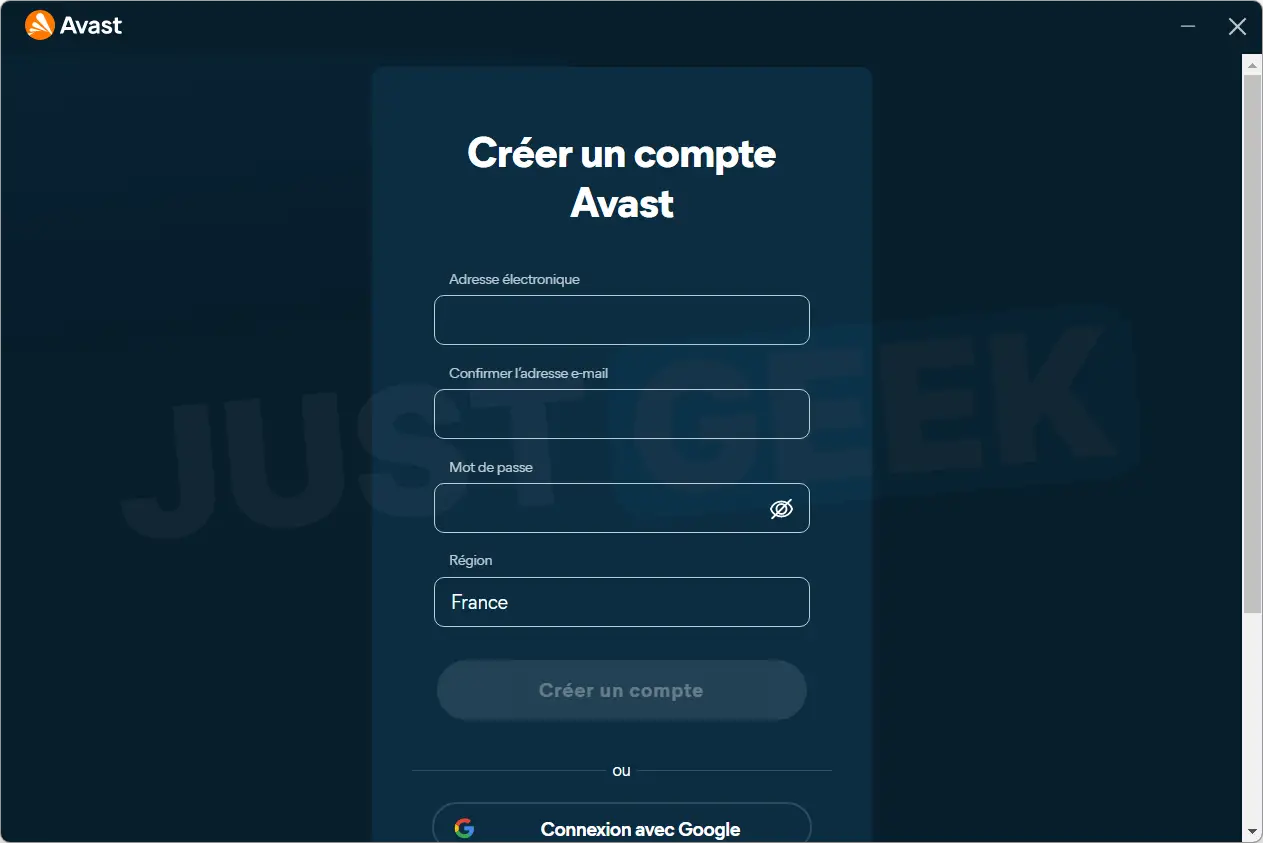
With this new offer, Avast allows you to use your VPN for free, without a time limit and without having to take out your bank card. However, it is mandatory to create an Avast account. And frankly, for a VPN that’s supposed to protect our privacy, it’s off to a bad start… Well, after that, there’s nothing stopping you from using a “junk” email address for the occasion.
The free version offers unlimited data, and that is a very pleasant surprise! This way you can browse the web, watch streaming videos or download large files without having to control your consumption. On the other hand, Avast limits the speed to 75 Mbit/s. We could also tell you that if you have fiber, you will quickly feel the difference.
The choice of servers is also limited. You can select three countries, but not among the 77 offered in the paid offer. Avast imposes a list of around thirty destinations, including France, Germany, the United States, the United Kingdom, Japan and even Canada. And be careful, once your three locations have been validated, you will not be able to return without checking out. So it’s best to choose them carefully from the beginning!
The VPN can also be used on unlimited devices except TVs. At this point, there is nothing to complain about.
In terms of security, Avast offers the WireGuard protocol and a kill switch that automatically blocks Internet access if the VPN connection is interrupted.
An installation without cheats, or almost…
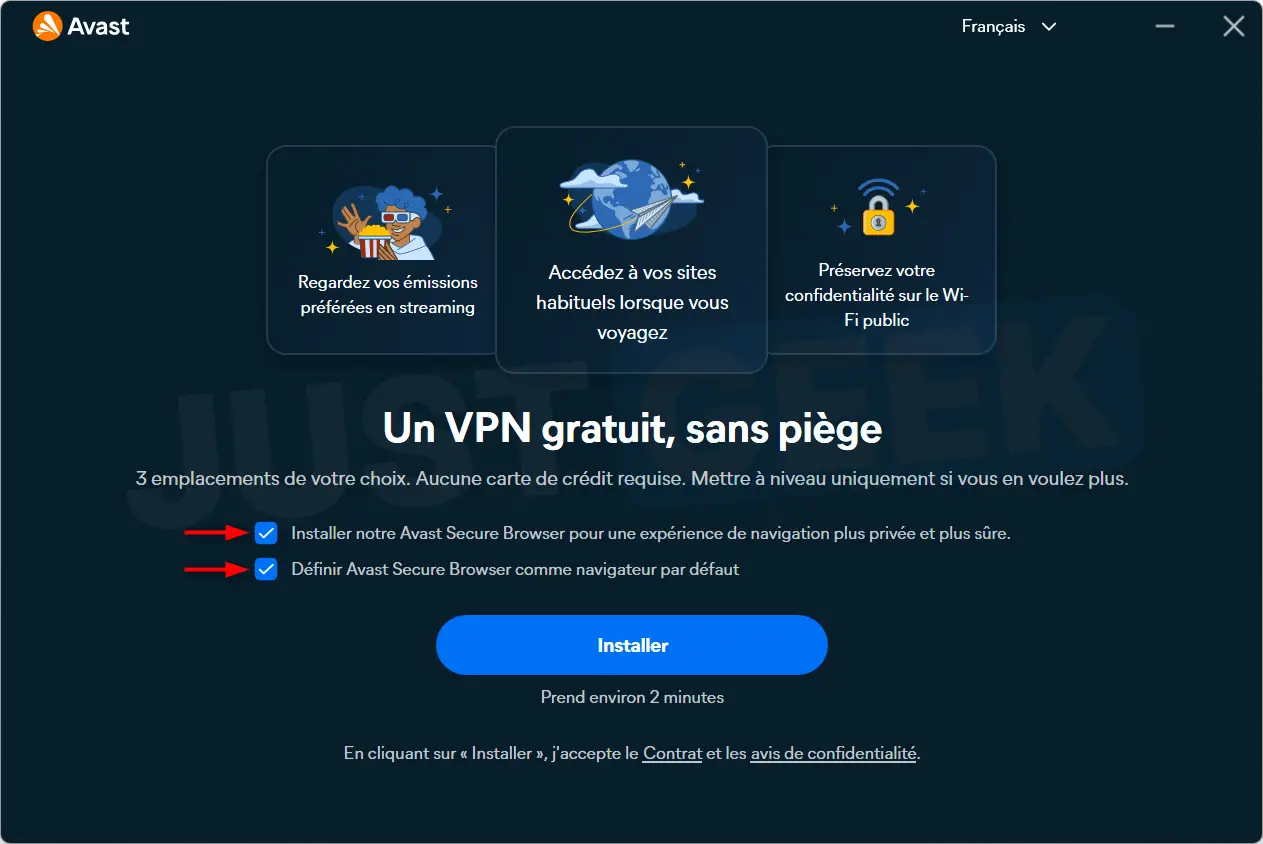
To test this new free VPN, I installed it on a Windows 11 PC. And after installation, Avast is already trying to provide us with its in-house browser, Avast Secure Browser.
The worst thing is that the two boxes that allow you to install it and set it as the default browser are automatically checked. In other words, if you click “Install” too quickly, you risk ending up with a browser you never ordered that replaces the one you regularly use.
Frankly, this type of practice is still annoying. So remember to uncheck both boxes before proceeding with the installation.
Creating accounts and choosing servers.
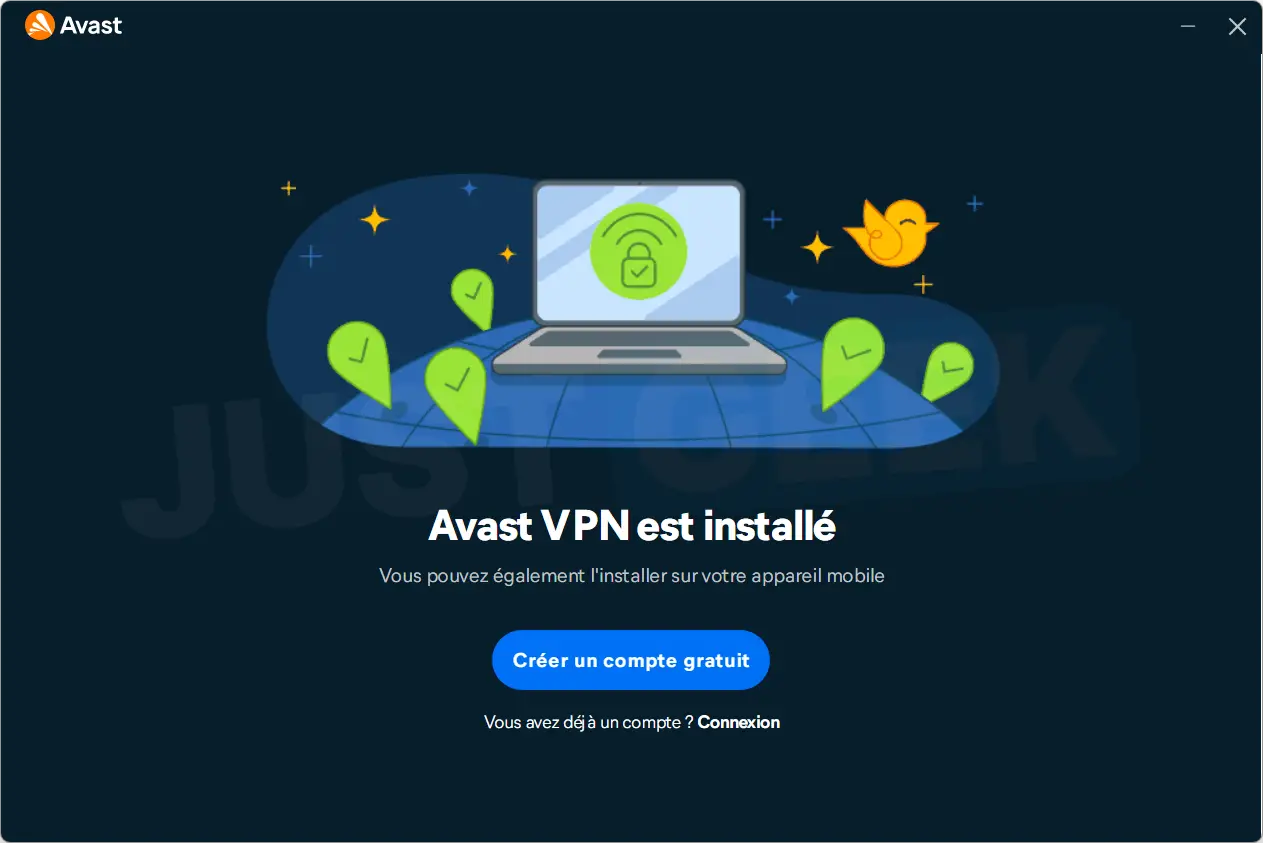
Once the installation is complete, Avast asks to create an account or sign in to an existing account. As I explained above, it is impossible to use the VPN without doing this step.
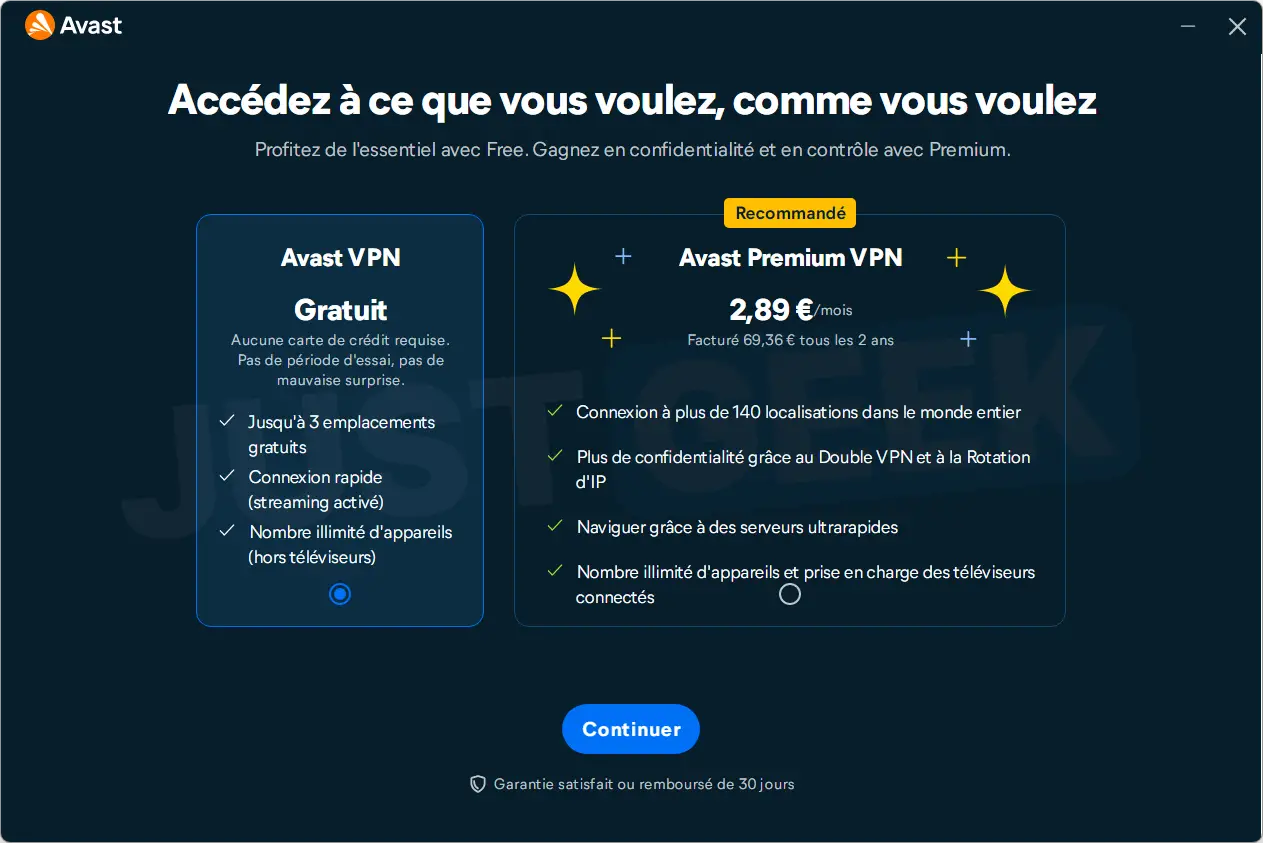
Avast then displays a screen to choose between the free version and the Premium offer, which is offered at €2.89 per month, with a billing of €69.36 every two years. And luckily, it’s the paid offer that’s selected by default, with the added bonus of a nice “Recommended” badge. So remember to select the free version before clicking “Continue”.
Next comes the choice of three server locations. And there it is better not to rush! Avast asks you to confirm your selection and, once validated, it is impossible to change your mind with the free version. If you want to use another location later, you will need to upgrade to the paid version.
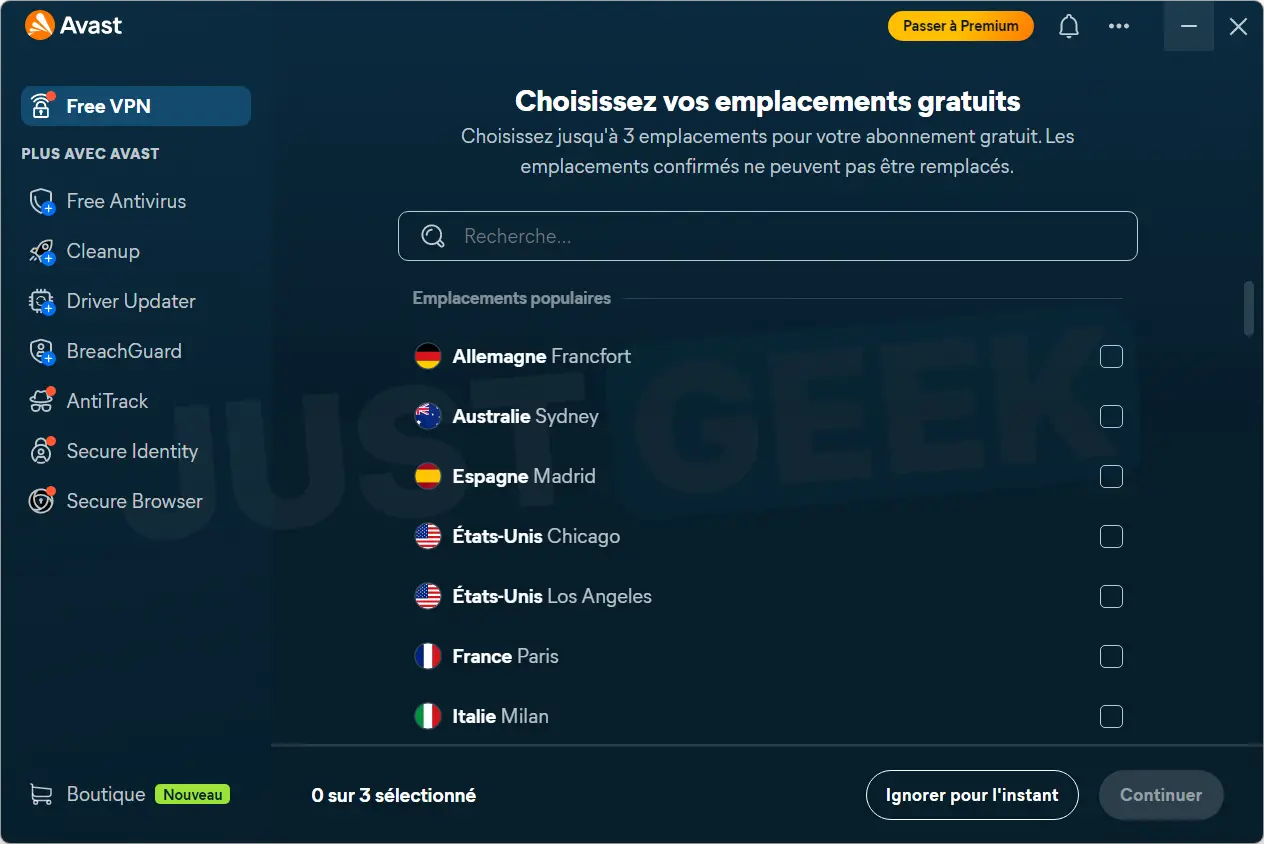
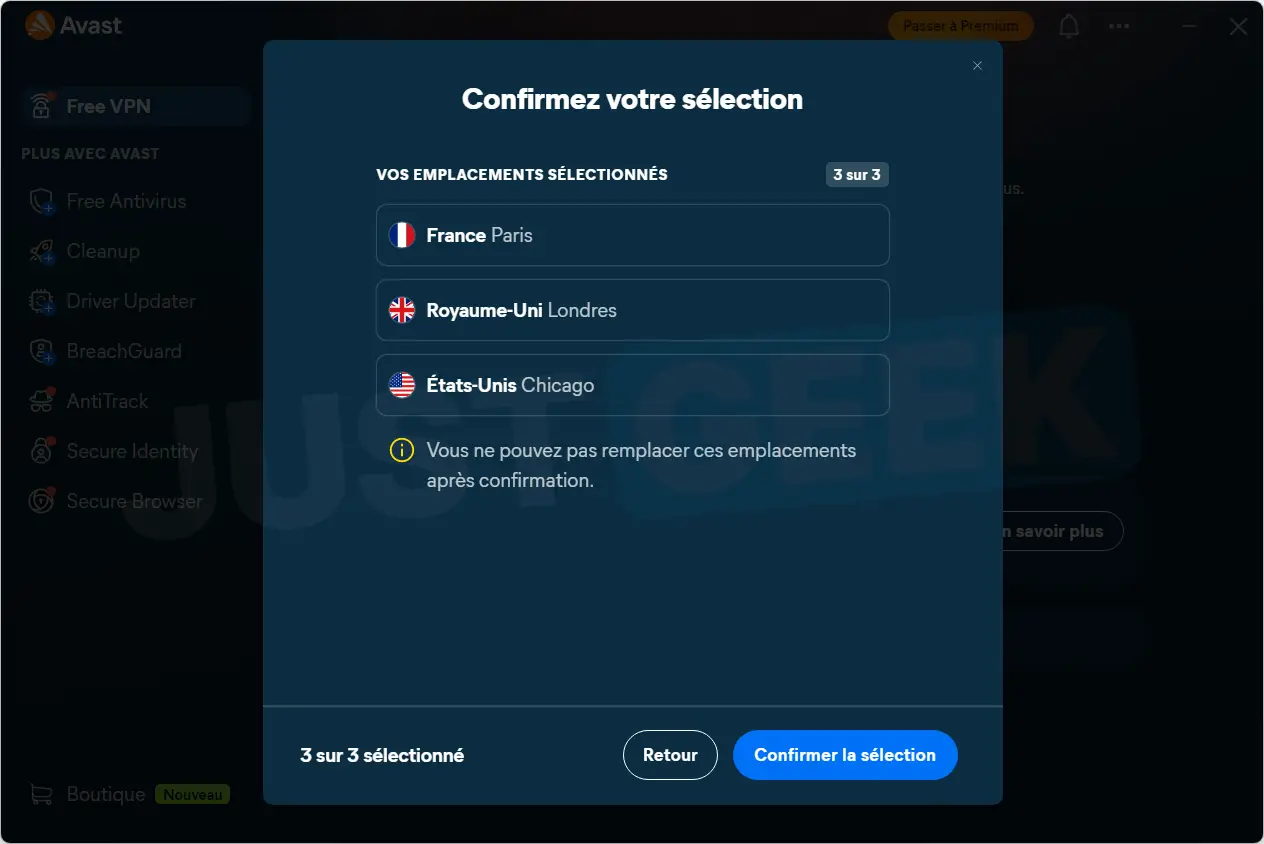
A simple interface, but a lot of advertising for Avast products.
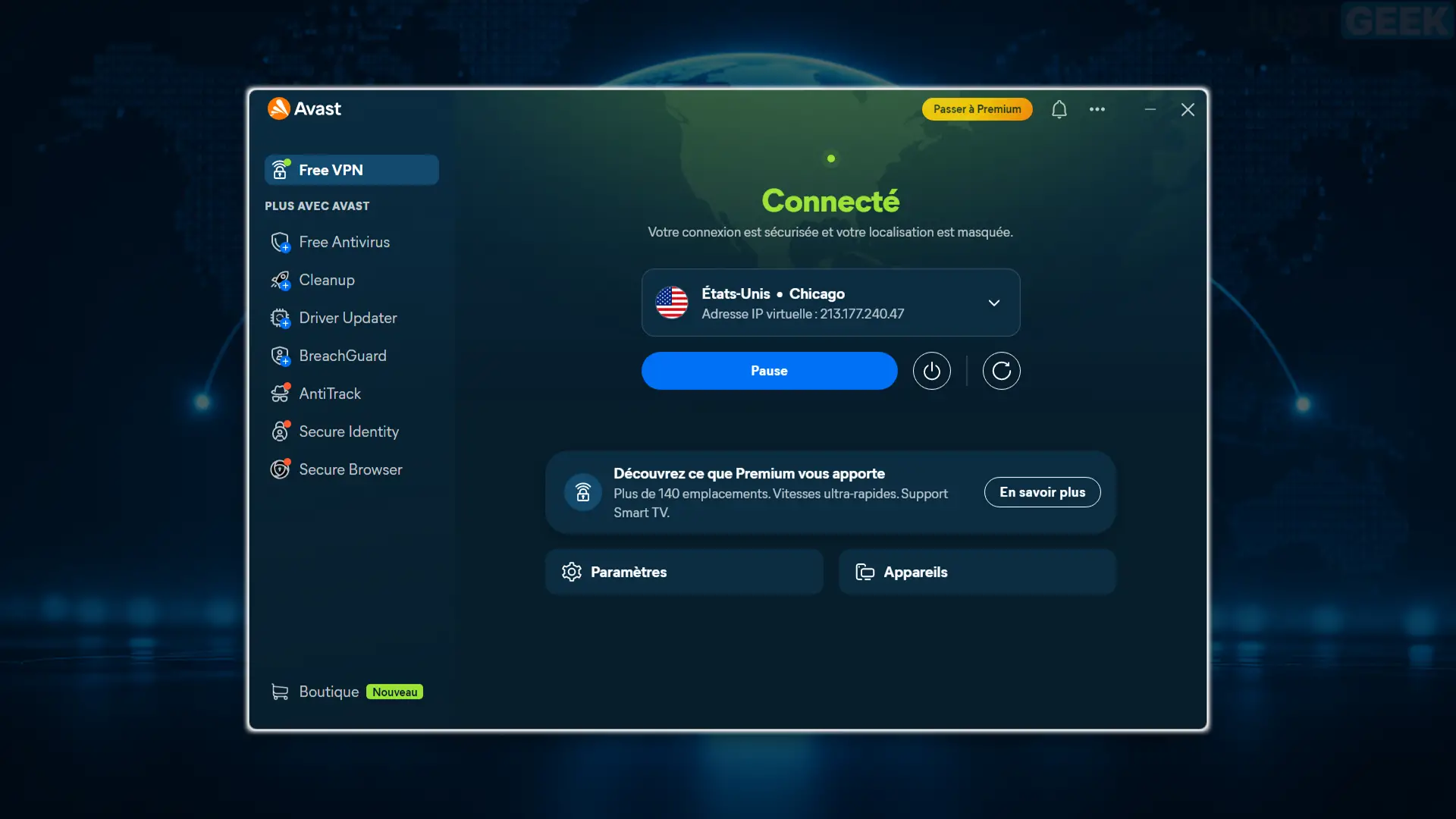
Now let’s look at the main interface of Avast VPN. First good surprise, it is quite easy to use. A button allows you to activate or deactivate protection, and a drop-down menu provides access to the different recorded locations. Nothing too complicated!
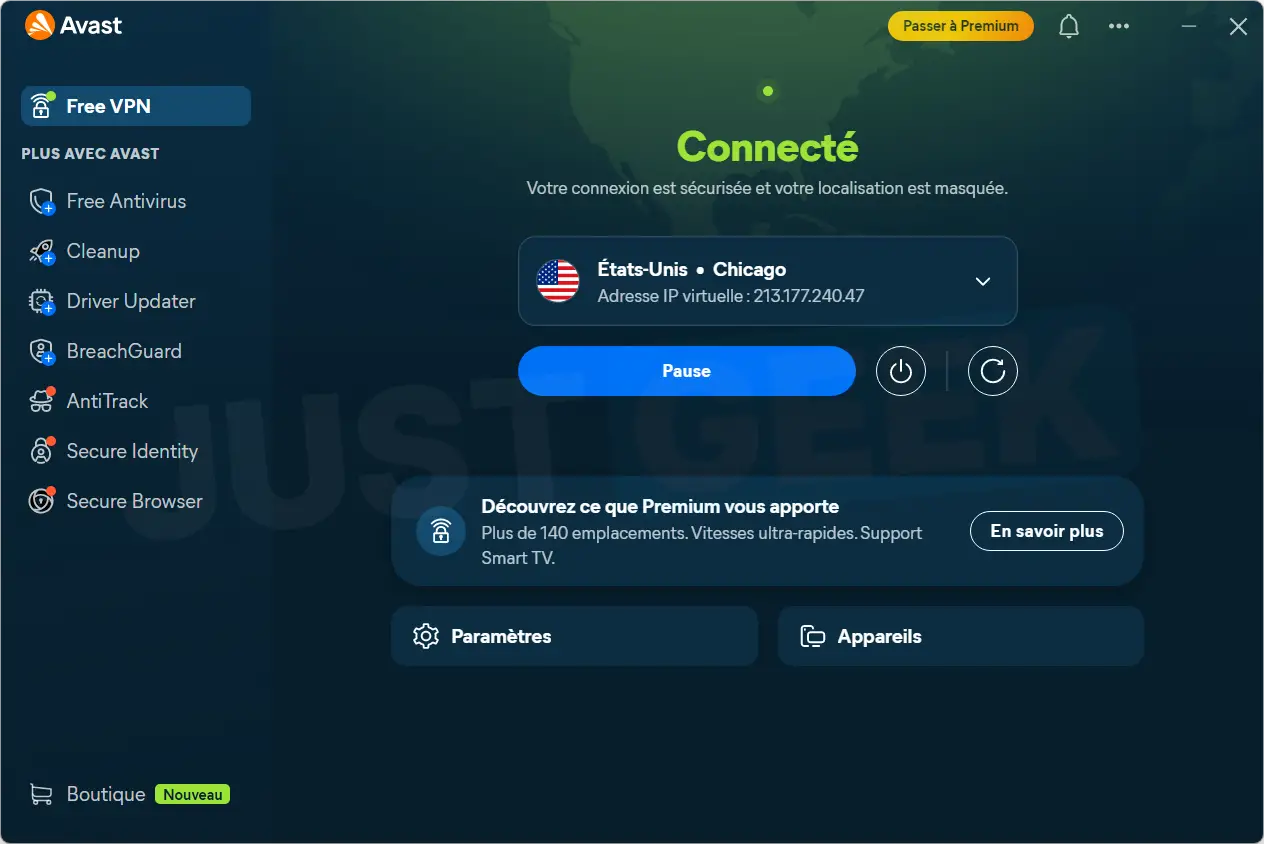
What is less pleasant is the space reserved for the publisher’s other products. Antivirus, Cleaning, Driver Updater, BreachGuard, AntiTrack… Anything goes! The menu on the left looks more like an Avast software catalog than VPN software.
It’s a shame, because a dedicated VPN interface would have worked. But hey, Avast never misses an opportunity to promote its other products.
Interesting settings, but many paid options.
Digging a little deeper into the settings, we discovered several interesting options. In particular, the kill switch is activated by default, as is access to devices on the local network. It is also possible to choose the WireGuard protocol or let Avast automatically select the most suitable one.
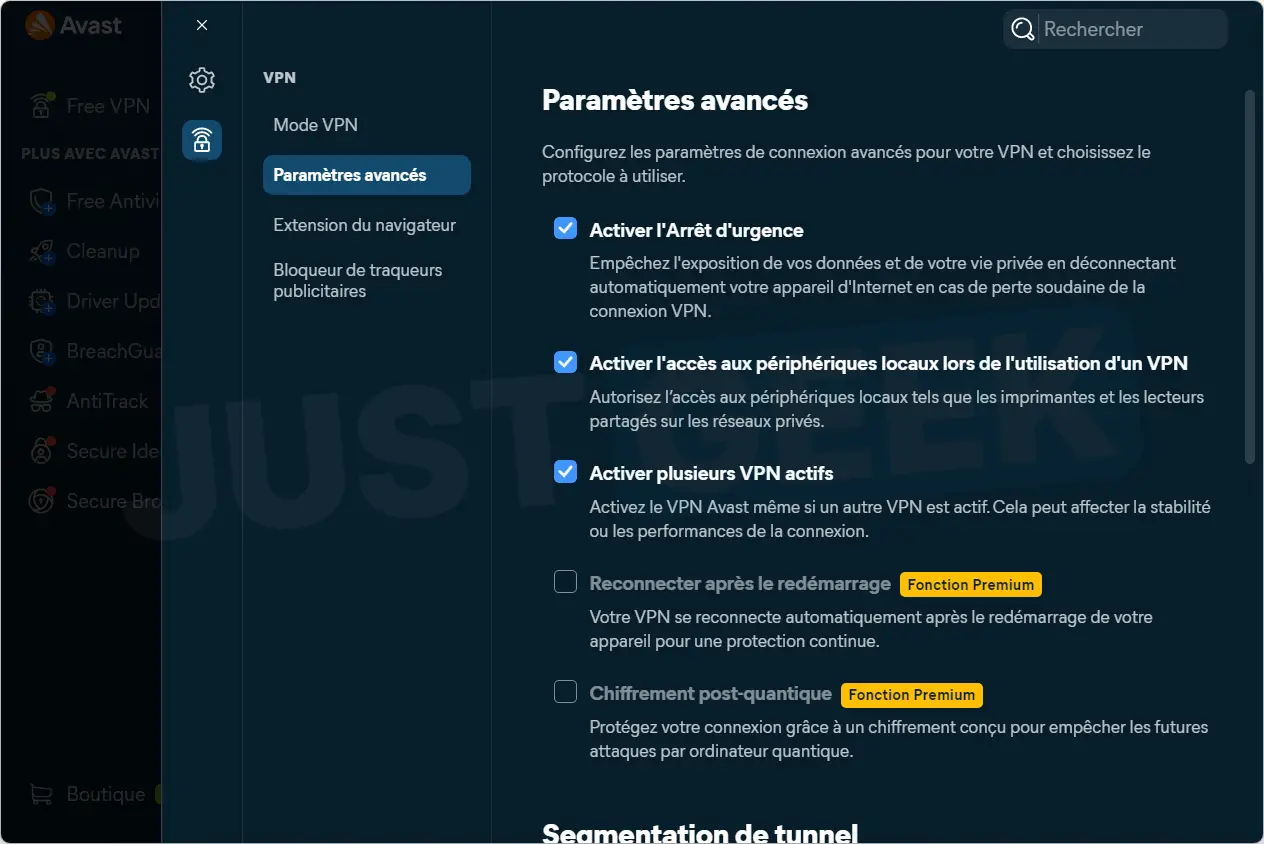
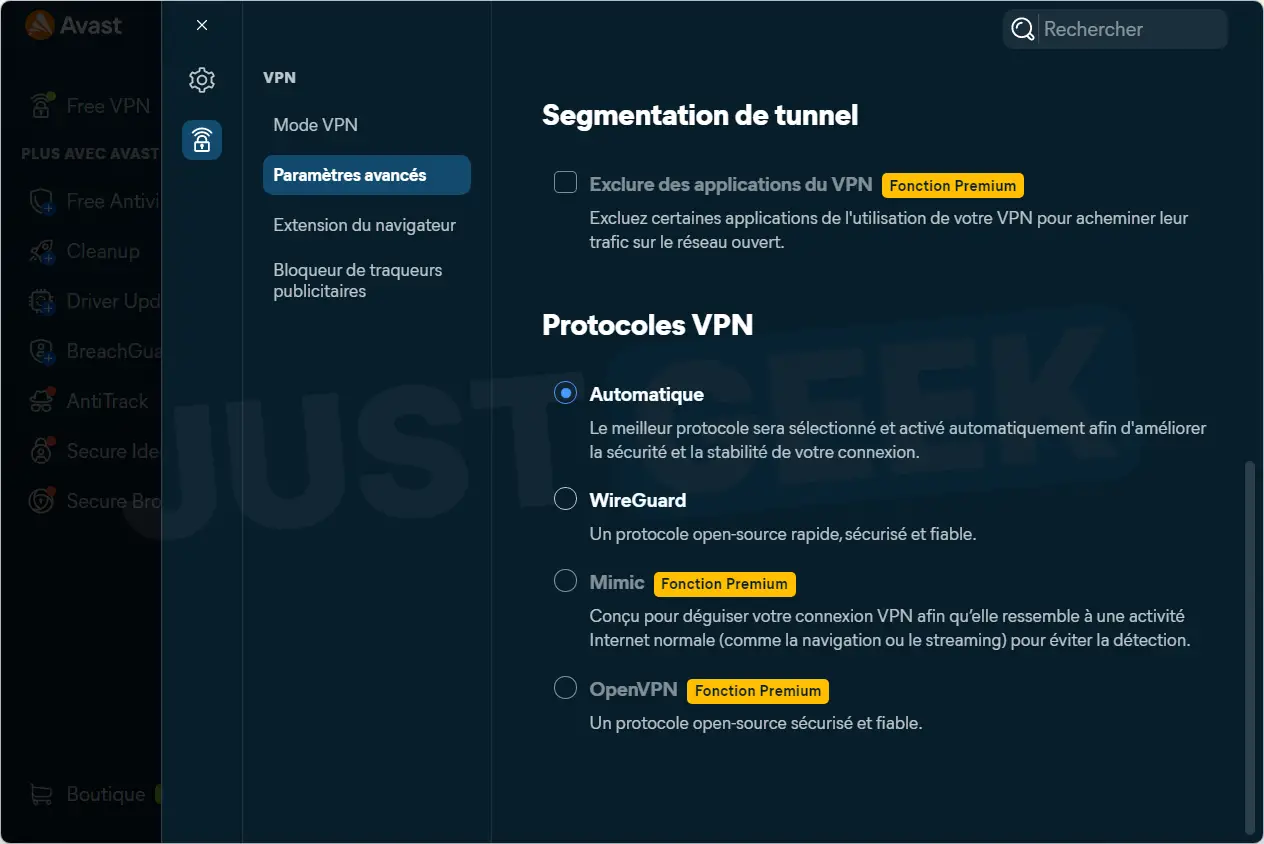
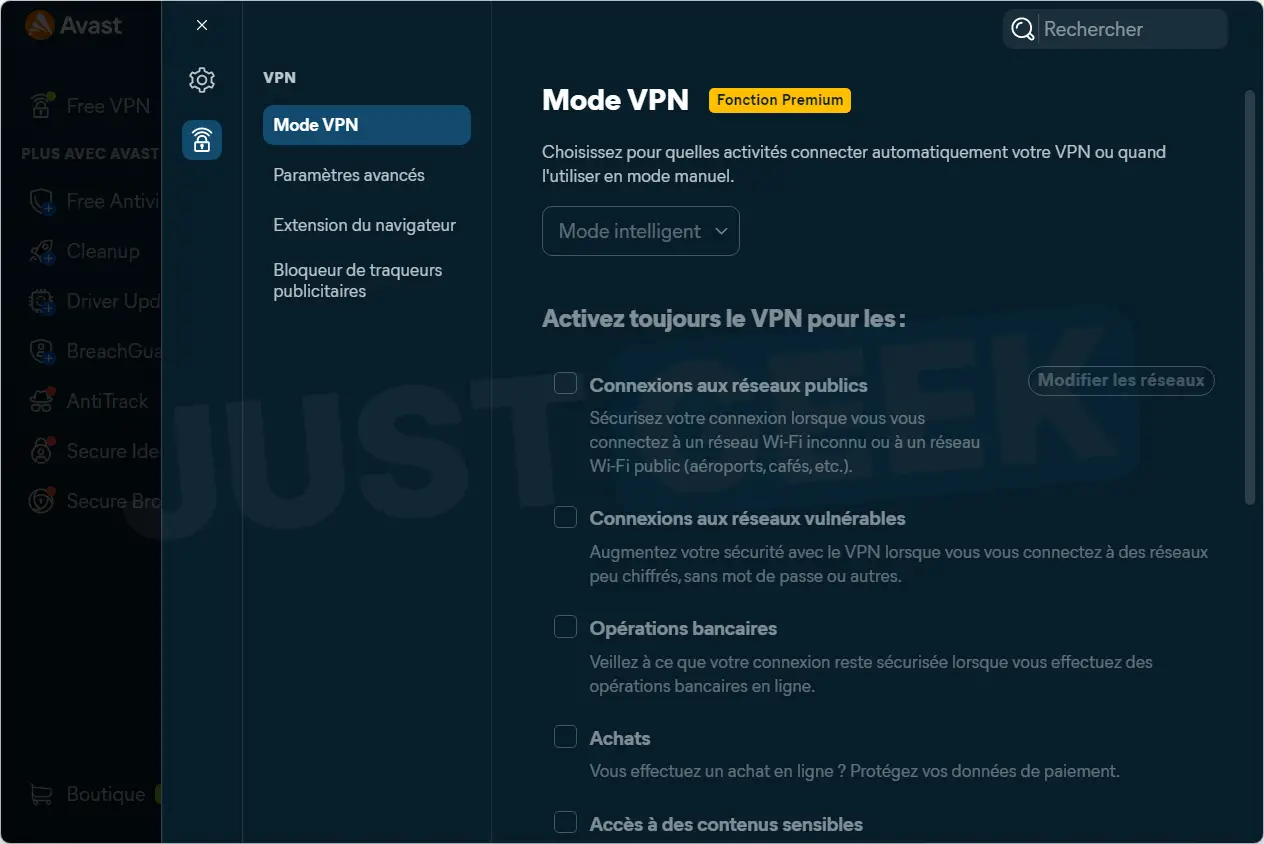
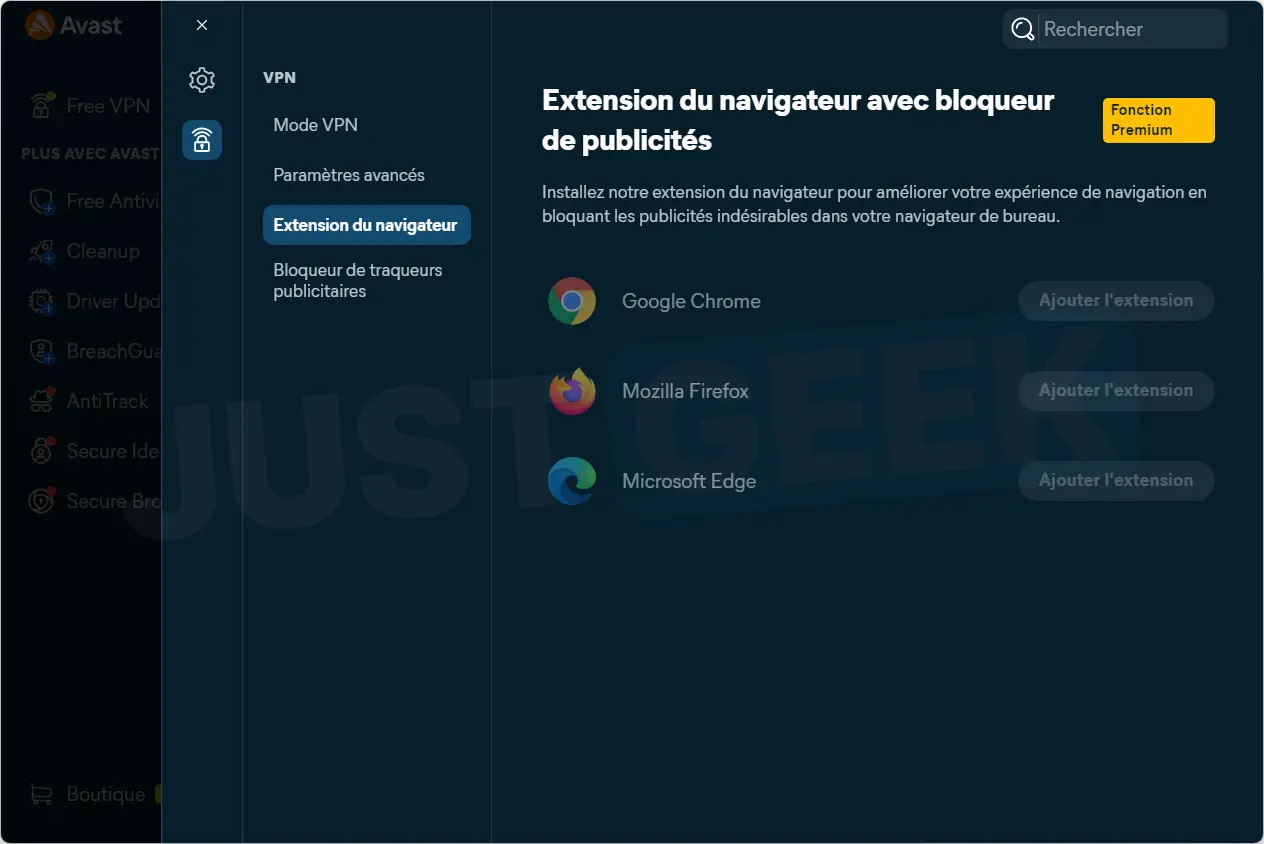
But as soon as we want to go a little further, things get complicated. Split tunneling, which lets you choose which apps go through the VPN, is reserved for Premium subscribers. The same goes for automatic reconnection when Windows starts, post-quantum encryption or the OpenVPN and Mimic protocols.
Blocking ads and trackers is also falling by the wayside. In short, the essential functions are present, but you should not expect to benefit from all the configurations without paying.
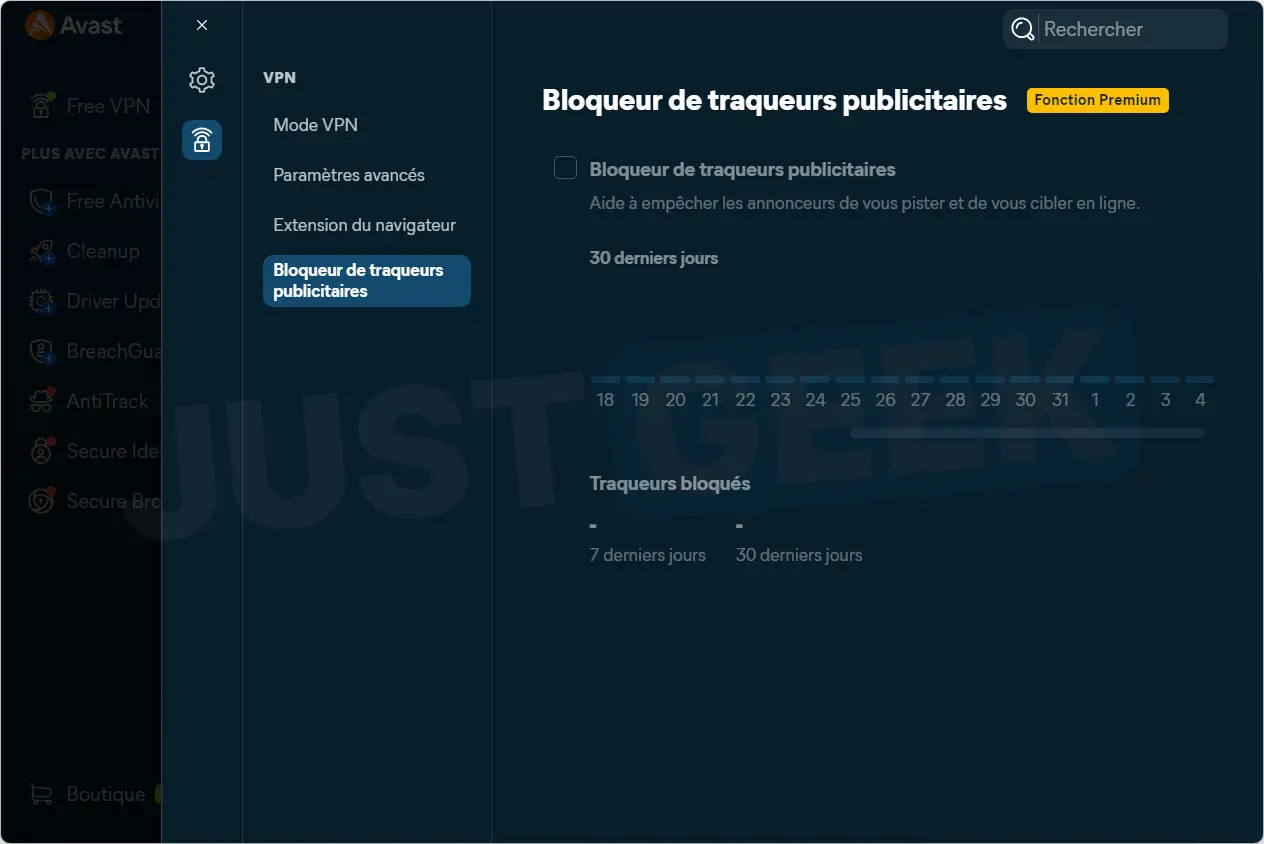
And that’s not all! Taking a look at Avast One’s privacy settings, we discovered that there are three options checked by default. In particular, they allow Avast to recover suspicious files, analyze your application usage using third-party tools, and use some of your data to offer you personalized offers.
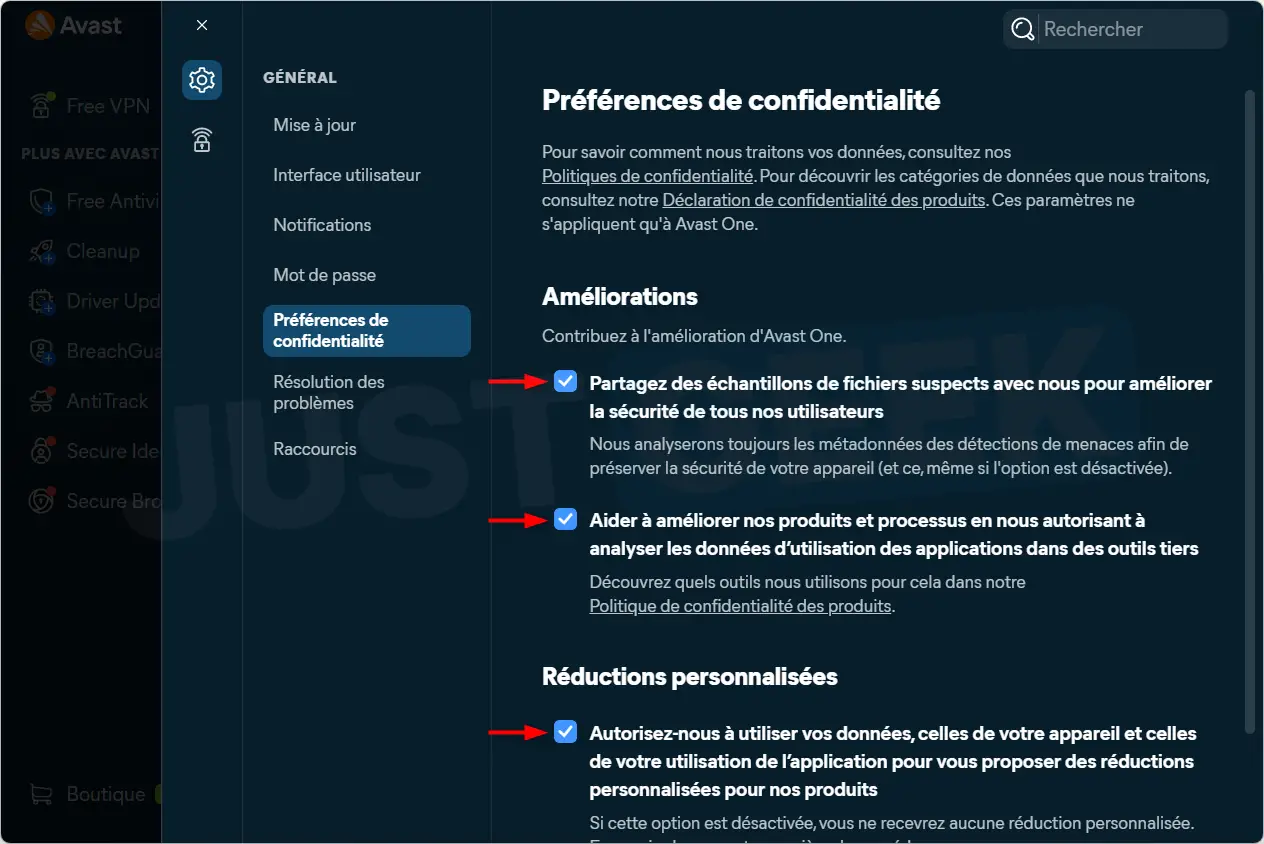
Avast still could have given us the option from the beginning, instead of turning all this on without asking. In short, if you prefer to limit the sharing of your data, you know what you have to do.
IP and DNS leaks: Does Avast VPN protect correctly?
Ok, now that the VPN is installed and configured, let’s see if it does its job correctly. To check this, I used BrowserLeaks, a site that allows you to detect possible IP, DNS and WebRTC address leaks.
I chose a server located in London to run my tests. And good news, my French IP address was well hidden in favor of a British address. On the DNS side, everything also went through the VPN. Same observation for WebRTC and IPv6: no leak detected.
Can you really trust Avast with your privacy?
It’s all very well hiding your IP address, but we still need to know what the VPN provider does with our data. And on this issue, Avast has some problems behind it…
On its official website, the company claims to apply a “no logs” policy, meaning no browsing history is kept. It also ensures that it does not record sites visited, DNS queries or the content of communications. As for reselling activity data, Avast claims not to be involved in this.
To support its commitments, the publisher announced an independent audit entrusted to VerSprite, the first report of which is expected in November 2026. At the moment, its conclusions are not yet available. Therefore, we will have to wait for the publication of the report to know more about the editor’s practices.
And then, it’s hard to forget the Jumpshot thing. As a reminder, Avast had collected browsing data from its users before reselling it to companies through its subsidiary Jumpshot. A practice that earned him a US FTC Penalty of $16.5 Million in 2024.
Avast has since shut down Jumpshot. And even if this issue doesn’t directly affect your new free VPN, it’s worth knowing before trusting it with your data.
Download Avast VPN for free
If you want to try Avast VPN for free, you can download it directly from Avast official website. The app is available on Windows, macOS, Android and iOS.