For several months now, Microsoft has been ramping up its efforts to improve the performance and reliability of Windows 11. And clearly, this work is starting to bear fruit.
In a new report published on October 15The Redmond firm claims that its operating system is now up to 20% more responsive and uses less RAM. It takes the opportunity to present several improvements related to Windows Update, the taskbar, Windows search and certain integrated applications.
This is what is changing and what is coming soon.
Windows 11 is up to 20% more responsive and consumes less RAM
Microsoft claims to have improved the responsiveness of Windows 11 by up to 20% in recent months. The Start Menu, File Explorer, Windows Search, and even Settings should respond more quickly. The same goes for the screenshot tool, Microsoft 365, and the Edge browser.
But the work doesn’t end there. Microsoft is especially interested in computers equipped with 8 GB of RAM, which can quickly show their limits when multiple applications are open. Windows 11 could now keep up to 2GB of additional active data in memory, instead of transferring it to the SSD. This should make switching from one program to another easier, especially with multiple tabs open in the browser.
Widgets have also been revised. On PCs with 8 GB of RAM or less, they no longer load constantly, but only when opened. This change would save more than 200 MB of RAM.
However, please note that the 20% additional responsiveness comes from internal testing conducted by Microsoft, comparing Windows 11 builds 26200.7628 and 26300.9550. Therefore, results may vary depending on computers and their configuration.
Windows Update should be less painful to use
Who has never complained about a Windows update that requires a reboot at the wrong time? Microsoft seems to have heard the criticism. Windows 11 now better handles the installation of updates to avoid repeated restarts. Its installation would also be faster, although the publisher does not provide precise figures.
Bluetooth is also the subject of several fixes. Pairing and reconnecting devices should be more reliable, as should audio calling. With the Apple AirPods, for example, Microsoft even advertises up to 15 seconds faster pairing.
Same treatment for Windows Hello. Facial and fingerprint recognition should allow you to unlock your PC more quickly, with fewer authentication failures. Microsoft is also working with manufacturers to improve driver quality and limit stability issues.
The taskbar finally finds some freedom
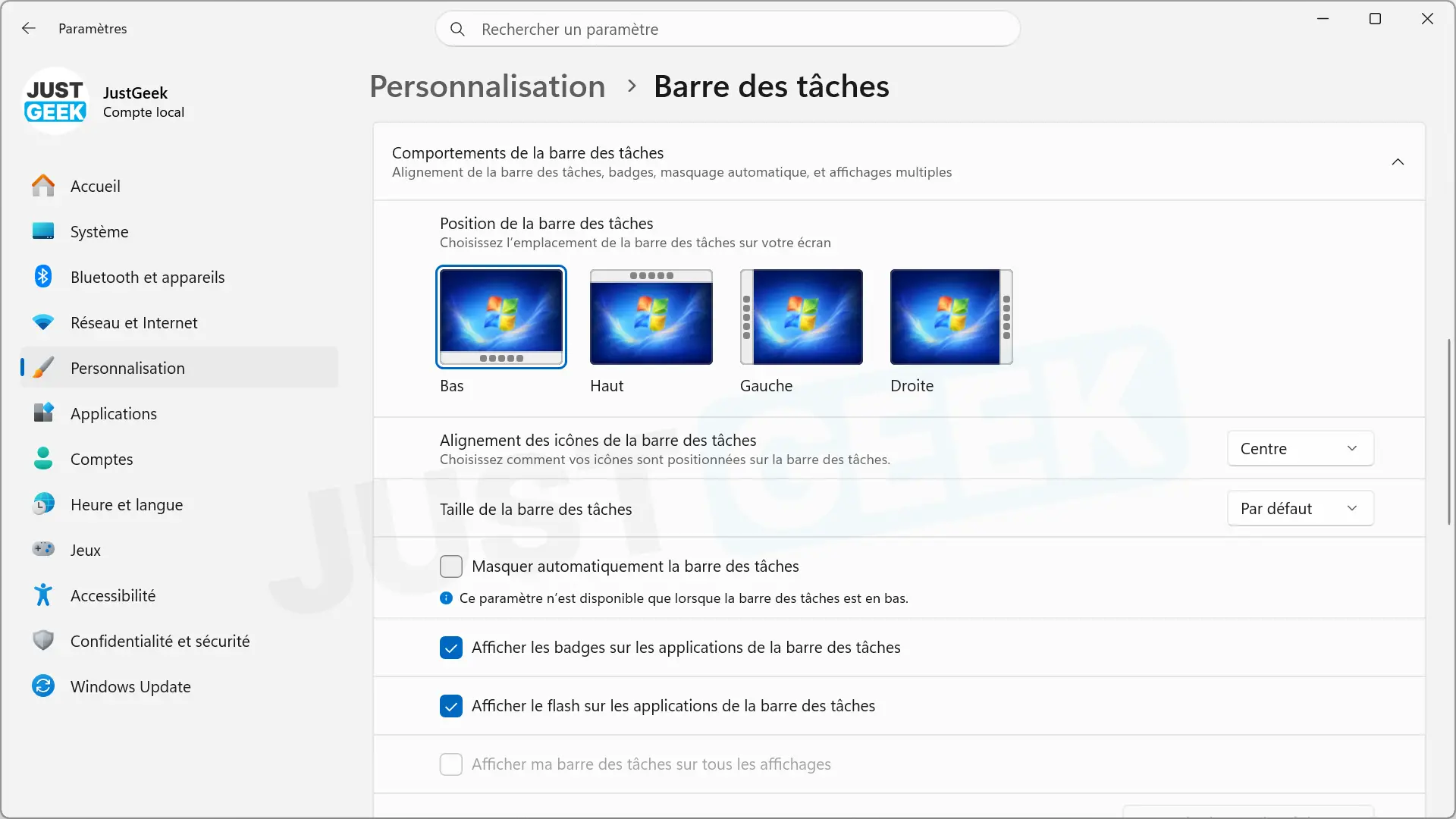
We had to wait several years, but Windows 11 allows us to move the taskbar again. Now you can place it at the top, left or right of the screen, as was already the case in Windows 10. It is also possible to change its size.
These settings are now available in Settings, under “Personalization > Taskbar.” A feature that many users have been asking for since the launch of Windows 11 in 2021.
Windows Search will also see some changes. Currently reserved for members of the Windows Insider program, its new version will allow you to perform certain actions directly from the results. For example, you can activate dark mode, modify night lighting or organize open windows, without going through Settings.
Microsoft plans to offer this new search to more users in late 2026.
Photos changes interface and gains new functions
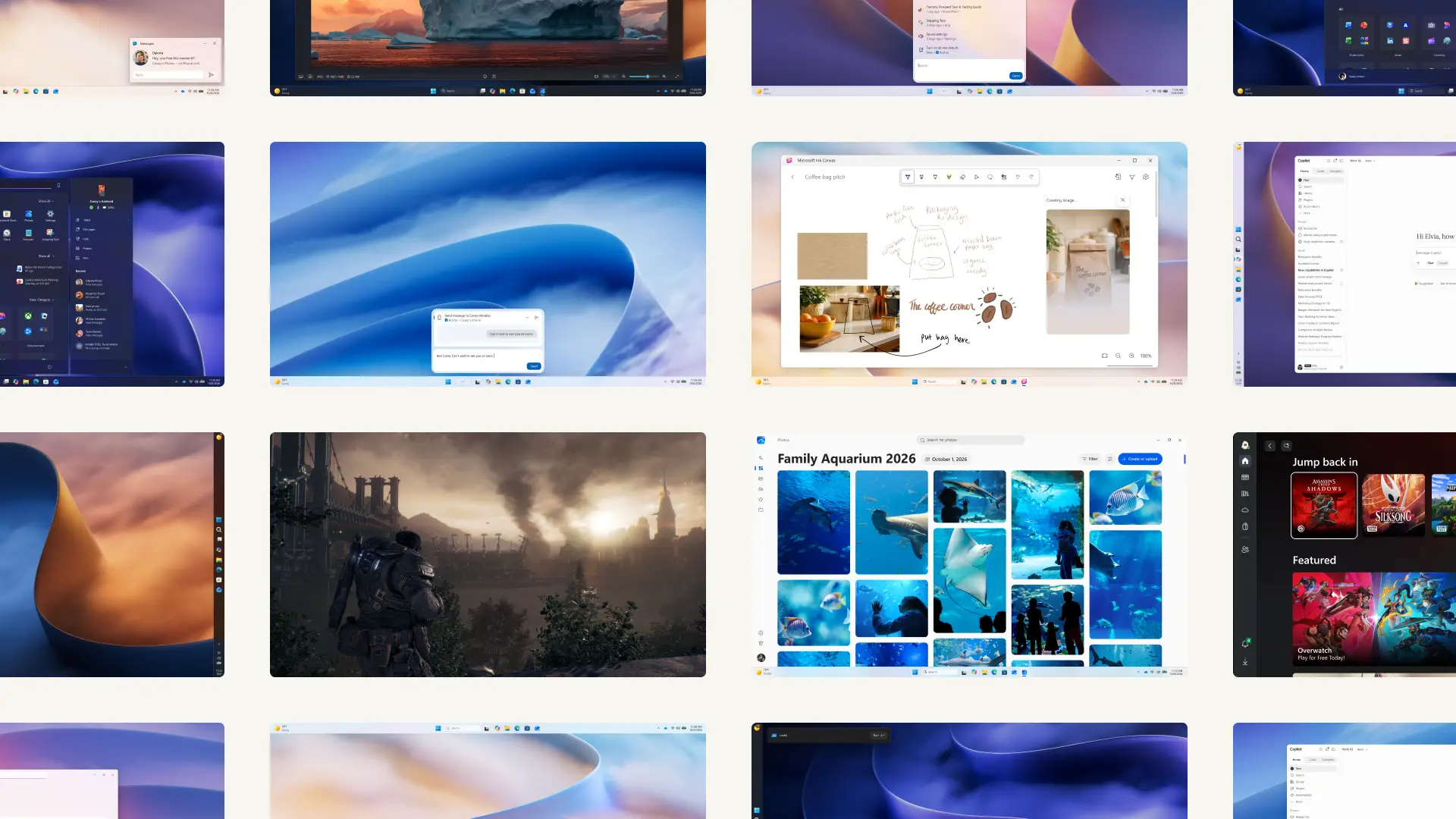
The Photos app is also worth a review. Your new gallery brings together images and videos saved on your PC, OneDrive and iCloud. To search for a photo, you can simply describe what it contains, search for a person, or browse your albums.
The image editor has been redesigned and now launches 25% faster, according to Microsoft. We find the usual cropping and retouching tools, but also several functions using artificial intelligence. With Relight, for example, you can add up to three virtual light sources to a photo and adjust their position, color, or intensity.
The viewer should also be more pleasant to use. Microsoft claims that startup is 15% faster on average and that HEIC images open up to 30% faster. SVG files are now supported and photo information, such as settings or device location, is still accessible.
This new version of Photos is currently available for Windows Insiders. Its deployment to the general public is scheduled for the end of the year.
Shorter loading times for some games
The players are not forgotten. In particular, Microsoft is returning to Advanced Shader Delivery, a technology we recently talked about. It prevents the PC from having to compile certain shaders when starting a game for the first time, as they can be downloaded directly in an already compiled format. On supported titles, build time could be reduced by up to 95%.
Ink Canvas, styluses and haptic feedback
On touchscreen-equipped devices, Microsoft offers ink canvasan app for drawing, taking handwritten notes, or annotating documents. Copilot can even transform certain sketches and notes into text or images, as long as you have a compatible Microsoft 365 subscription for the features in question.
The app is already pre-installed on the 2nd generation 12-inch Surface Pro. Starting October 13, it can also be downloaded to other compatible Windows devices from the Microsoft Store.
Another change, haptic feedback is better used. With a compatible accessory, small vibrations can accompany certain actions, such as moving a window or aligning an object in PowerPoint. The Logitech MX Master 4 mouse is part of the hardware cited by Microsoft.
Several new features for accessibility.
Windows 11 also gets some improvements for people using accessibility features. Screen Tint allows you to apply a color tint to the screen and adjust its intensity, especially for users sensitive to certain colors.
The magnifier can now maintain a different zoom level on each monitor. The Narrator, for his part, knows how to read mathematical equations respecting their structure and announce the row and column headings in Excel.
Compatibility with braille displays has also been reviewed. Models that support the HID standard can connect via USB or Bluetooth as soon as Windows 11 is installed, without having to install additional drivers.
Android and iPhone always better integrated into Windows 11
With your Mobile connected, Windows 11 now allows you to check your SMS, receive phone notifications or make calls from your computer. Microsoft continues this work with new commands accessible from the Start menu and Quick Settings.
On supported devices, you can put your smartphone on silent or ring it to find it. Android users have additional features, such as accessing files on your phone from Explorer or opening certain mobile apps in Windows on the desktop.
The Resume feature also allows you to resume certain activities started on a compatible smartphone on your PC. Not all of these possibilities are available in all models and several are reserved for Android.