A few years ago I introduced PicoTorrent, a small open source BitTorrent client that I especially appreciated for its simplicity and lightness. The problem is that the project has not received any updates for five years and today it is, In the words of the developer himselfin “hibernation”.
PicoTorrent still works, but if you are looking for a BitTorrent client with the same spirit and, above all, still actively developed, you may have found your replacement. It’s called NanoTorrent and it takes the basics of PicoTorrent, but with an engine completely adapted to Rust and some additional features.
NanoTorrent replaces PicoTorrent
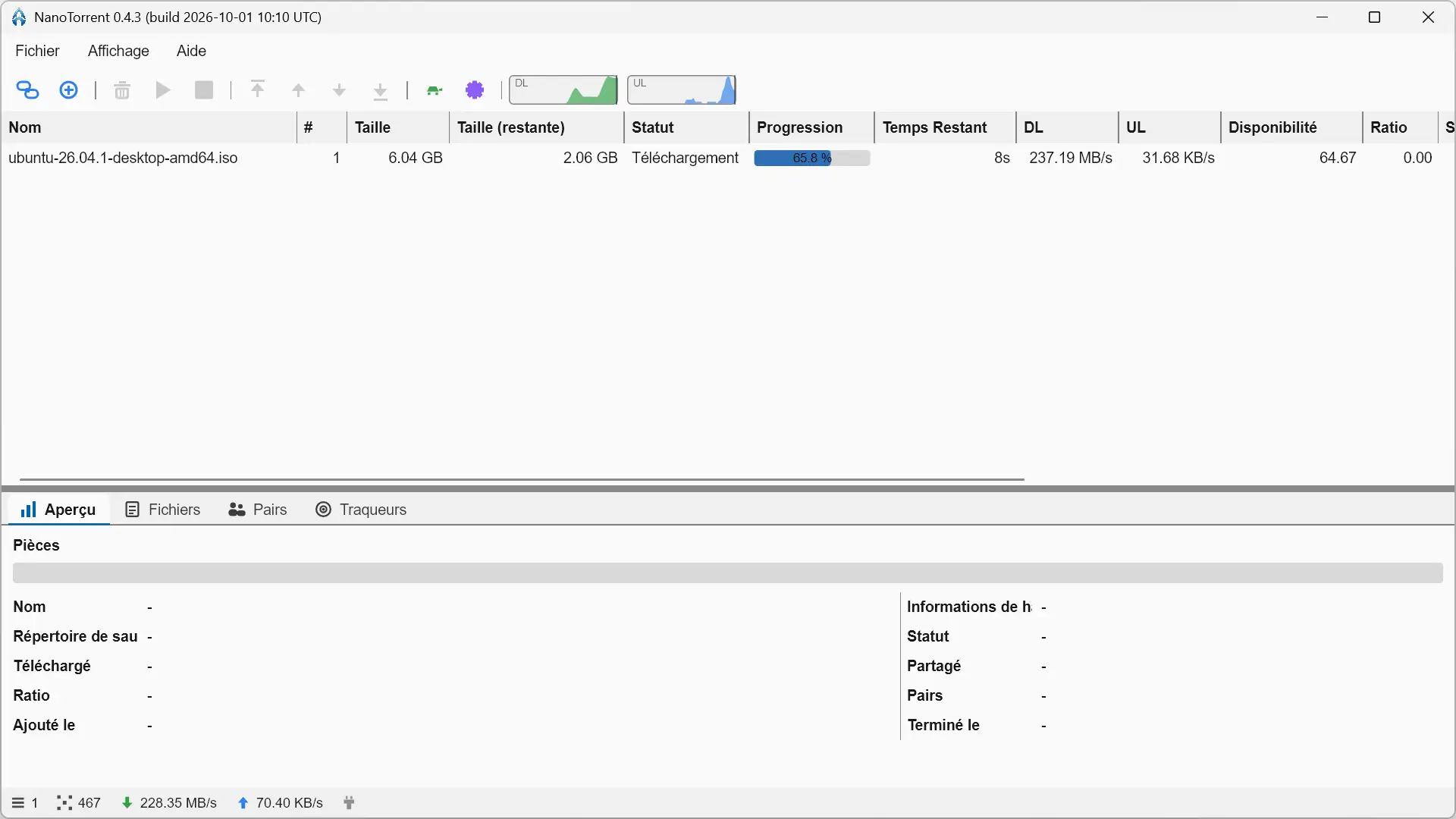
NanoTorrent Therefore, it is not a new BitTorrent client developed from scratch. This is a port of PicoTorrent in Rust, which retains much of its functionality and interface, although it replaces the main components used by the original software.
The libtorrent-based engine has notably given way to librarywhile the graphical interface is now based on sliver. NanoTorrent works natively on Windows, but also on Linux and macOS, where PicoTorrent was reserved for Windows.
NanoTorrent also offers a tool to easily migrate from another BitTorrent client. It supports PicoTorrent, of course, but also qBittorrent, µTorrent, BitComet and Transmission. You can find your torrents on NanoTorrent without having to add them one by one.
The interface is still very simple. The main window shows the list of torrents and essential information about each of them, with several tabs to consult files, pairs or even trackers. The software is available in French and offers a light, dark or automatically adapted theme to that of the system.
An easy-to-use BitTorrent client
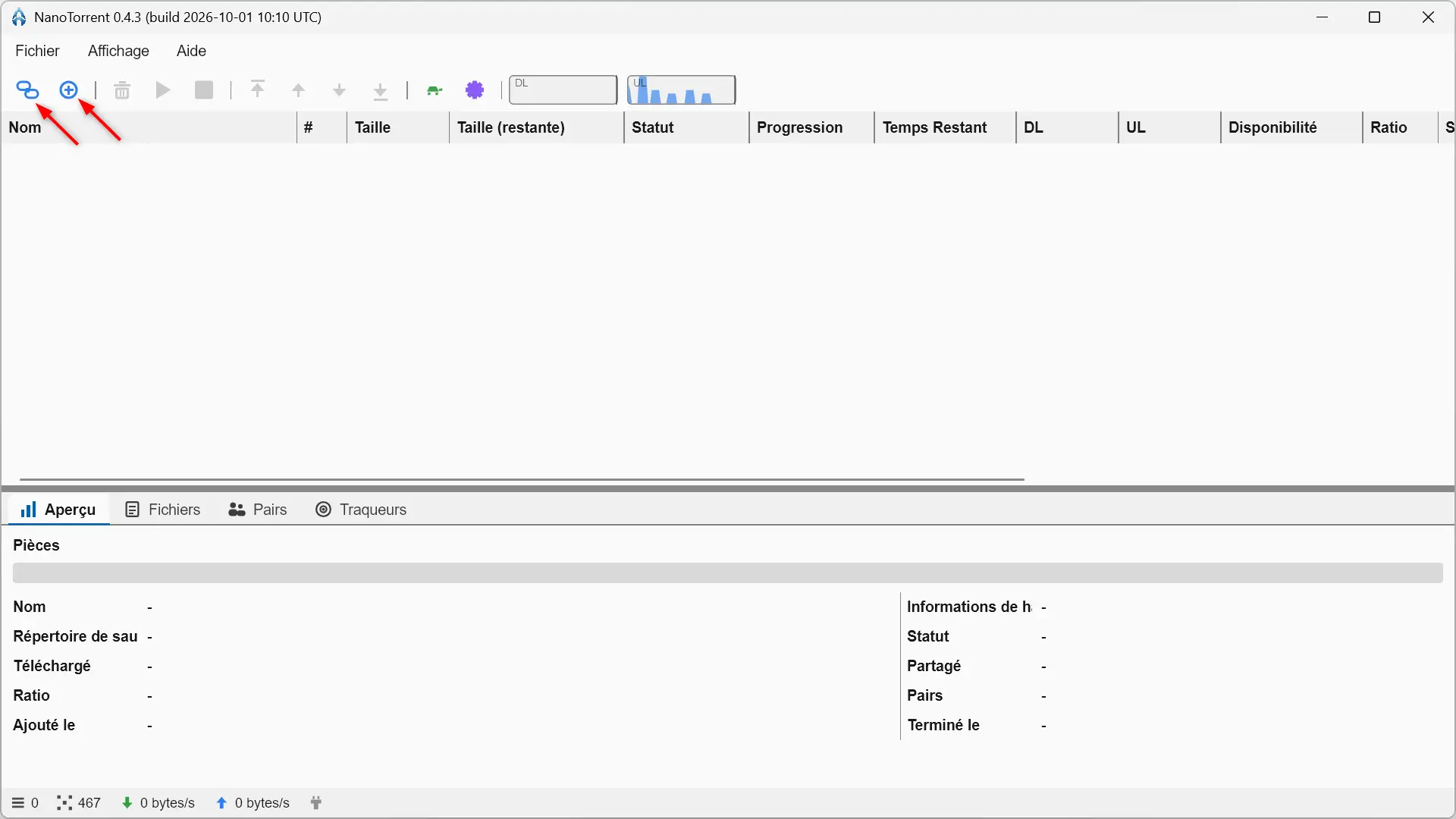
To download a torrent, nothing complicated. You can open a .torrent file or paste a magnet link. Before starting the download, NanoTorrent allows you to choose the destination folder and the files you want to recover.
Once the download has started, we find the usual information directly in the main window with the progress, the remaining size, the download and upload speed, the estimated time and the number of available sources. When selecting a torrent, the tabs at the bottom provide access to more detailed information, as well as the list of files, peers, and trackers.
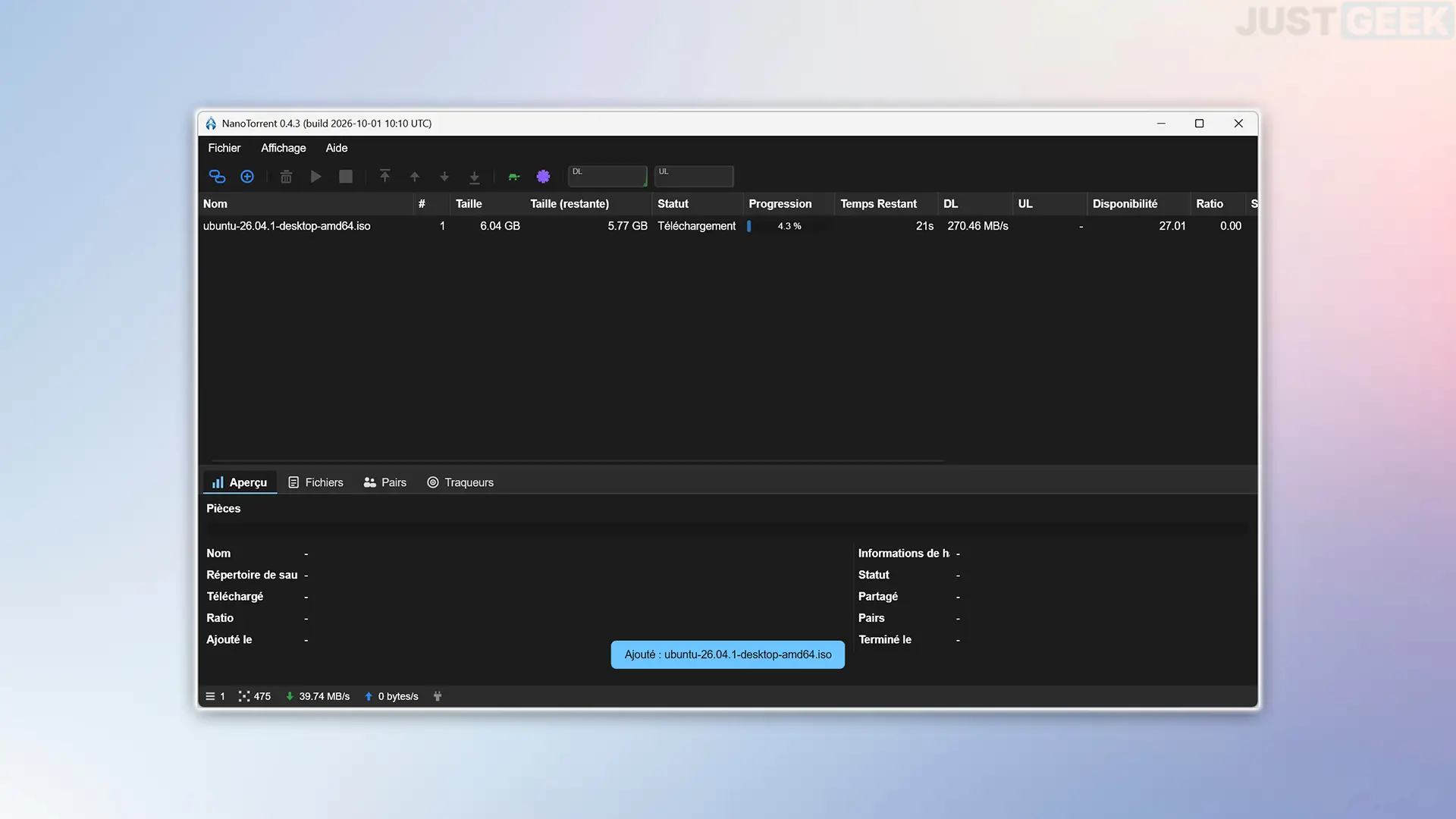
For my test, I downloaded the Ubuntu 26.04 ISO image, which weighs a little over 6 GB and everything came out normally, there are no particular problems to report.
Quite complete configurations
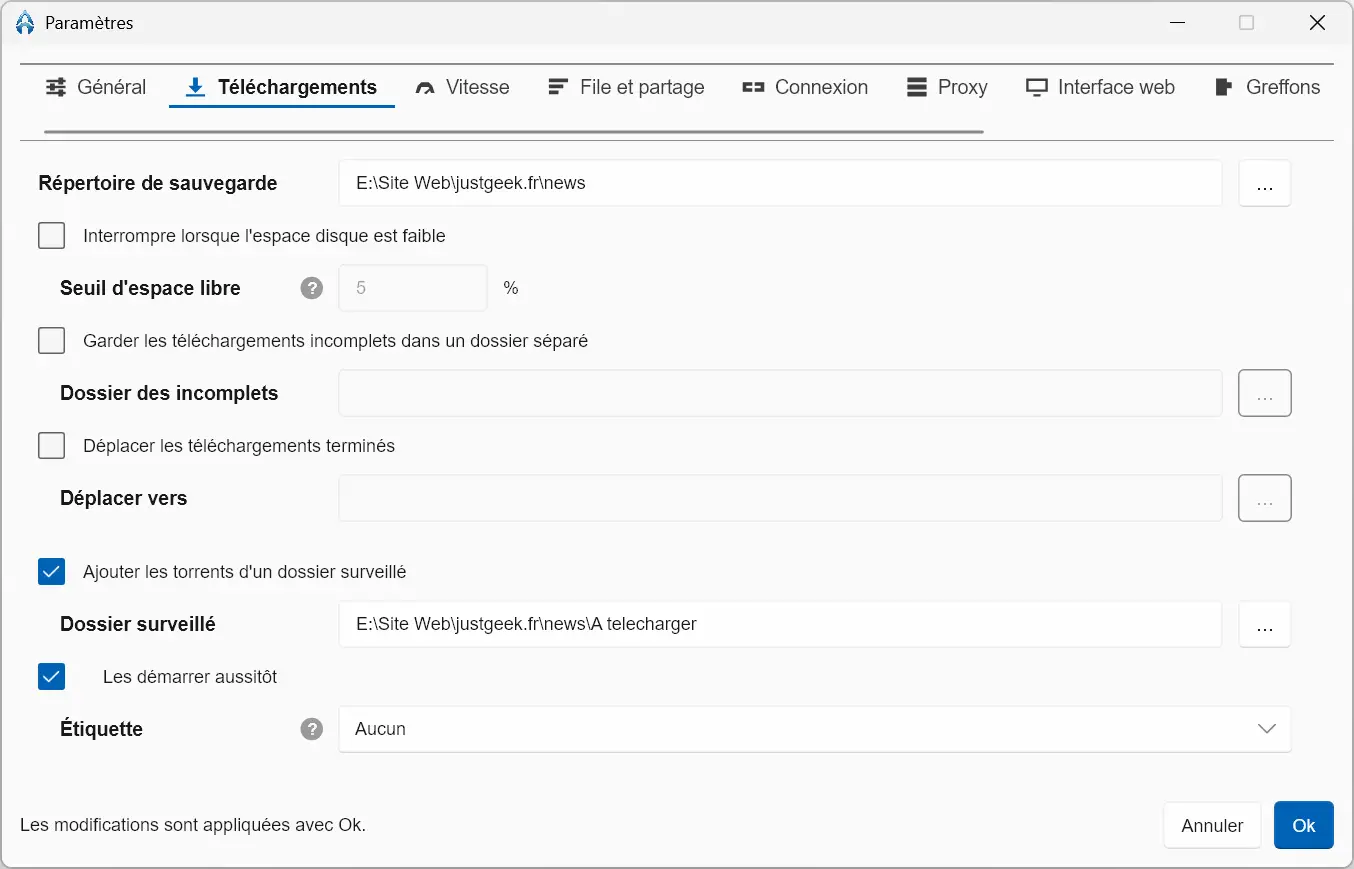
If the NanoTorrent interface remains quite simple, the configuration already offers quite a few possibilities. You can choose the folders used for downloads, automatically move completed files, monitor a folder to automatically add new torrents to download, or even set a minimum disk space to keep.
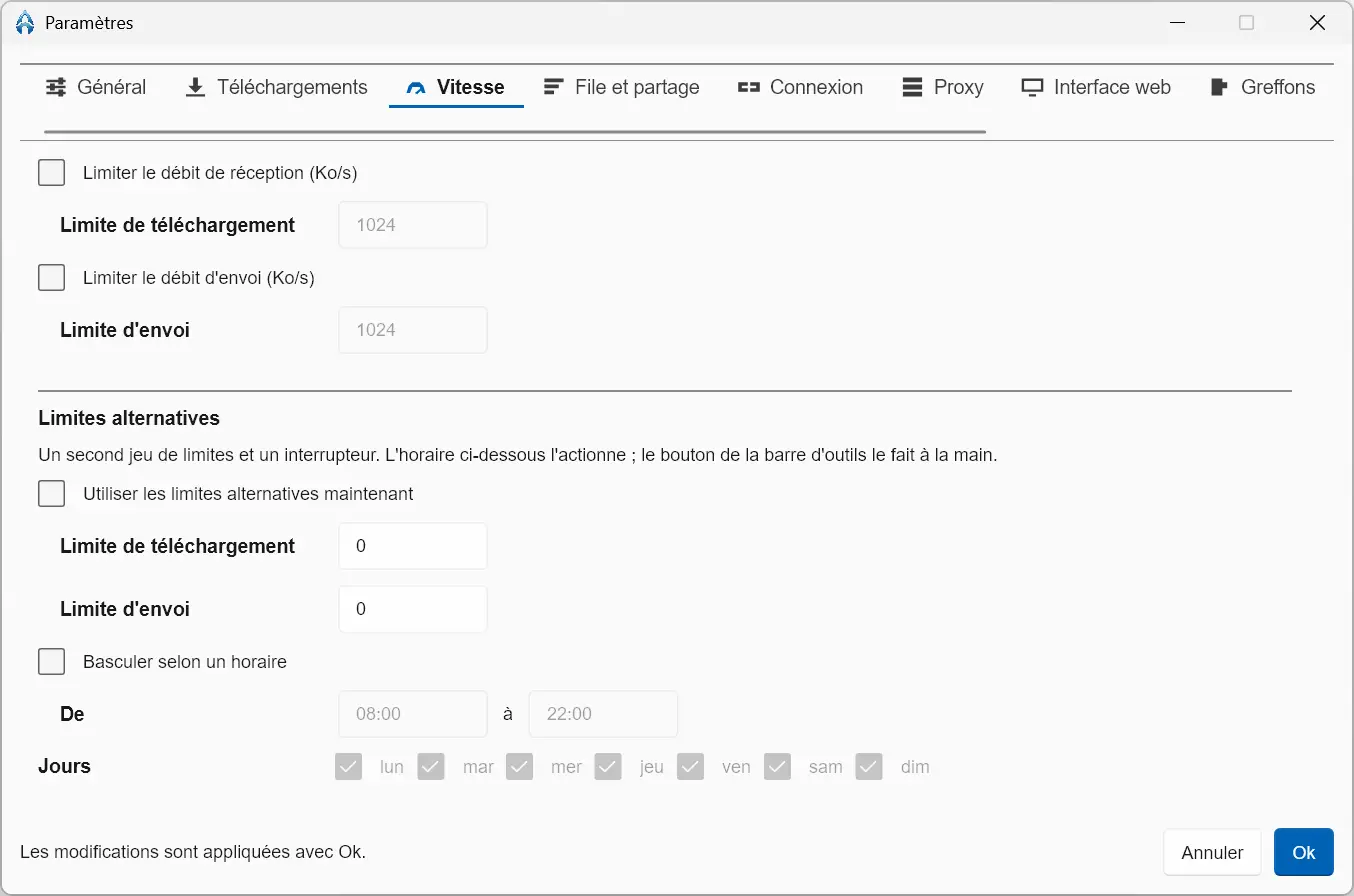
The software also allows you to limit download and upload speeds separately, with a second set of limits that you can activate manually or at specific times. The queue can also be adjusted by setting the maximum number of active torrents, downloads and shared torrents.
For seeding, NanoTorrent allows you to set a limit based on the ratio reached or the time spent sharing a torrent.
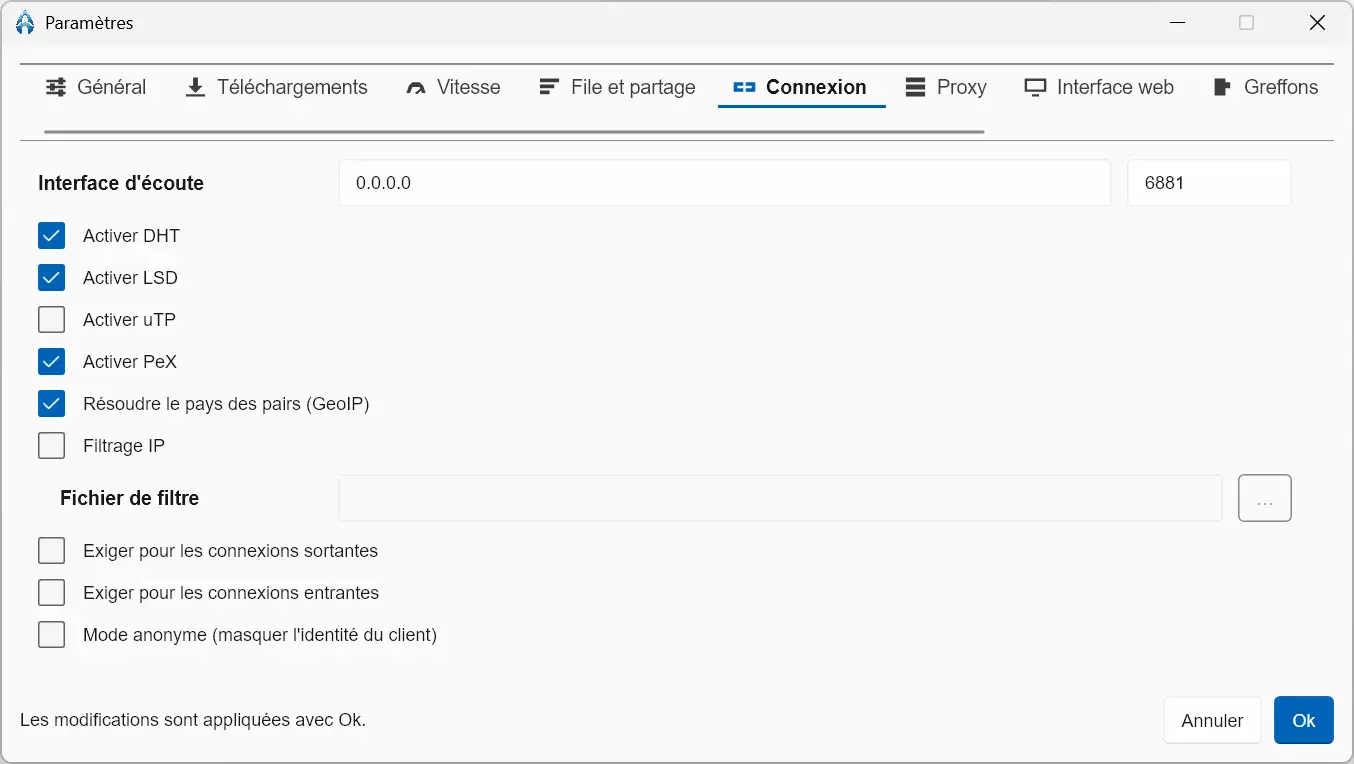
Network settings also offer quite a few settings. DHT, PeX, and local discovery can be enabled separately, as can encryption of incoming and outgoing connections. There are also settings for the listening port, network interface, proxy, and even anonymous mode.
An option to avoid leaks with a VPN
If you use a VPN for your downloads, NanoTorrent allows you to bind your connections to a specific network interface. Therefore, you can select the one that your VPN uses instead of letting the software listen on all available interfaces.
An option called “Stop Instead of Flee” goes a little further. When enabled, NanoTorrent noticeably disables DHT, uTP, local discovery, and UPnP when their use risks bypassing the chosen interface or proxy. If the selected network interface is no longer available, torrents are paused.
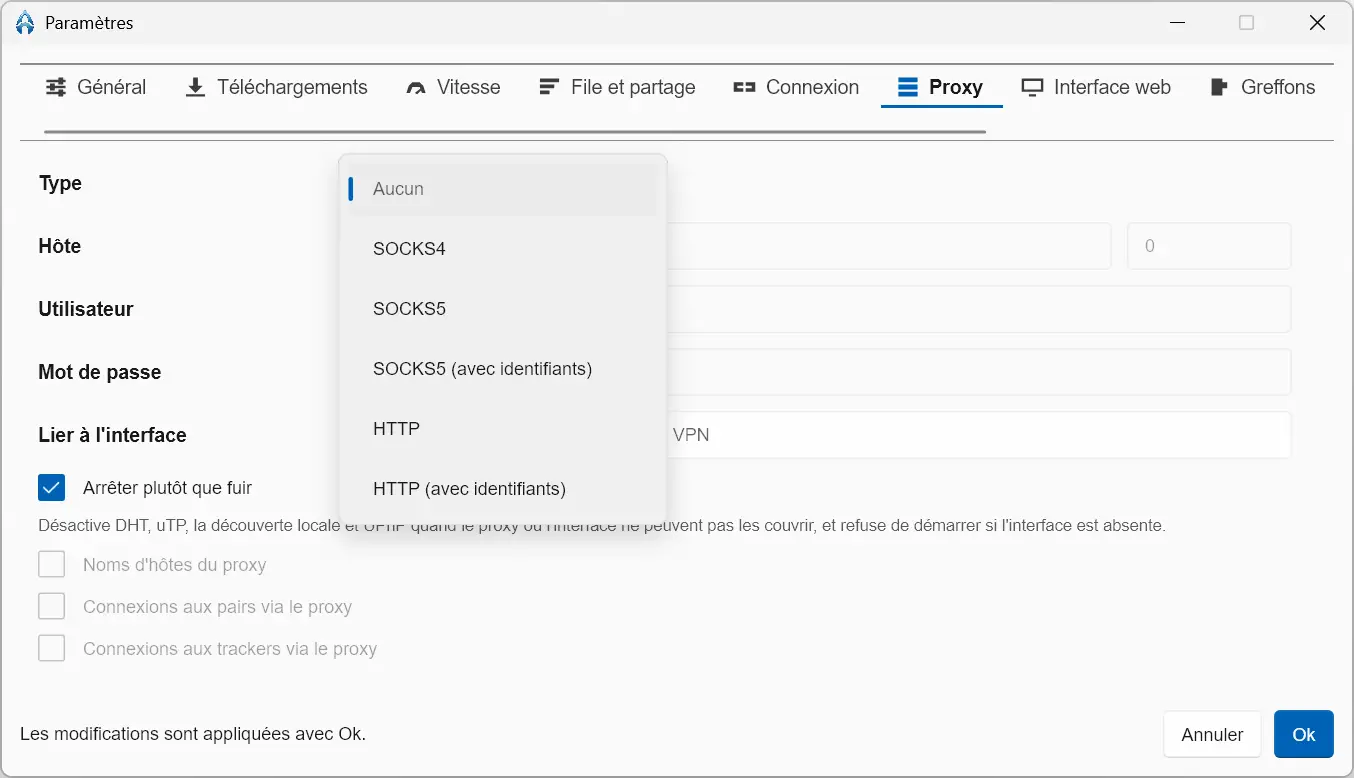
Be careful though, this feature is not a replacement for a firewall or your VPN’s kill switch. Its function is only to prevent NanoTorrent from continuing to transfer data over another network interface if the one you imposed on it disappears.
A web interface to control NanoTorrent remotely
NanoTorrent also includes a web interface that you can activate from settings. By default, it uses the local address. 127.0.0.1 and the port 8443but these values can be changed. Access can be protected by username and password, with the option to use an HTTPS connection and a self-signed certificate.
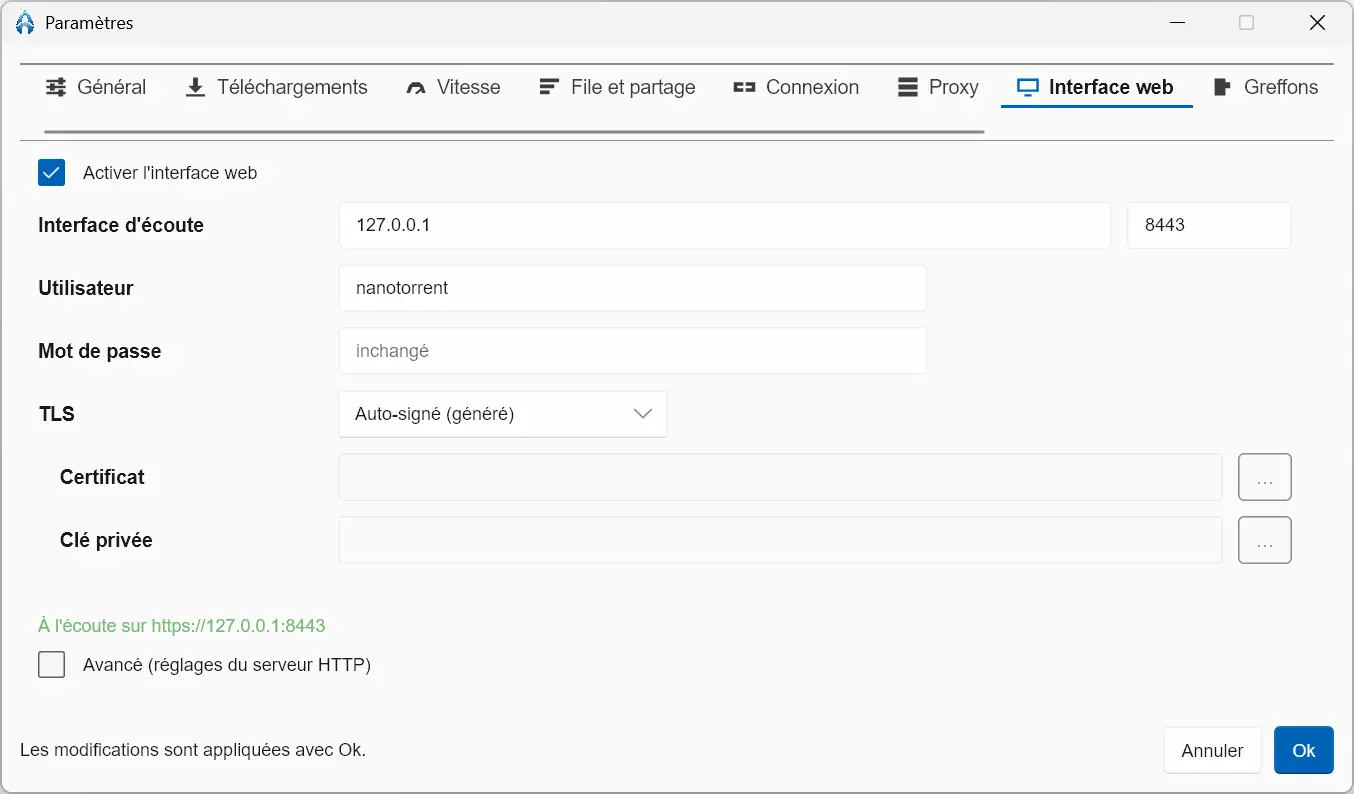
Once activated, this interface allows you to find NanoTorrent from a browser and manage your torrents without having to go through the main software window. In particular, you can add or delete a torrent, start or pause a download, and monitor its progress.
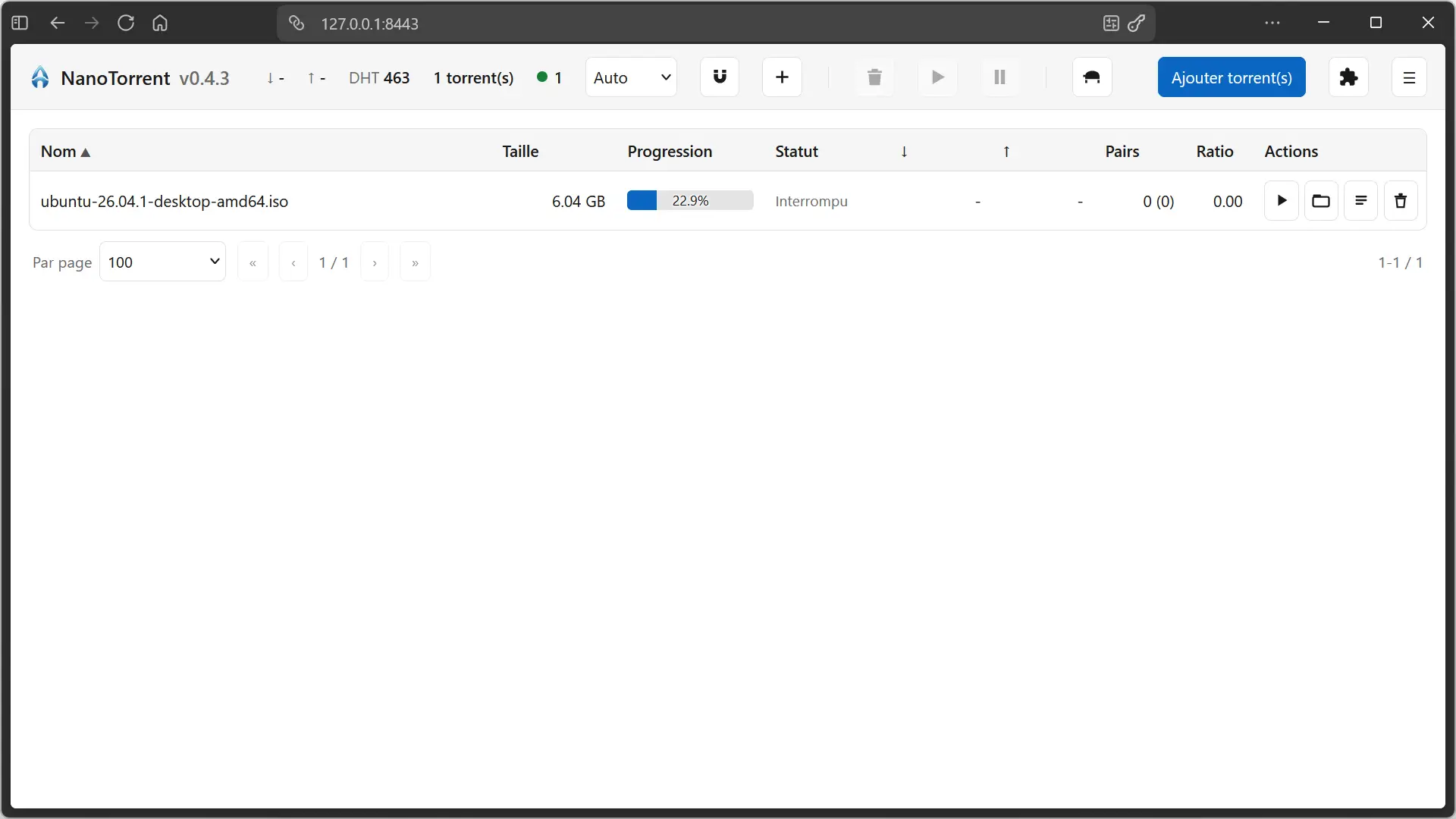
NanoTorrent can also work without its graphical interface thanks to its headless mode. In this case, torrent management is done directly from the web interface, which can be especially practical for installing the client on a dedicated machine or server.
Plugins to add new features
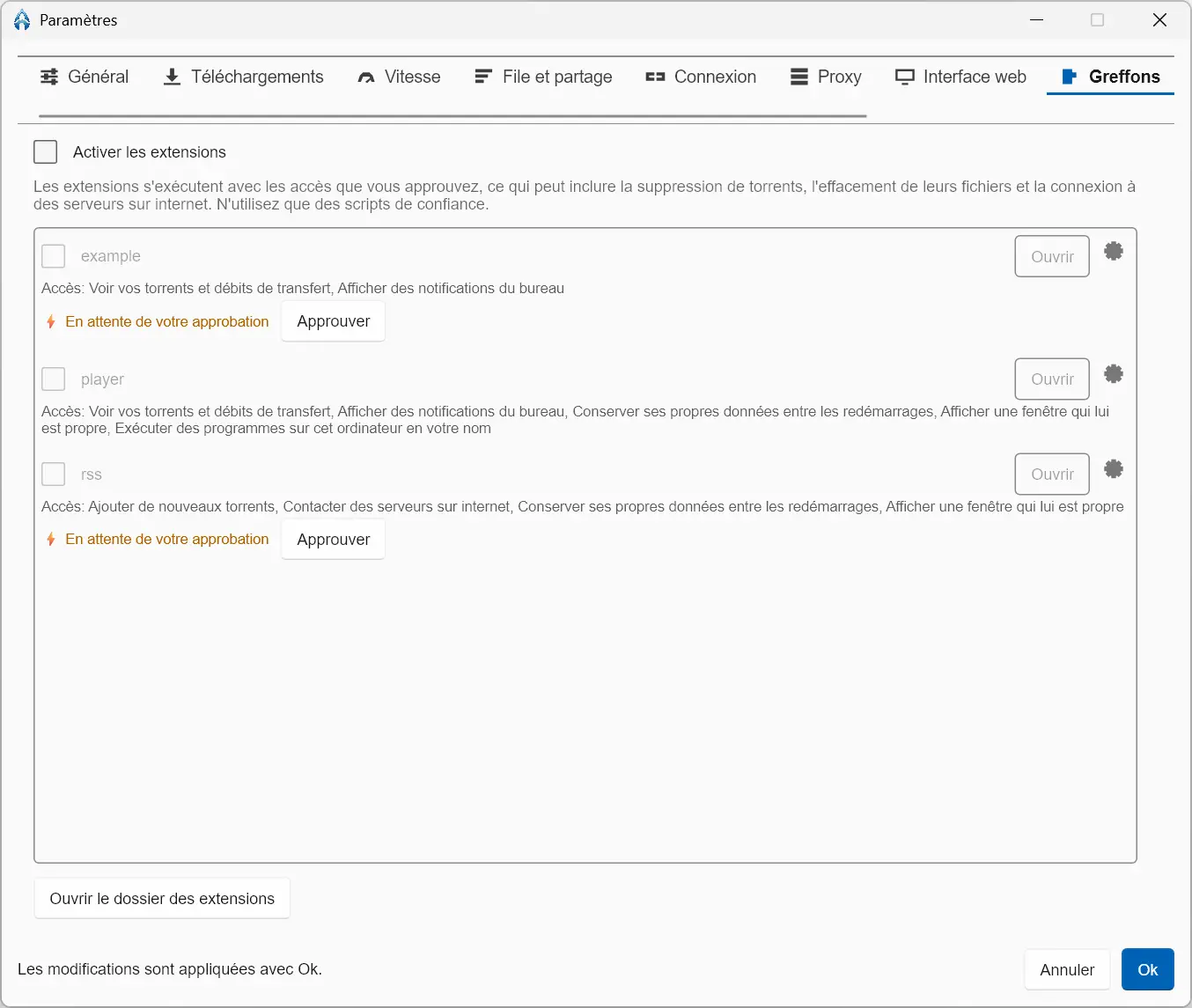
NanoTorrent also supports plugins written in Rhai. They are disabled by default and must be activated manually from the software settings.
Several examples are already provided, including a media player and an RSS feed reader. Before you activate a plugin, NanoTorrent displays the permissions it requires and asks you to approve them. Depending on the script, this can affect access to torrents, files, or even the Internet.
The software displays a pretty clear warning about this. A plugin can perform sensitive actions, such as deleting torrents or files, so it is best to avoid installing scripts recovered from the Internet.
Where to download NanoTorrent?
NanoTorrent is free and open source software available on Windows, macOS, and Linux. You can download it from your official website or directly from your GitHub repository.
On Windows, the software is offered with an installer and can also be installed from the Microsoft store. On Linux, there are several formats available, including DEB and RPM packages, as well as AppImage. macOS users have a DMG image.