Audacity just passed a big milestone. After several years of development, the famous audio recording and editing software is now available in version 4.0 with a completely redesigned interface, but also numerous changes in the way of working with audio files.
Clips are now much easier to handle, editing becomes non-destructive, new workspaces appear, and the interface can be customized to your needs. And those are just some of the new features.
Audacity 4.0 completely changes its face
Obviously, this is the first thing you notice when starting out. Audacity 4.0 – The interface has been completely overhauled. It is now much more modern and at the same time offers regular customers the chance to find something more similar to the old versions.
Audacity offers several predefined workspaces for this. The “Classic” mode uses a layout quite similar to that of Audacity 3, while the “Modern” and “Music” modes organize the different tools differently.
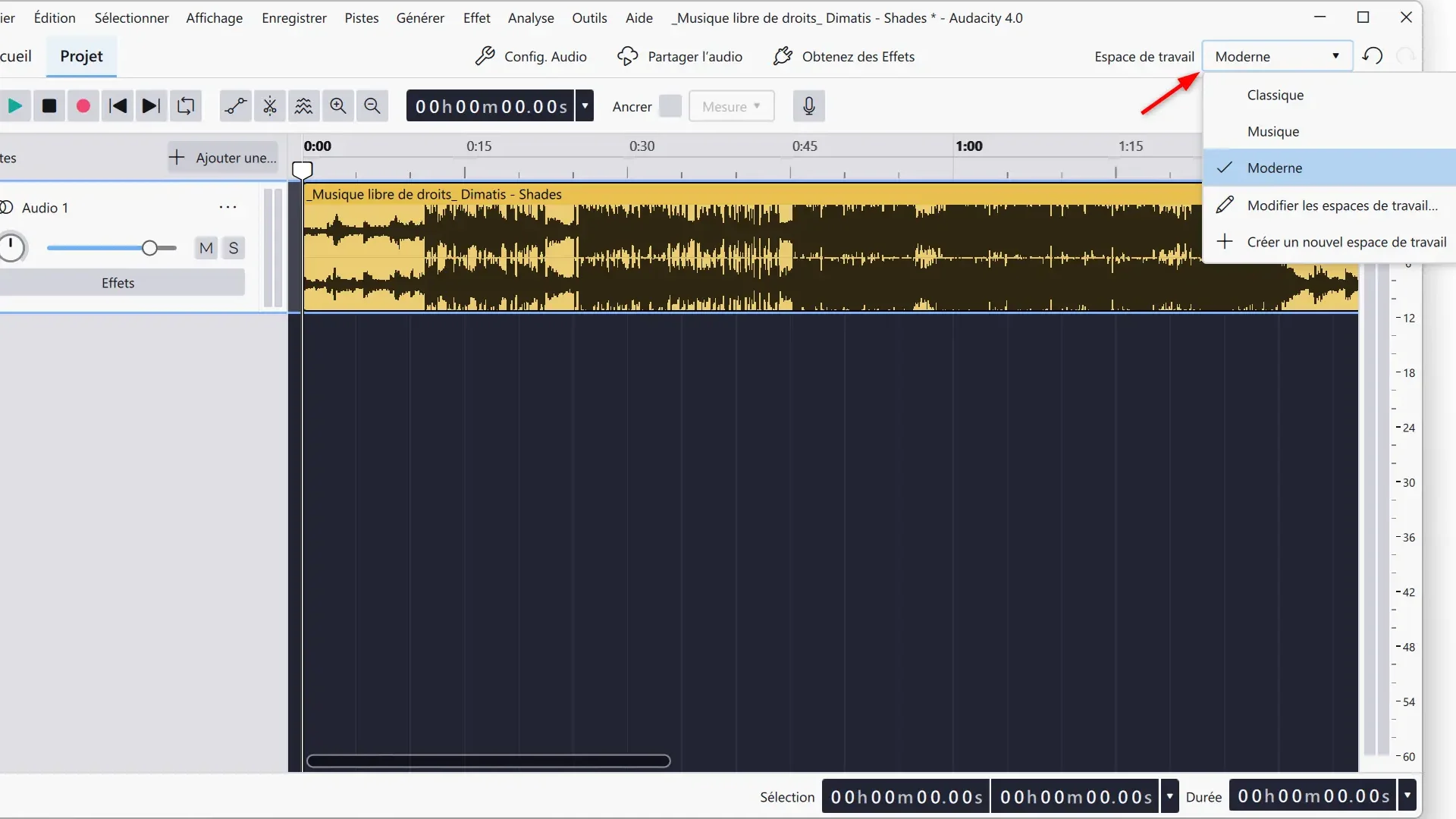
But it’s not just about changing some colors. The different panels and toolbars can be moved, shown or hidden to adapt the interface to your use. Once you find the layout that suits you best, you can even save it to a new workspace and then quickly switch from one configuration to another.
Customization also goes quite far since it is possible to choose between several themes, modify the accent color or even use a high contrast interface.
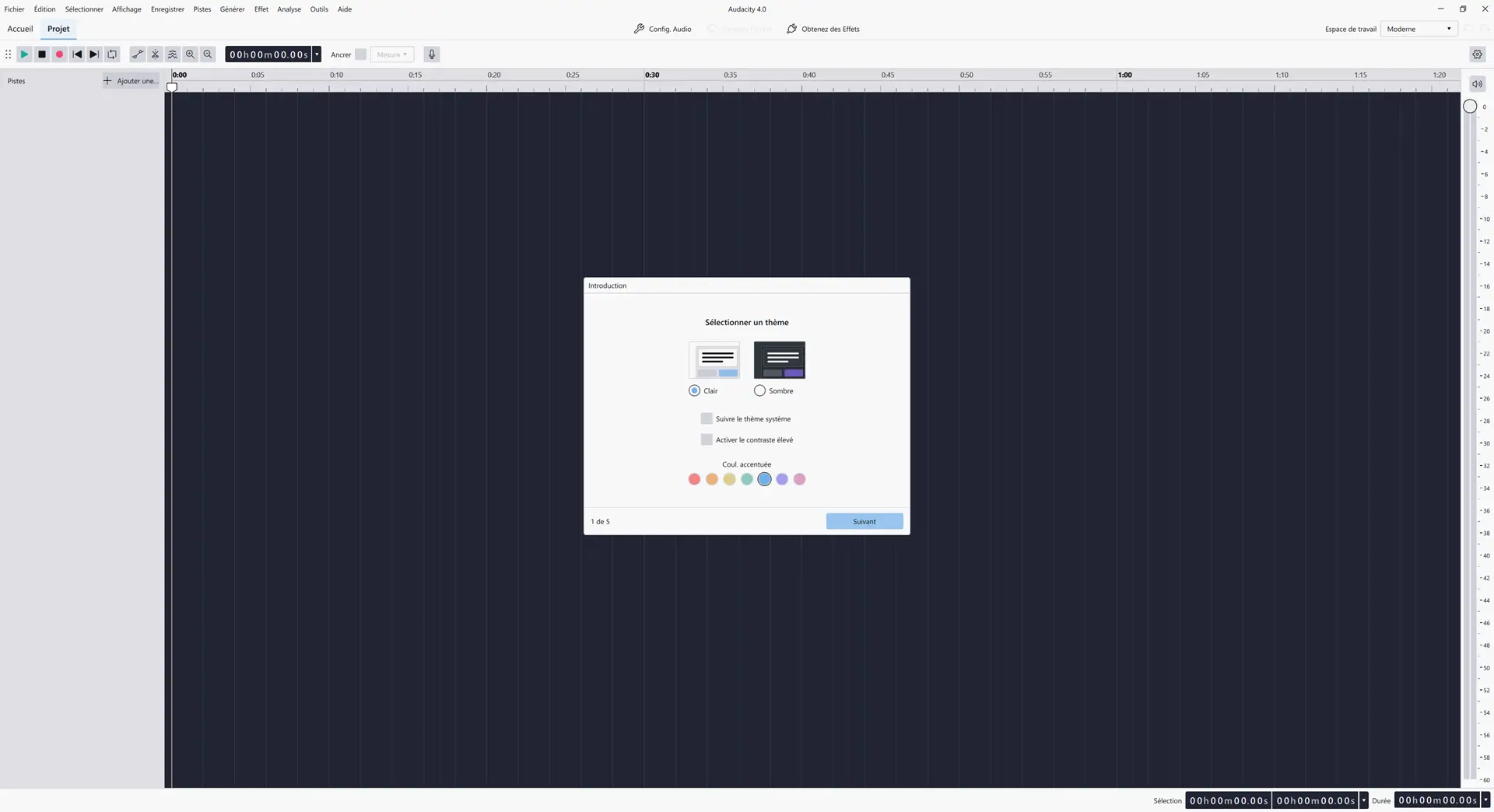
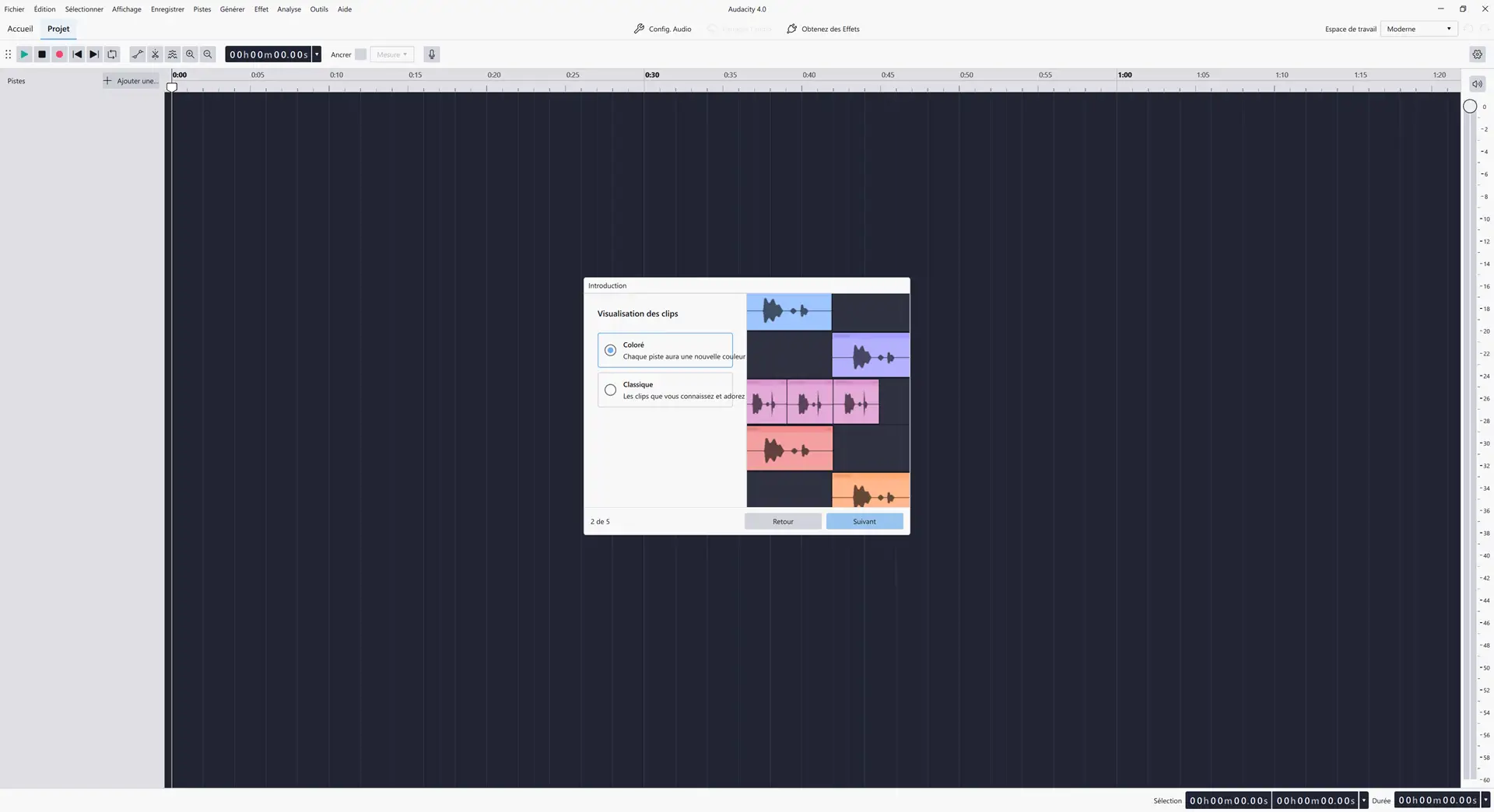
Audacity 4.0 also welcomes a new home page that brings together recent projects and those saved in the cloud through Audio.com. During our first launch, the software also offered to connect an Audio.com account and highlighted various services and plugins offered by Muse.
Audio editing becomes much more flexible
The new interface is far from the only change in Audacity 4.0. The team behind the software has mainly overhauled the way we manipulate audio clips.
With Audacity 3, moving or pasting a clip could quickly become cumbersome when another clip was in the way. Audacity 4.0 removes this restriction as clips can now overlap and be placed much more freely on tracks.
Editing also becomes non-destructive. If you trim a clip too much, the deleted part isn’t actually lost. Simply pull its handle again to recover the original audio.
Additionally, each clip has new handles that allow you to trim or stretch it directly from the timeline. You can also select multiple clips at the same time to move, trim, or change their duration simultaneously.
It is even possible to group them. Once multiple clips are linked, Audacity considers them as a whole during different operations, which should make somewhat complicated edits easier.
New tools to work faster
Audacity 4.0 also overhauls several historical software tools. The envelope tool, for example, has been simplified: one click allows you to add a point and then simply move it to gradually modify the volume. The waveform evolves directly on the screen to visualize the result.
A new cutting tool has also appeared to quickly cut one or more clips. And to directly modify the swatches, you no longer need to use the old Drawing tool. Now you just need to zoom in on the waveform enough to edit it.
Therefore, several older Audacity 3 modes disappear as standalone tools, but their functions are still there. They are simply accessible in a more contextual way.
The same goes for the old Sync-Lock. Instead, Audacity 4.0 offers new shortcuts that allow you to delete a part of a track while automatically changing subsequent clips, or even those present on all tracks.
VU meters directly on each track.
Audio level management is also evolving. Each track now has its own meter, making it much easier to detect which one is overdriving in a multi-track project.
These meters are also used to monitor the input level during recording.
As for the main playback meter, it can now be displayed horizontally or vertically. It’s also this last layout that I found by default in the Modern workspace during my testing.
Loops, playhead and tags have also been revised.
The playhead has been modernized and now remains visible as you move through the project. Loop management has also evolved with a dedicated area located above the timeline, which can be easily moved or resized.
A handy little new feature appears when exporting your work: Audacity can now export only the part included in the loop zone. This can be useful for quickly retrieving an excerpt from a much longer project without having to modify the rest of the edit.
Labels are also entitled to review. They can still be used to place markers in a project, but it is now possible to extend a tag to cover an entire region of the timeline and select several simultaneously.
The effects benefit from the new interface.
The effects built into Audacity have also been adapted to the new interface. The compressor, reverb, limiter, graphic equalizer and filter curve have completely redesigned interfaces.
However, these effects are not new. They already existed in Audacity, but their presentation has been revised for this version 4.0.
Support for real-time effects is also growing, with support expanded to more VST3, Audio Unit, and LV2 plugins.
And there’s something especially interesting for Windows users: Audacity 4.0 now officially supports ASIO, both for playback and recording. Until now, the official versions of Audacity distributed for Windows did not directly integrate this support.
A new .aup4 format for projects
This new version is also accompanied by a change in format. Audacity 4.0 drops the .aup3 as the main format for the benefit of new .aup4.
Don’t worry if you have many projects created with Audacity 3, they can still be opened directly in Audacity 4. The software then converts them to the new format while preserving the file. .aup3 original intact.
However, once the project is converted, you will have to continue working with the new format. .aup4.
Some features are still missing from Audacity 3
However, not everything has yet made its way to Audacity 4.0. This first version omits several features present in Audacity 3.
This is particularly the case for Time Tracks, Note/MIDI tracks, Mixer, macro manager, scripting pipe, Play-at-speed, as well as support for VAMP and LADSPA plugins.
At the moment some analysis functions, export functions and even some effects are also missing. The Audacity team says they are working to return them in future versions.
If you regularly use one of these features, it is best to check for its presence before permanently replacing Audacity 3.
Audacity 4.0 is available for free
Audacity 4.0 doesn’t just change what we see on the screen. The team explains that they have also done a lot of work under the hood to lay new foundations that should allow the software to evolve more quickly in future versions.
Audacity 4.0 is now available on Windows, macOS and Linux. As always, the software remains completely free and open source.