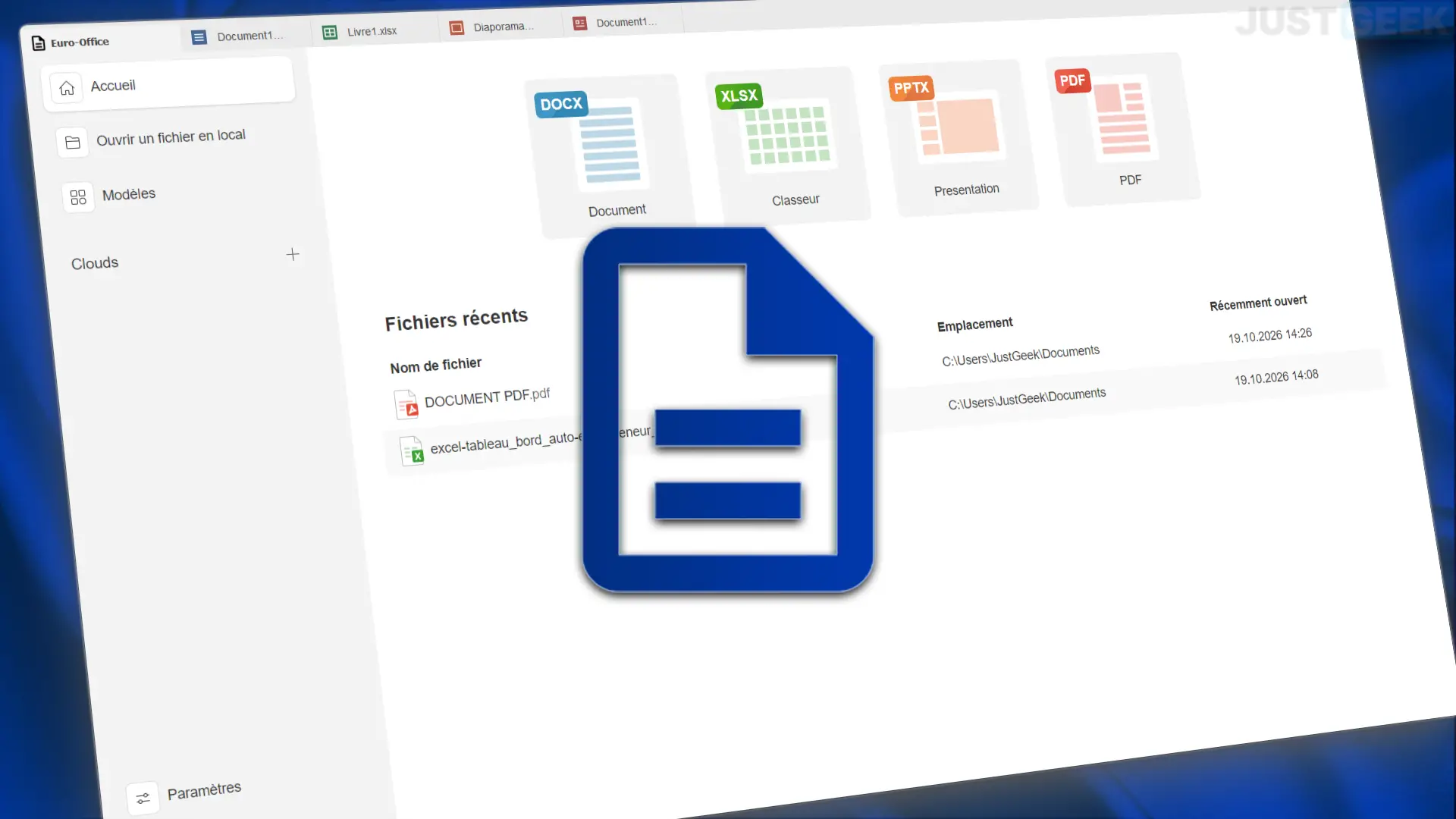
We told you last September, Euro-Office, the European office suite based on ONLYOFFICE, was preparing an office application for Windows, Linux and macOS. Well, it’s now available to download!
Free and open source, it integrates a word processor (equivalent to Word), a spreadsheet (Excel), presentation software (PowerPoint) and a PDF editor. You can create and edit your files right on your computer, even without an Internet connection. I installed it on Windows 11 and I suggest you figure it out together.
Euro-Office: an interface that is very reminiscent of ONLYOFFICE
Upon opening it, it’s hard not to notice the resemblance to Onlyoffice. And for good reason, euro office It is based on your source code. Obviously, we find an almost identical interface, with a side menu that allows access to recent files, documents saved on the computer and Nextcloud, the only cloud service offered at this time.
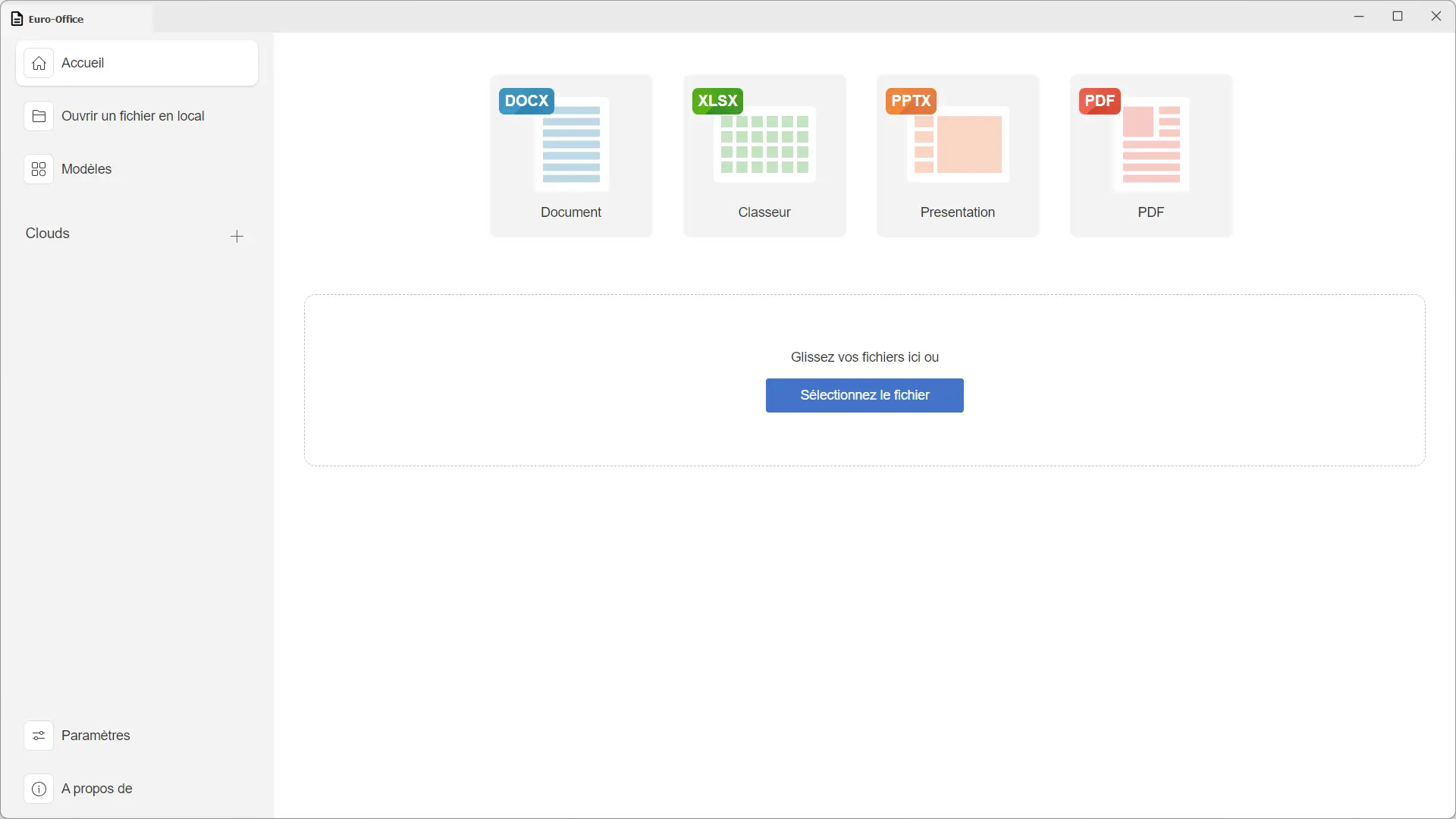
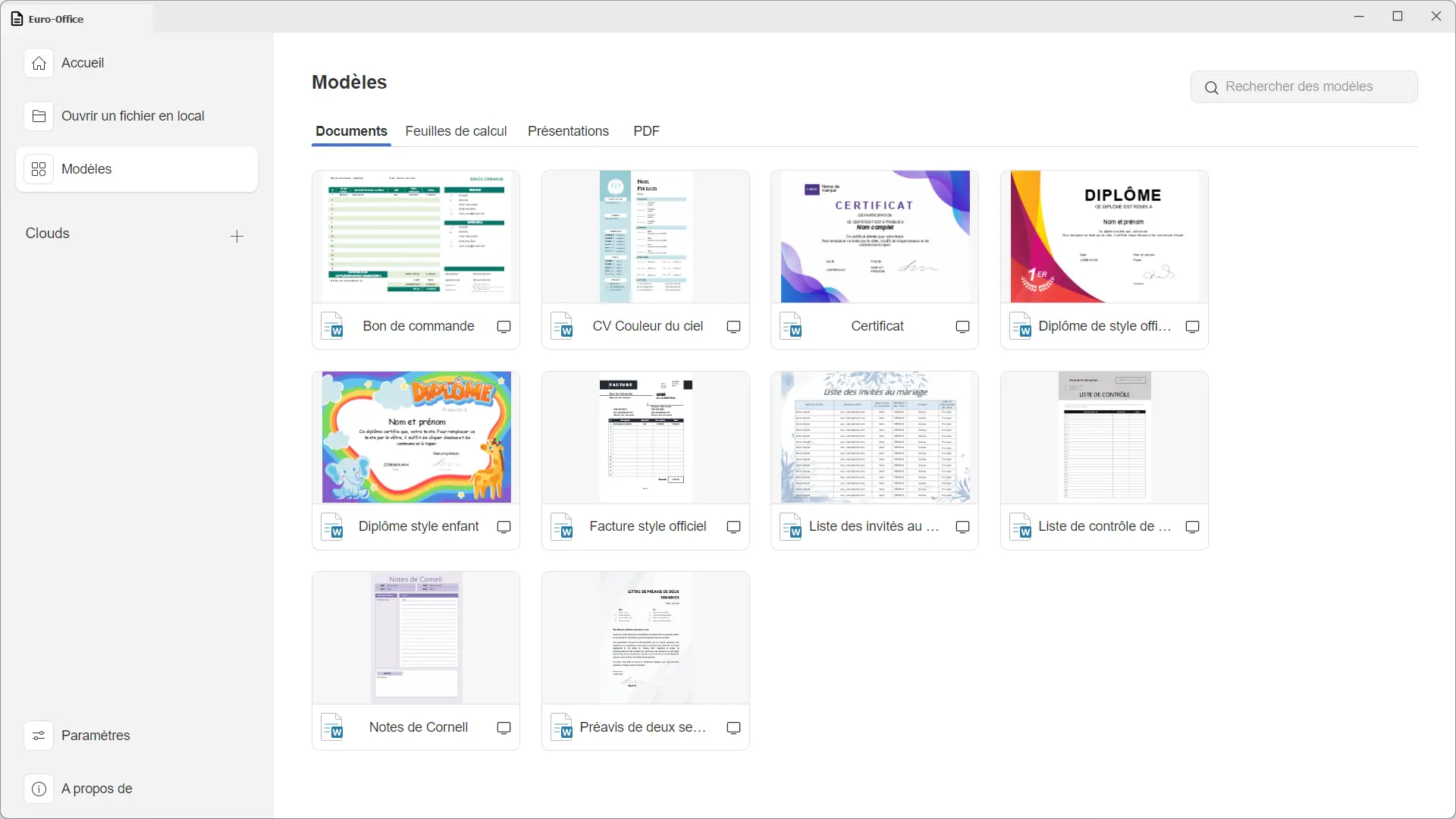
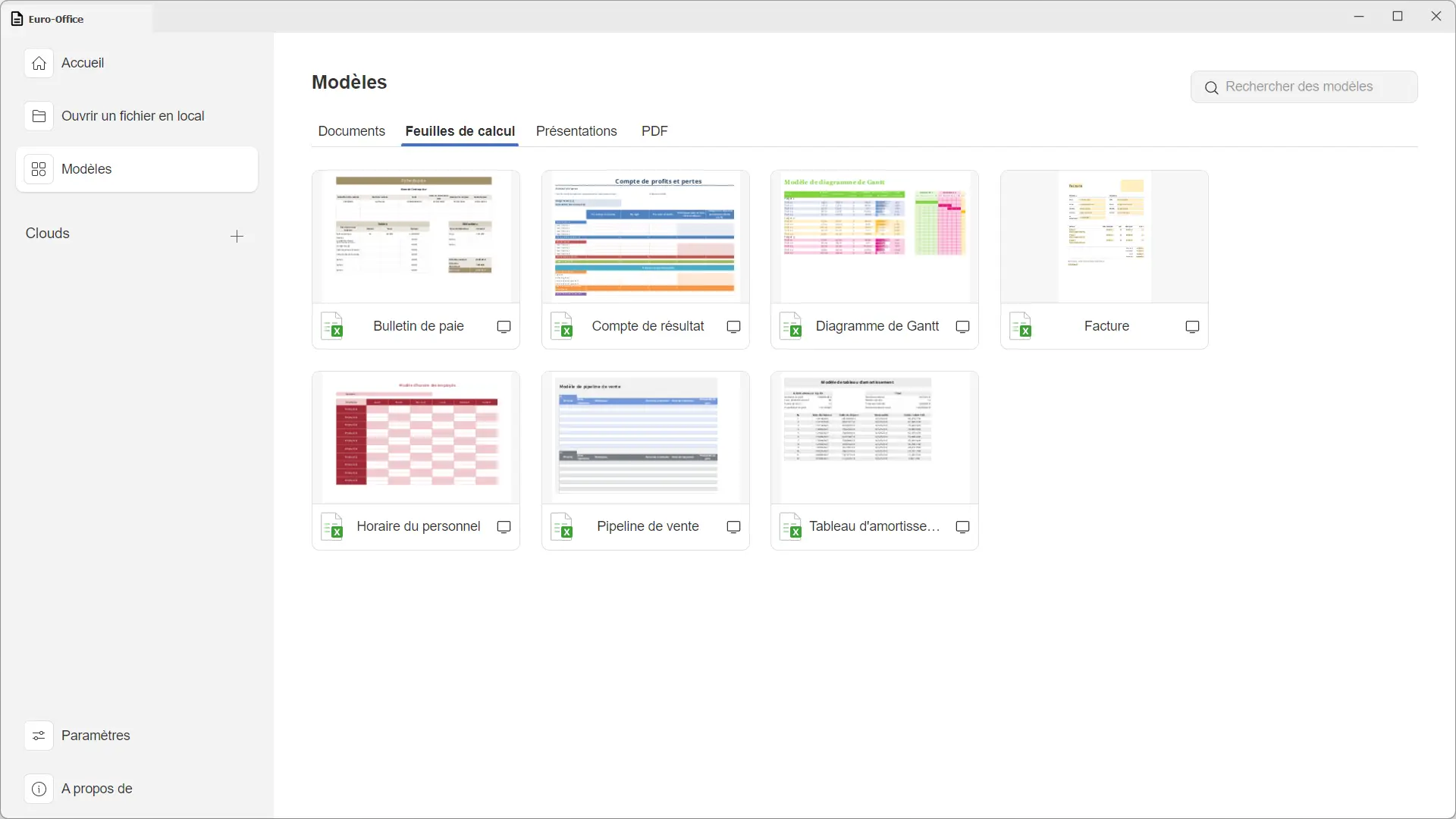
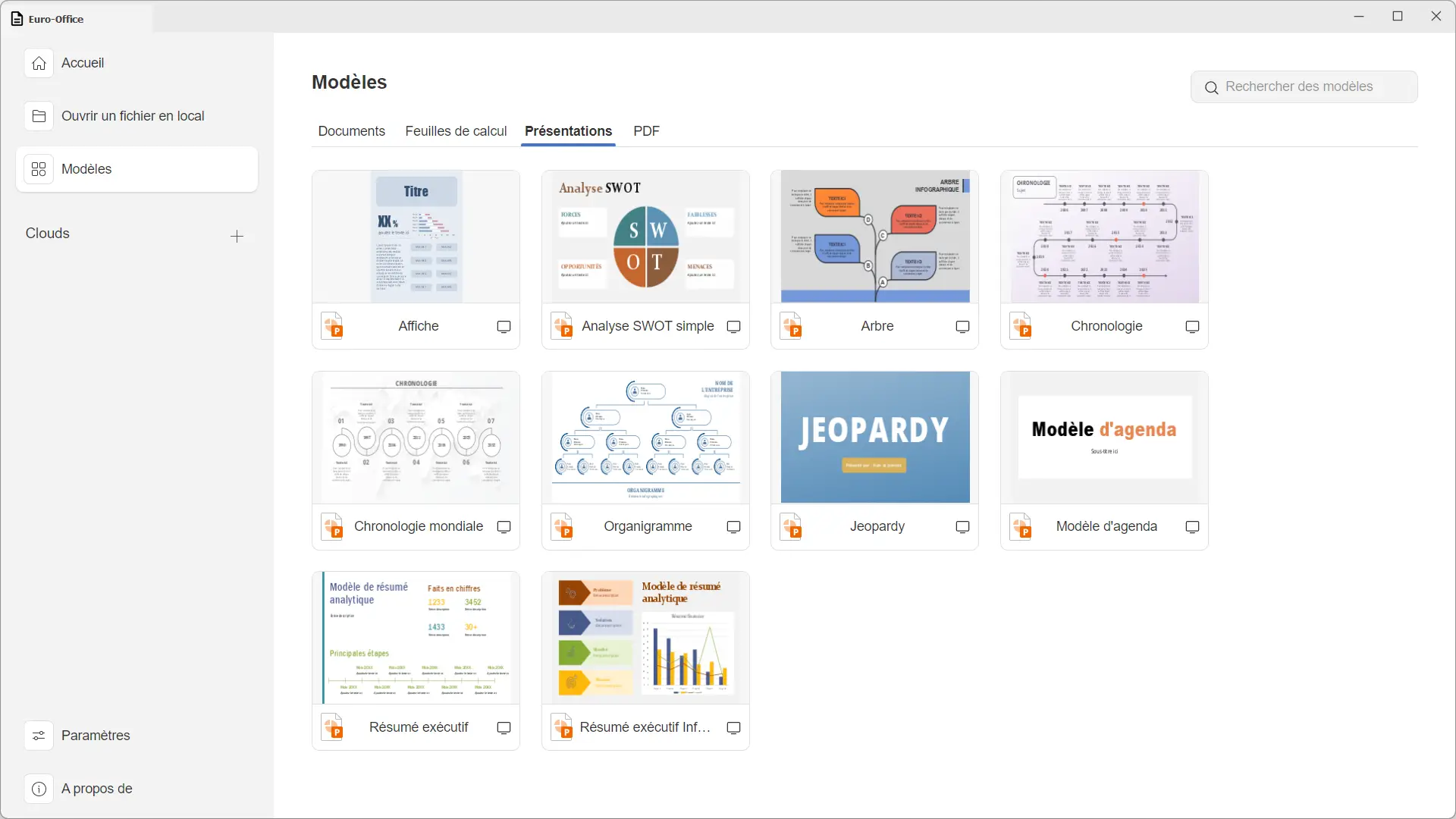
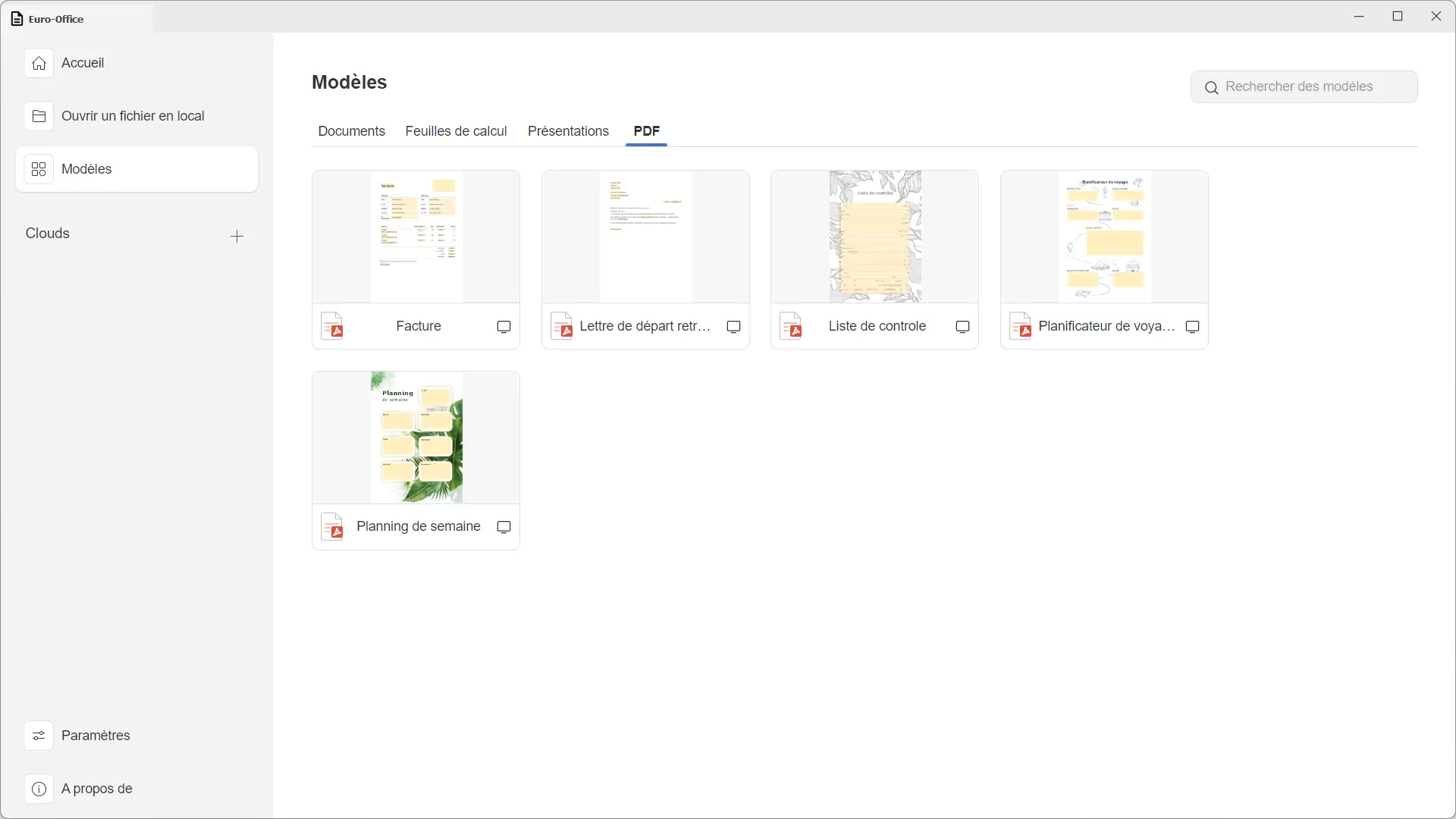
From the home screen, you can create a text document, spreadsheet, presentation, or PDF file. A template library is also available with resumes, invoices, calendars, timelines, and even Gantt charts.
Once a document is opened, the interface is very similar to that of Microsoft Office. The tools are divided into tabs and you can work with several files in the same window or open them in independent windows, depending on your preferences.
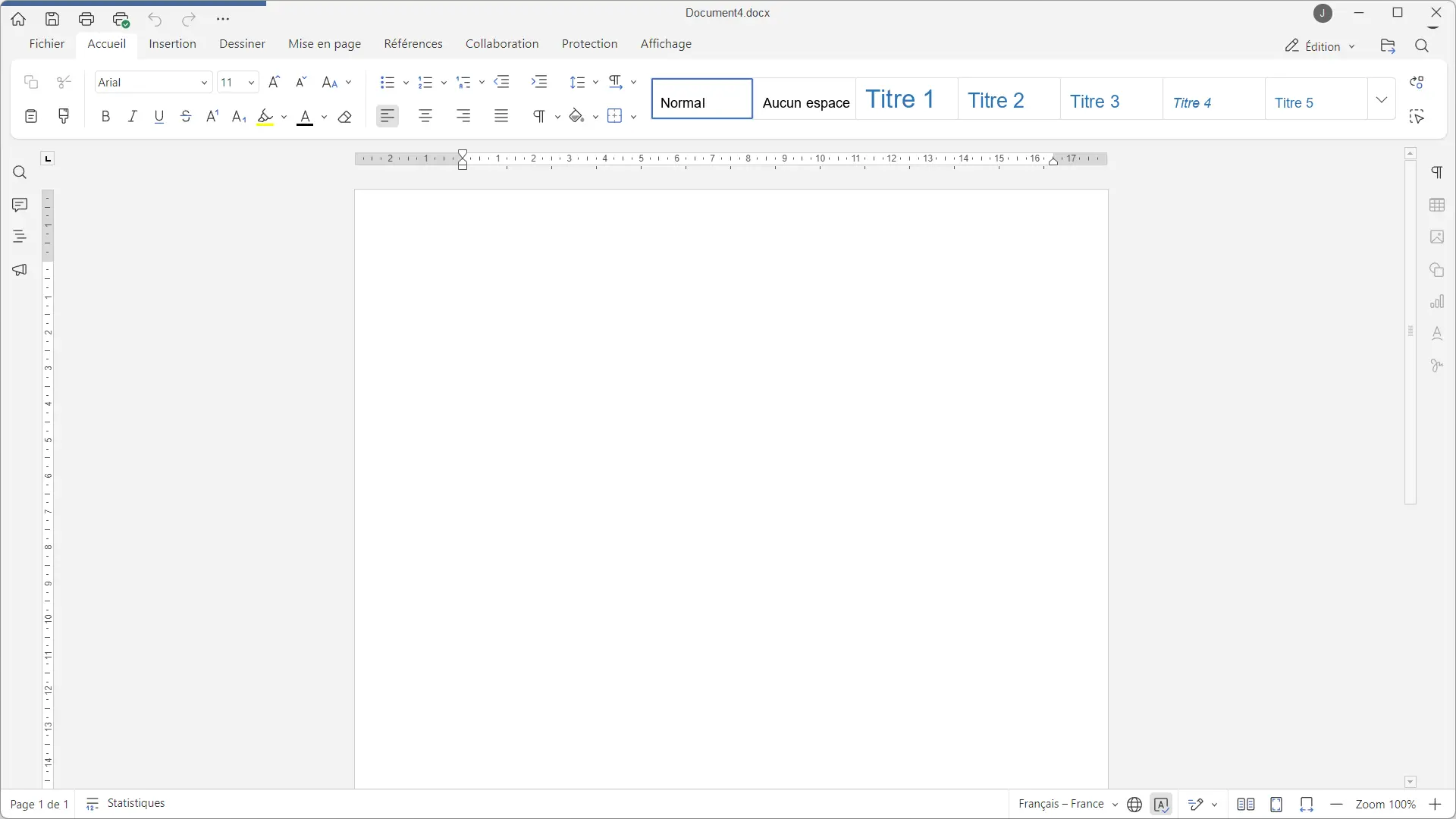
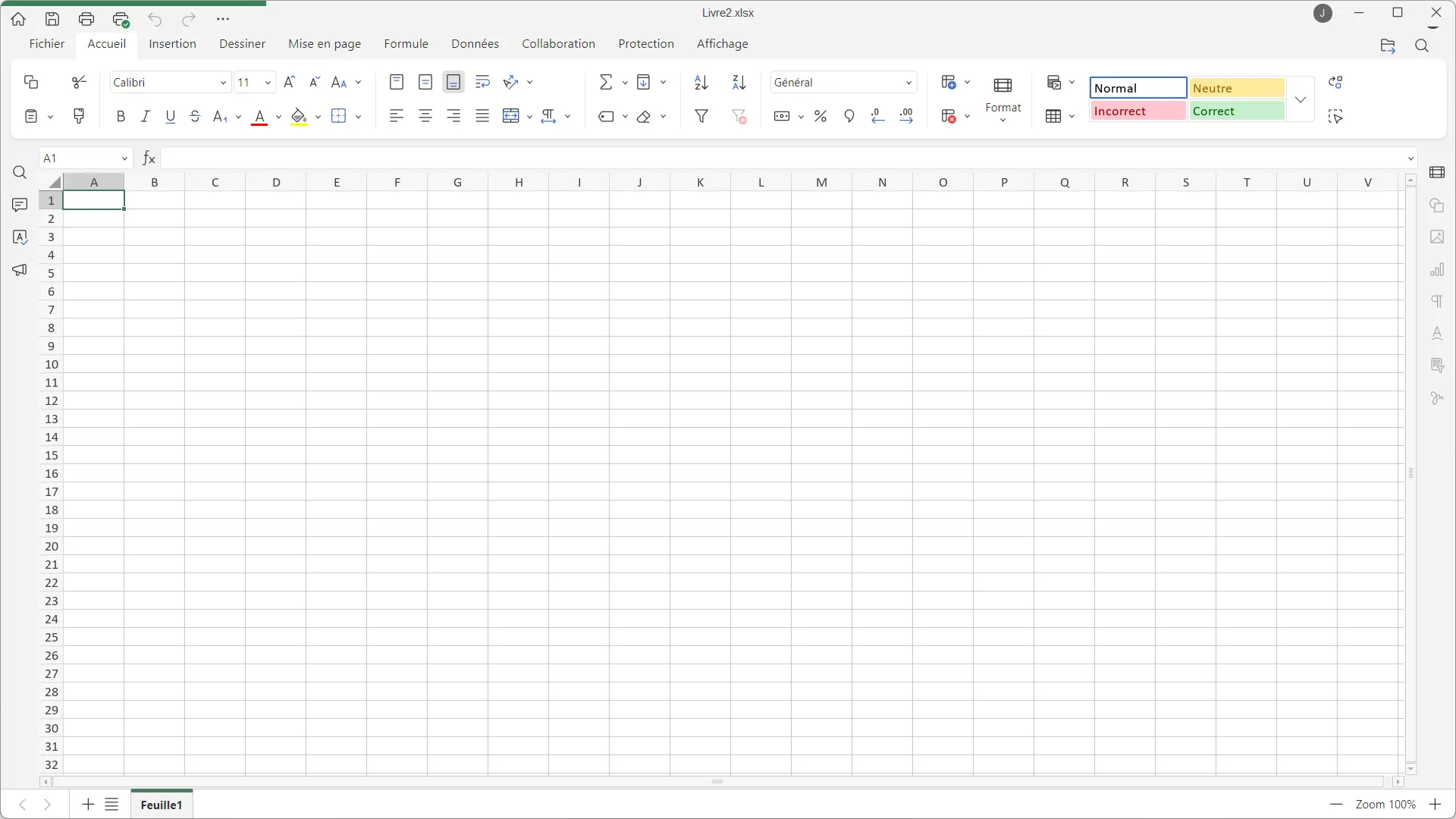
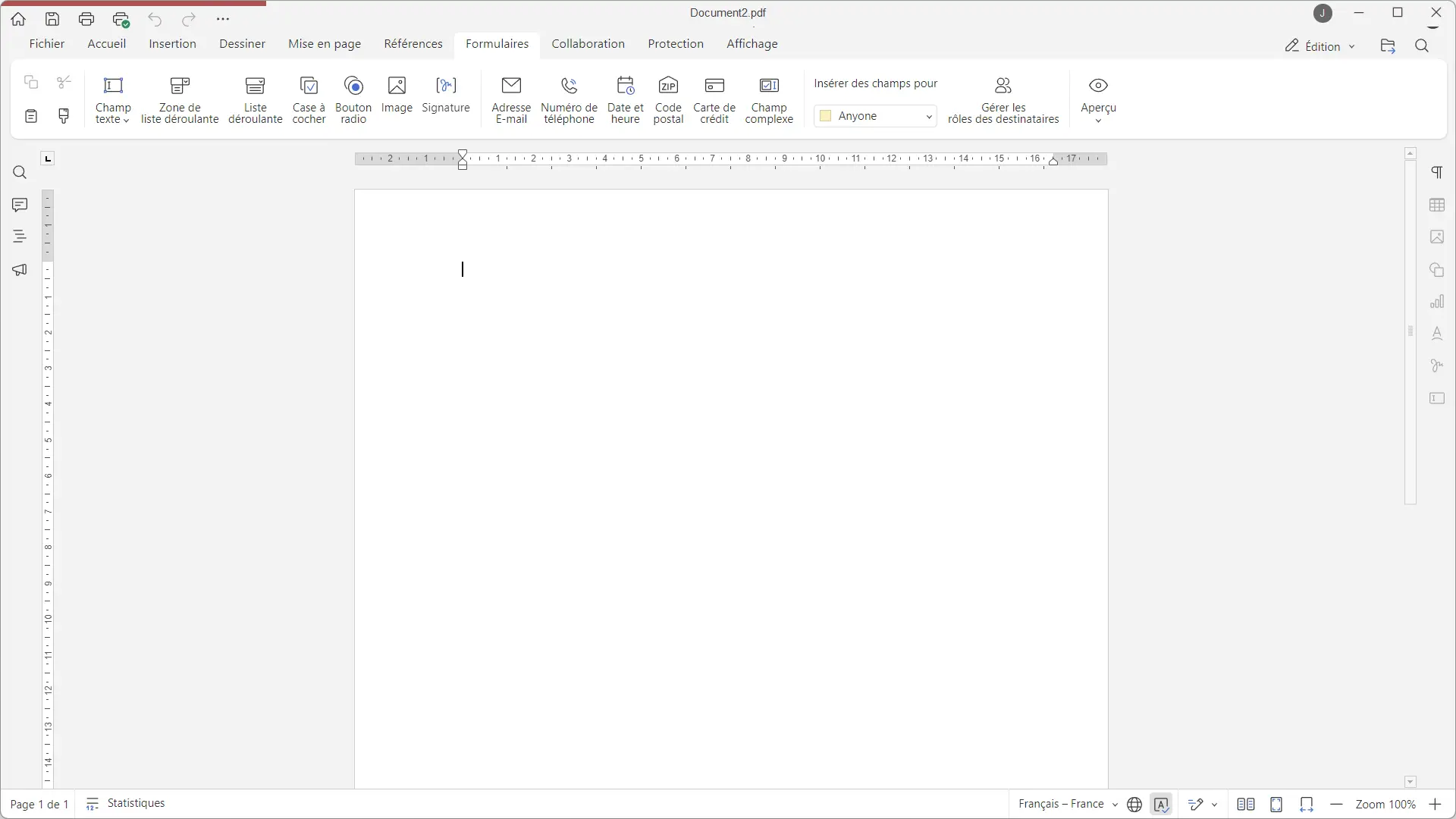
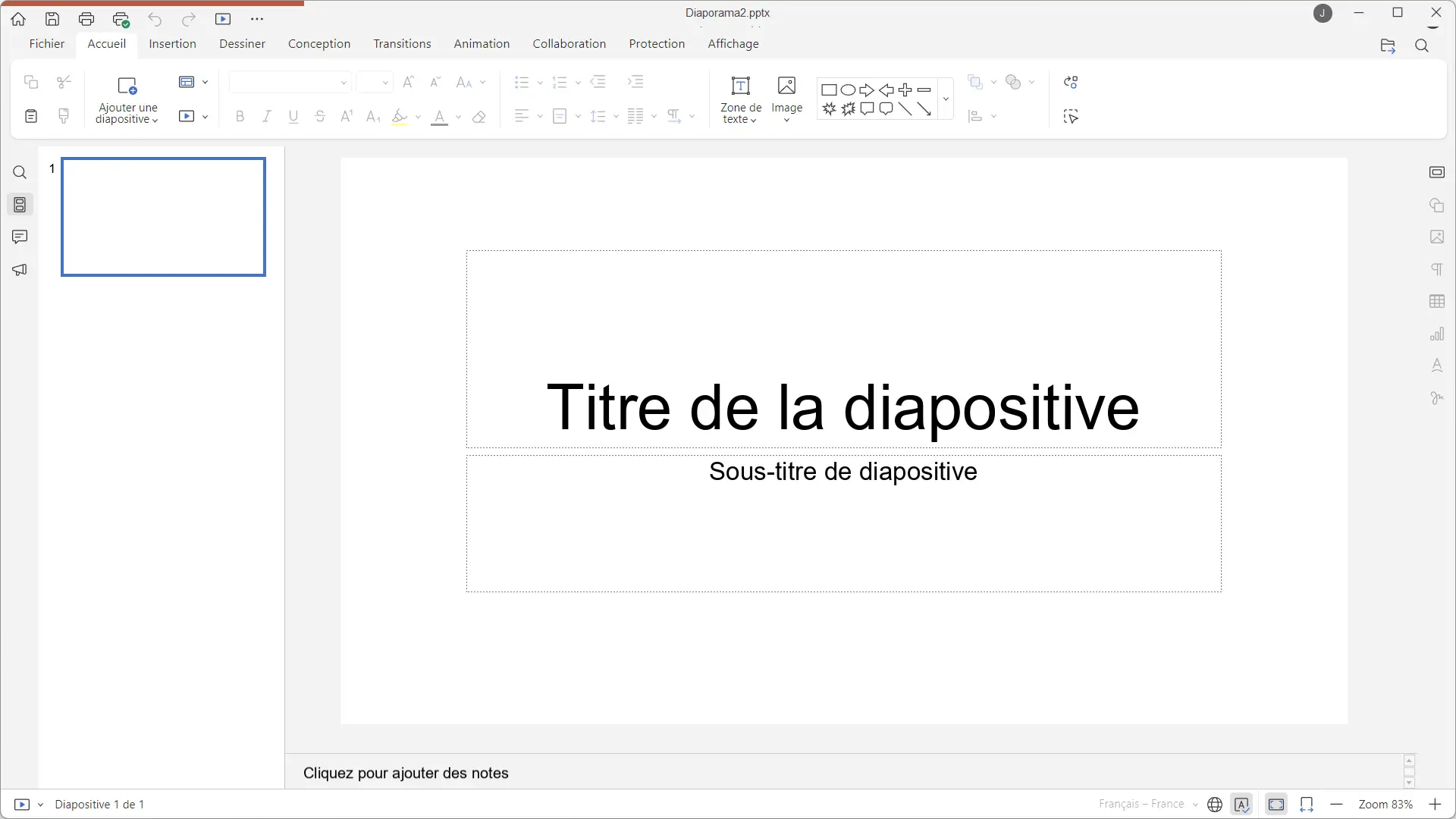
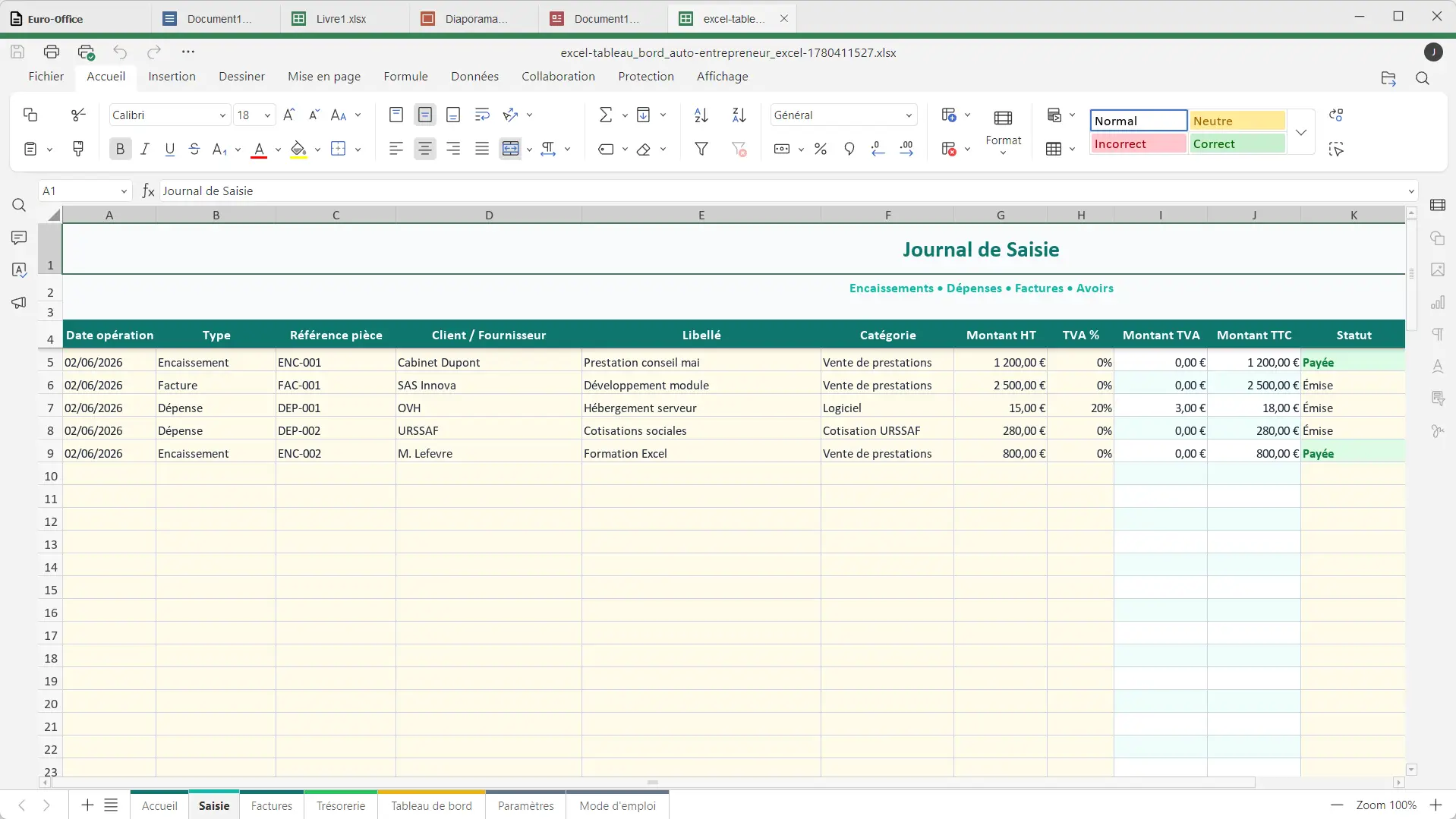
The set is available in French, with the possibility of switching to a dark theme in the settings. Euro-Office supports Microsoft Office formats including DOCX, XLSX and PPTX. This way you can open your Word, Excel and PowerPoint documents, modify them and save them directly on your computer, without an Internet connection.
But why choose Euro-Office when there are already free alternatives?
This is probably the question you are asking yourself. After all, LibreOffice and ONLYOFFICE are already free, open source, and also work without an Internet connection. So why did you create a new office suite?
Euro-Office is a project launched on the initiative of Nextcloud and IONOS, with the support of several European players, including Proton, Tuta, XWiki, OpenProject, Open-Xchange, Soverin, Abilian and BTactic. Its objective is to offer a European alternative to Microsoft Office. But instead of starting from scratch, they chose to use the ONLYOFFICE source code.
Now are you going to tell me why you didn’t continue working with ONLYOFFICE? Well, because the companies behind Euro-Office explain that they had difficulties contributing to the development of the software. That’s why they decided to create their own version, so that other developers and companies could participate in the project more easily.
But not everything went as planned. Onlyoffice did not greatly appreciate this initiative and accused Euro-Office of not respecting the conditions of its license. For their part, those responsible for the Euro-Office reject these accusations and affirm that they are within their rights.
But then, what changes for the user? At the moment, not much. Euro-Office has almost the same functionalities and the same interface as ONLYOFFICE. As for LibreOffice, it is still a free and open source office suite that has proven itself.
So should we ditch LibreOffice or ONLYOFFICE for Euro-Office? Personally, I don’t think so. If your current office suite suits you, it is best to keep it. But if you’re looking for a free alternative to Microsoft Office and you like the idea of supporting a European project, you can always give it a try.
For download Euro-OfficeGo to the project’s GitHub page. In the “Assets” section of the latest available version, you will find the installation files for Windows, Linux, and macOS.
- On Windowsdownload the file .exe corresponding to your processor (x64 or ARM64). Then start the installation and follow the on-screen instructions. The wizard is available in French and allows you to create a shortcut in Office and associate your Word, Excel and PowerPoint files with Euro-Office.
- On LinuxVarious formats are offered depending on their distribution. You will find them in particular packages. .debutante for Ubuntu and Debian, .rpm for Fedora and other supported distributions, as well as files .tar.xz.
- On macOSdownload the file .dmg Intended for Macs equipped with an Apple Silicon chip (M1 and later). Currently, there is no installer for Mac Intel offered on GitHub.
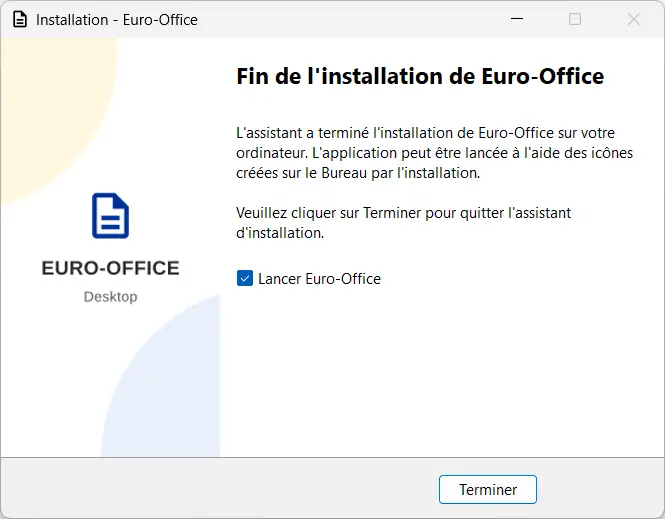
For my part, I installed Euro-Office 9.3.5 on Windows 11, from the file Euro-Office-DesktopEditors-Standalone-9.3.5.0-x64.exe. The installation went smoothly and the software works correctly.
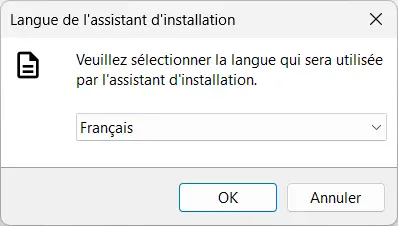
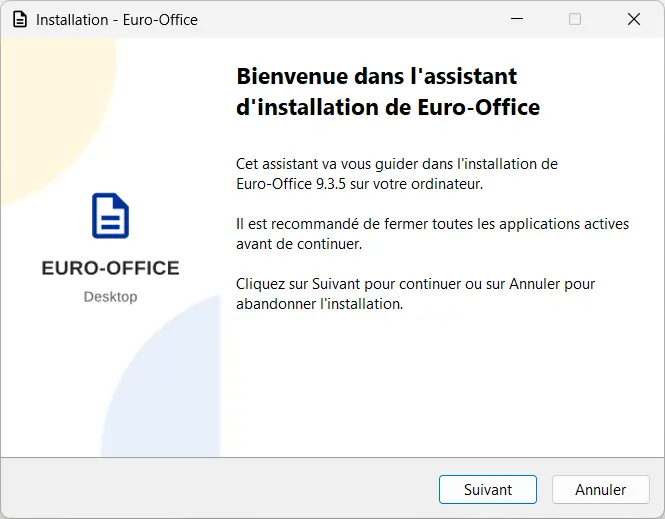
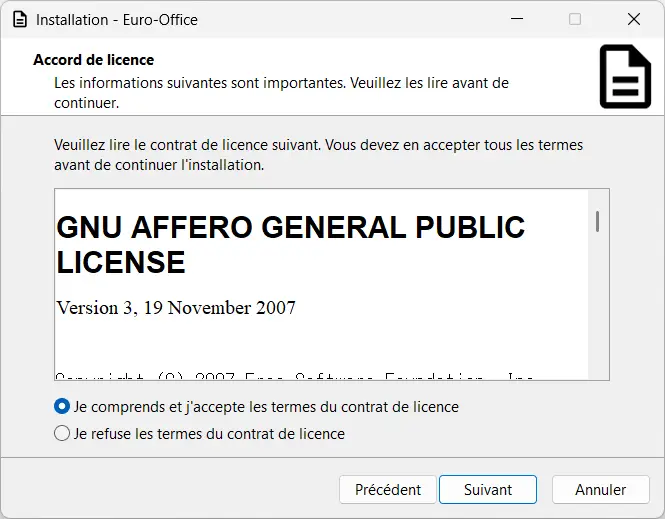
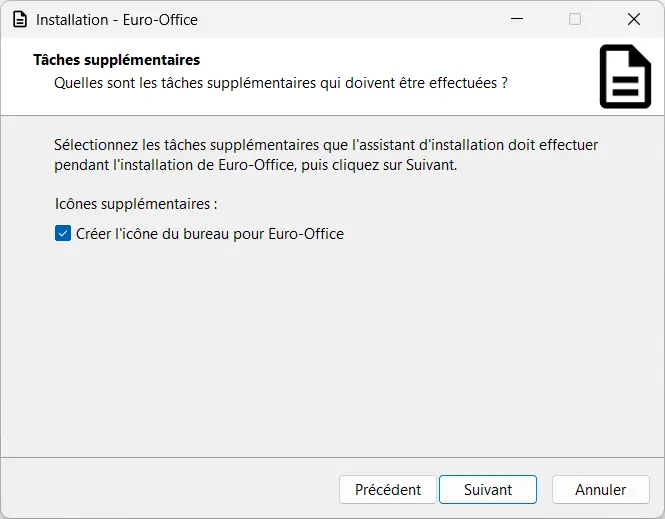
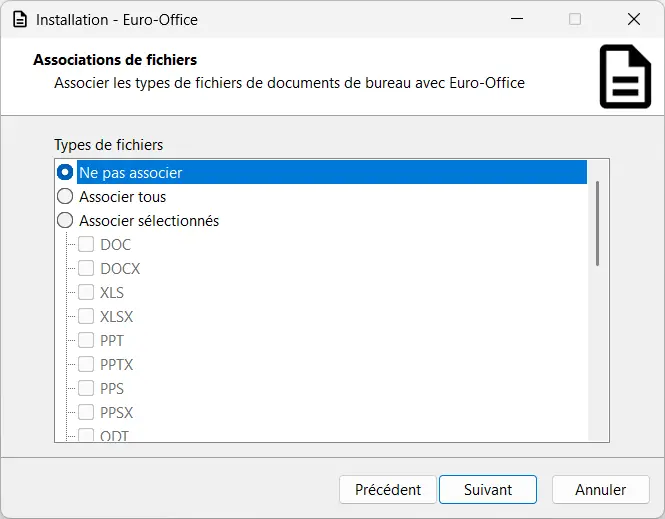
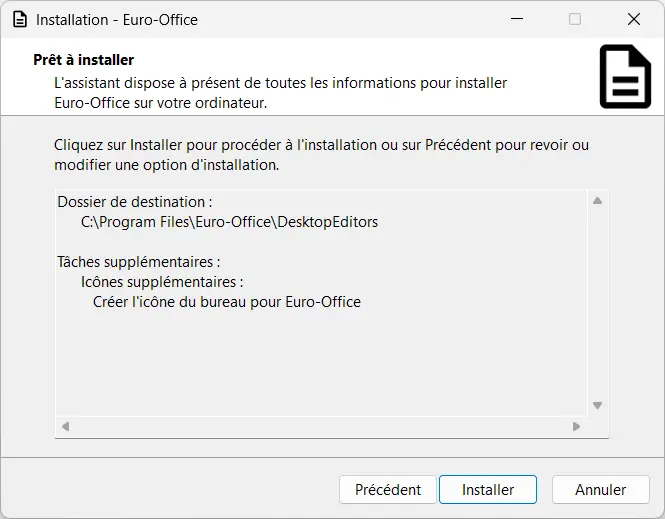
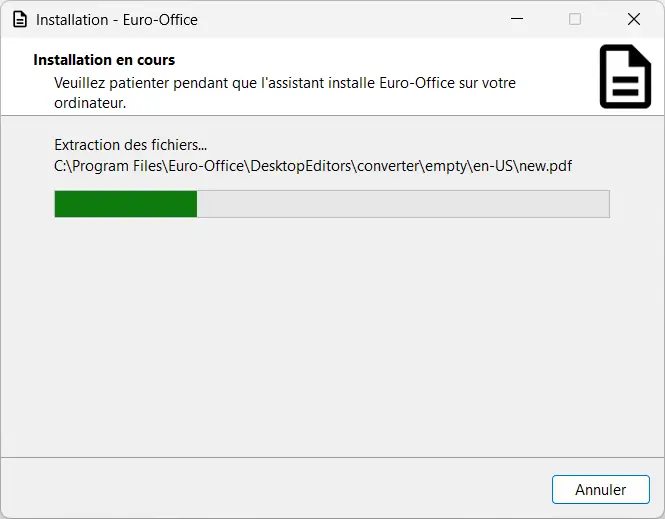
However, I noticed a small issue with the shortcuts added to the Windows 11 Start menu. They do not have custom icons and instead display the generic Windows icons. Nothing too annoying, but it deserves to be corrected.
Please note that the community versions offered on GitHub are not digitally signed. Therefore, Windows may display a security warning during installation. If this is the case and you have downloaded the file from the official project repository, click “Additional information”, then “Run anyway” to continue with the installation.