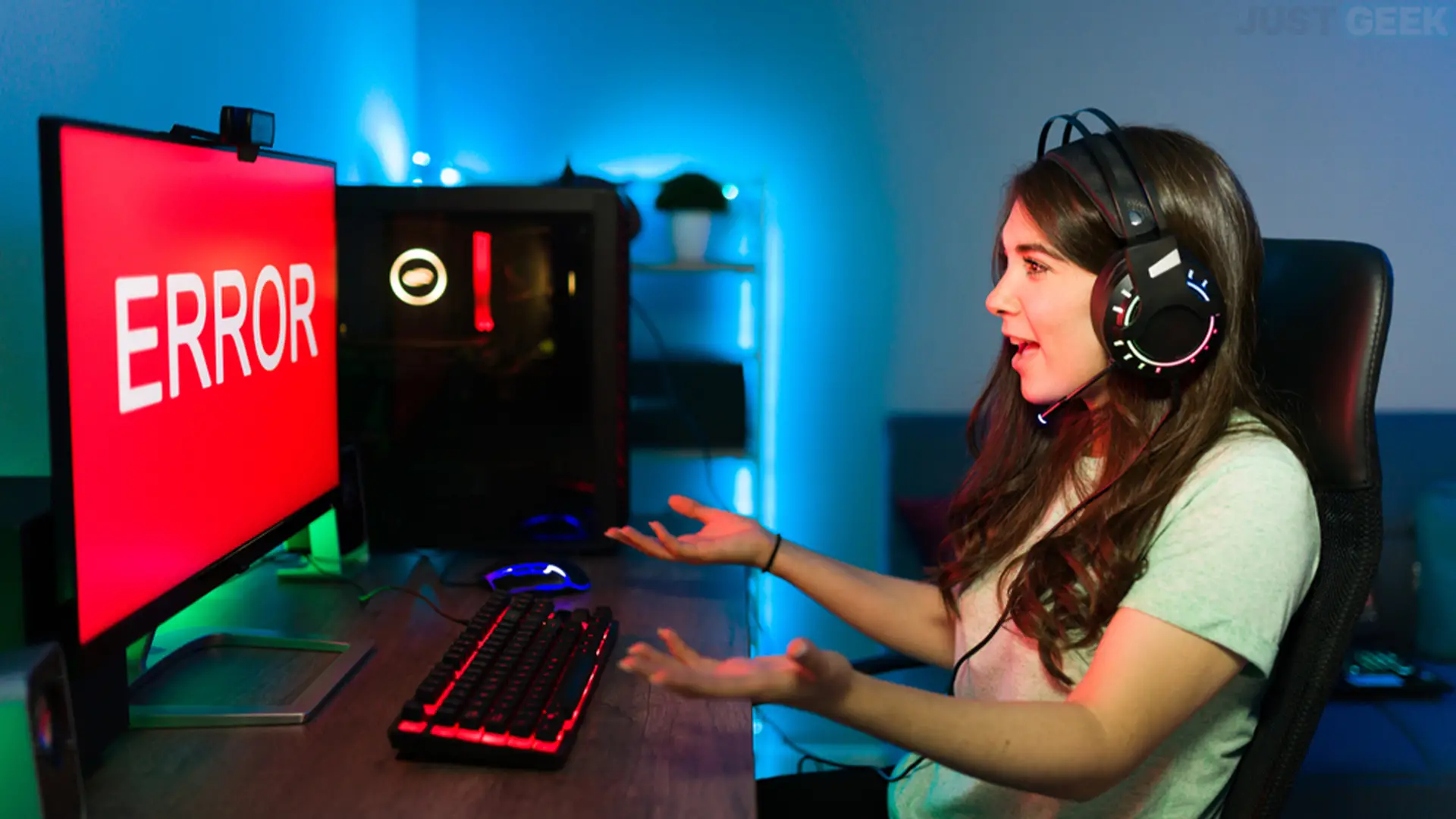
Windows 11 update KB5121003 doesn’t seem to be going as expected for everyone. Several players have experienced crashes since its installation, especially in the games ARC Raiders and The Finals. Embark Studios has confirmed the issue and is offering a temporary fix while we wait for a fix.
KB5121003 causes crashes in some games
Deployed on August 11, 2026 as part of Patch Tuesday, the KB5121003 update is offered to PCs running Windows 11 24H2 and 25H2.
A few days after its installation, Players began reporting crashes in several games.. ARC Raiders seems particularly affected, with errors such as “GameThread crash detected” or “EXCEPTION_ACCESS_VIOLATION”. In some cases, the failure may even cause the PC to restart.
Embark Studios, the developer of ARC Raiders and The Finals, has since confirmed on their discord server that a new bug had appeared with the installation of KB5121003.
The problem could be related to the file. inpoutx64.sysa third-party driver used by some software to directly access hardware. According to Embark, a change made by the Windows update would have affected this file and would be the cause of the failures. The studio is currently working on a solution.
Embark Studios offers a temporary solution
Until the issue is corrected, Embark Studios offers to remove the service and file. inpoutx64.sys causing the crashes.
To apply this solution:
- Open the command prompt as administrator.
- Enter the following command and press Entrance :
sc stop inpoutx64- Then enter:
sc delete inpoutx64- Close the command prompt.
- Open File Explorer and go to:
C:\Windows\System32\drivers\- Locate the file
inpoutx64.sysand then delete it.
If Windows indicates that the file is in use, repeat the first steps to ensure that the service inpoutx64 stops before deleting it.
Embark also indicates that it is optionally possible to delete the corresponding key in the Registry. To do this, press windows + Rget into regeditthen go to the following location:
HKEY_LOCAL_MACHINE\SYSTEM\CurrentControlSet\Services\inpoutx64Right click on the key inpoutx64delete it and then restart your PC.
Please note that the file inpoutx64.sys It may have been installed by other software on your PC. One ARC Raiders player explains, for example, that he discovered that the driver came, in his case, from a Razer update utility. Therefore, its removal could prevent the affected software from working properly.
KB5121003 is also believed to cause other problems.
In addition to the errors that occur in certain games, latest Windows has collected several reports of other problems since installing KB5121003.
Some users mention in particular an unexpected drop in the refresh rate of their screen, black screens or even malfunctions with HDR.
Problems with Windows Hello are also reported. For example, a user explains that he has to reconfigure his PIN code after each Windows restart.
These issues seem fairly isolated at the moment and have not been confirmed by Microsoft. On the official page of KB5121003The company currently indicates no known issues with this update.
In case of a serious problem, uninstalling KB5121003 seems to restore normal operation. However, this is not an ideal solution as this Patch Tuesday update still fixes hundreds of security vulnerabilities. If you don’t have any problems, then there is no reason to uninstall it.