

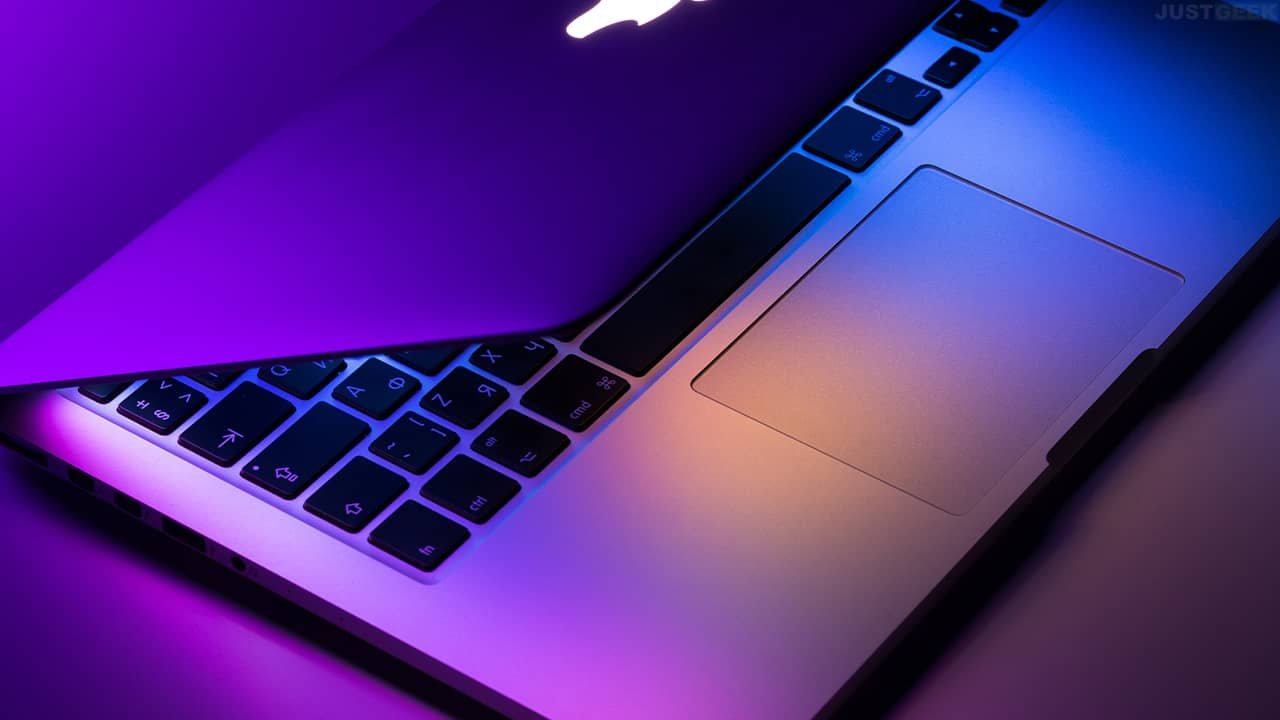
If you are a fan of the Apple brand, you will know that Apple makes very good computers but they are not necessarily affordable for all budgets. Some of us will then tend to turn to the second-hand market to save money, but this can be risky. Fortunately sites like Okamac offer an interesting alternative: Refurbished MacBooks.
Refurbished: the best alternative between new and used
If you want to have a MacBook, without spending a lot of money, or taking the risk of buying a device that doesn’t work or abandons you after 2 months, the best solution is REFURBISHED.
Refurbished or used, what’s the difference?
Unlike a used device that will be sold to you as-is, a refurbished MacBook is guaranteed to be 100% functional.
It undergoes a series of tests at multiple checkpoints and defective parts are automatically replaced.
Refurbished products also have a warranty and the only difference with a new product is in the aesthetic appearance of the MacBook. As the device is second-hand, it may have signs of use.
Additionally, most sites offer a rating system to rate the aesthetic appearance of the device.
Where to buy a refurbished MacBook?
There are many restorers on the Mac computer market and it is not always easy to navigate.
MarketPlaces offer different reconditioners, but this can lack transparency and not all reconditioners are necessarily controlled.
It is best then to go directly to the reconditioning site. This way you have more guarantee and transparency in the reconditioning process.
OkamacFor example, he is the expert in Refurbished MacBook and European leader in this market. Macs are refurbished in France, in the heart of Anjou, by a team of experts.
The main checkpoints on refurbished computers:
- Delete data
- Battery
- Charger
- Wi-Fi and Bluetooth
- Humidity
- webcam
- Graphic card
- Connections: USB, SD card, Thunderbolt…
- Speakers
- Apple hardware test
- Microphone
- Dusting of components
- Configuration
- Checking the screws
- Reinstall the operating system
- Clean the MacBook
- CD player
- Keyboard
Thus, the battery must have at least 80% of its initial capacity. If not, it is replaced with a new one. As said before, the site also has different aesthetic grades ranging from fair condition to like-new condition.
Good condition : presence of scratches and/or impacts and/or screen marks.
Good condition : possible presence of scratches on the case and/or marks on the screen. Keyboard like new.
Excellent condition : possible presence of invisible scratches more than 20 cm away. The screen and keyboard are like new.
like new : No or barely visible signs of wear and the screen and keyboard are like new.
Choosing the aesthetics of your refurbished MacBook will depend on your sensitivity to scratches but also your budget.
If you are not too sensitive to scratches, a correct or good condition will allow you to buy your MacBook at the best price! In any case, the ratings have no impact on the functionality of the computer. All products have a minimum 1 year warranty.
When saving money is good for the environment
Buying a renovated one is not only good for your pocket, it is also an ecological gesture that saves resources.
When we know that the manufacturing of a computer is equivalent to 1.8 tons of resources, we tell ourselves that it is a great waste to use it for only a few years.
Giving products a second life saves several hundred kg of CO2 per product. For example, reconditioning a 13″ MacBook Pro Retina saves 596 kg of CO2.


