Microsoft took advantage of its conference on October 7, 2026 to present several new features coming to Windows 11. And without much surprise, artificial intelligence was at the center of the announcements. In particular, the company wants to give more possibilities to Copilot and AI agents built into Windows, which will be able to perform certain tasks for you.
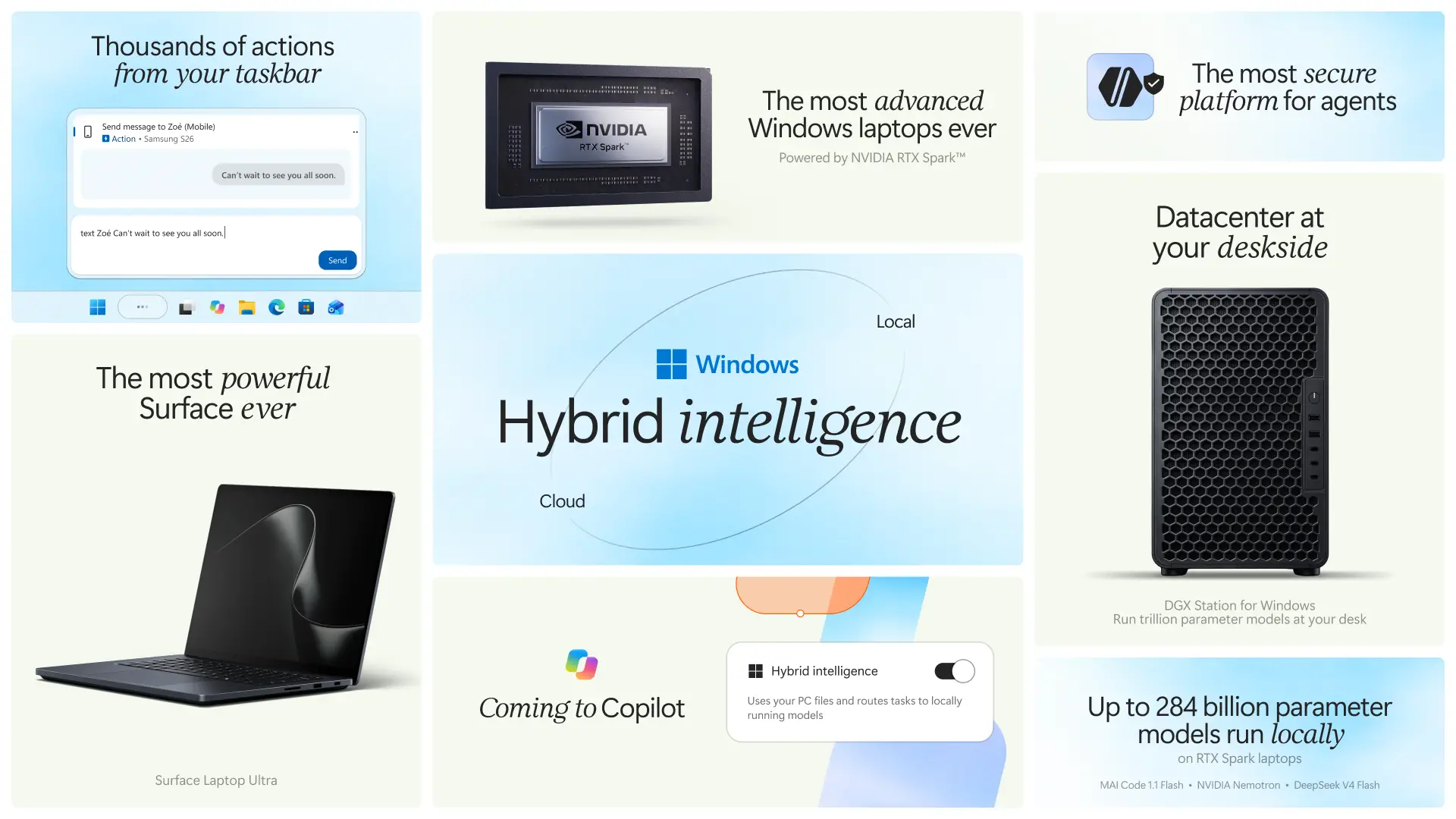
To achieve this, Microsoft intends to make the AI models present on the PC and those accessible in the cloud work together. Windows Search should also evolve, with the ability to perform certain actions directly from the taskbar.
Let’s take a closer look at what Microsoft is preparing for Windows 11.
Windows 11 will combine local and cloud AI
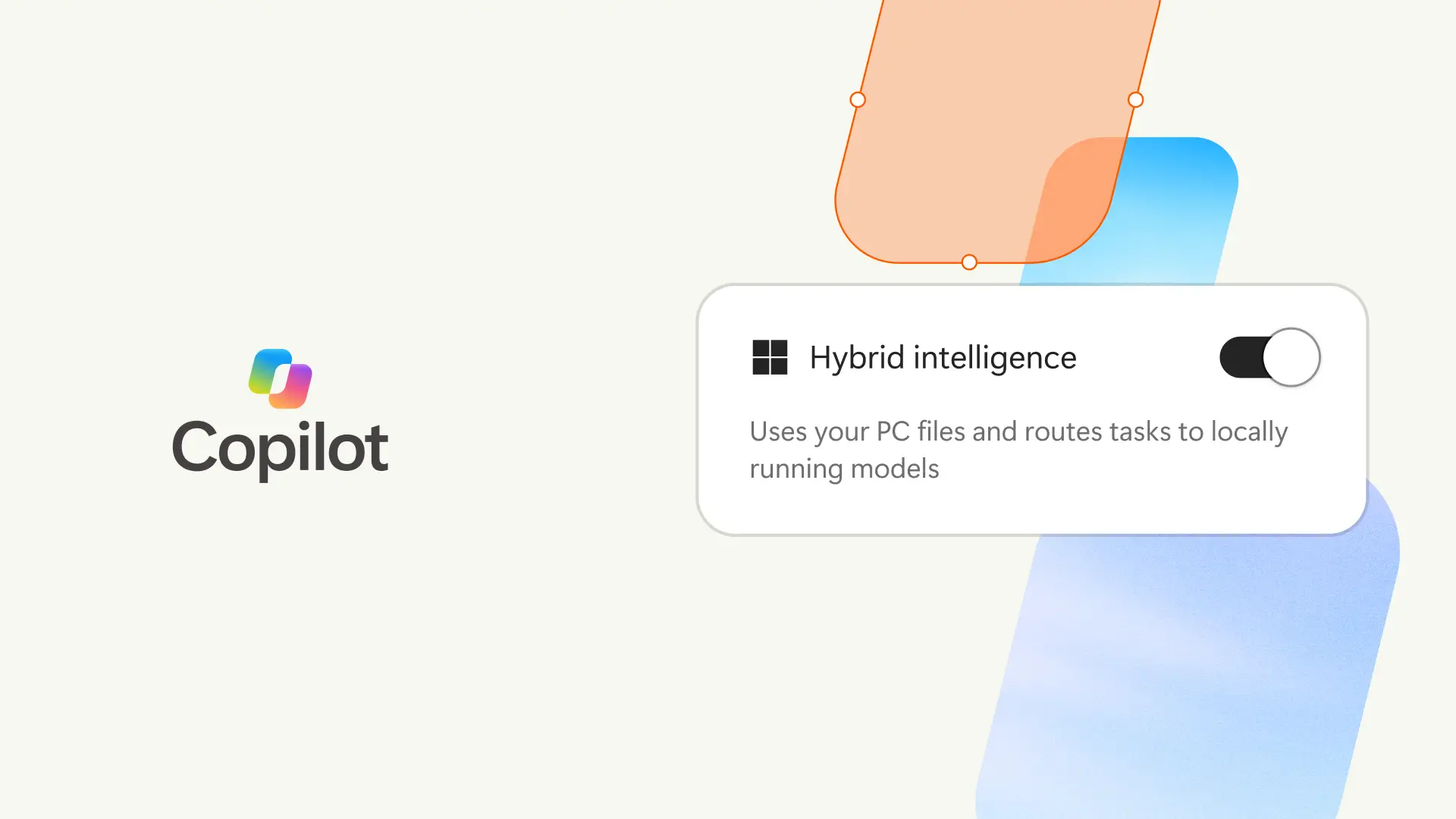
Today, many of the AI features built into Windows 11 require an internet connection to work. Microsoft wants to change that by allowing your PC to perform certain tasks on its own using locally installed AI models.
The interest is twofold. On the one hand, some data will be able to remain on your PC instead of being systematically sent to the cloud, which is good for confidentiality. On the other hand, some functions could work faster and without an Internet connection. And for tasks that require more demanding AI models, applications will still be able to turn to the cloud.
But be careful, all this will also depend on the power of your PC. To operate these AI models locally, Windows will be able to use the NPU, a computing unit dedicated to artificial intelligence. We find them, for example, in the new Surface Pro 12 and Surface Laptop 13, equipped with the Snapdragon X2 Plus processor.
And if your computer doesn’t have an NPU, that doesn’t necessarily mean it will be excluded. Windows will also be able to use the processor (CPU) and graphics card (GPU) to run certain AI models. This is particularly the case with the Surface Laptop Ultra and its NVIDIA RTX Spark platform.
Obviously, not all new features will be available on all Windows 11 PCs. Some will require compatible hardware and will be rolled out gradually.
Copilot will be able to perform tasks for you in Windows 11
Microsoft also wants Copilot to be able to do more than answer your questions. In the coming months, your AI assistant should be able to perform certain actions on your PC, such as searching for files, moving them, renaming them, or even modifying Windows 11 settings.
During its conference, Microsoft gave a pretty interesting demonstration. All I had to do was ask Copilot to prepare the documents to send to an accountant. The wizard was then in charge of finding the files scattered around the computer, renaming them, grouping them into a ZIP file and even preparing the email to send them.
These new features are not yet available to everyone. Microsoft plans to gradually offer them on Copilot+ PCs in the coming months.
Windows 11 Search will be able to execute your commands
Search for Windows 11 will also evolve. Until now it was mainly used to search for files, applications or settings. But soon you’ll be able to ask it to perform certain actions directly from the taskbar, using simple sentences.
For example, simply type “turn on dark mode,” “turn on Bluetooth,” or “reduce brightness” to display the corresponding command and run it without having to open Settings. You can even ask Windows to rearrange your windows or send an SMS from your PC, as long as you’ve paired your smartphone with Mobile Connected. This last possibility will come a little later.
Microsoft announces several thousand possible long-term actions. The search will also have a new interface, with the results grouped into a single list. It should be faster, consume less memory, and understand your searches better, even when you make typos.
Another new feature announced is that you can choose to integrate Copilot with Windows Search to get answers without leaving the taskbar. This option will remain optional and will begin rolling out in select countries at the end of the year.
At the moment, the new research is just beginning to roll out to members of the Windows Insider program, in the Experimental channel. Natural language commands remain limited to English and Microsoft has not announced a date for their arrival to all users.
AI agents will not be able to do anything in Windows 11
Allowing artificial intelligence to manipulate your files and modify your PC settings is very convenient. But we must still prevent it from doing something or accessing data that does not concern it.
To do this, Microsoft has developed a system called Microsoft Execution Containers (MXC). Their role is to operate AI agents in an isolated environment, with very specific rights. Developers and administrators will be able to define the files, folders, and network connections that an agent is authorized to access. If you try to go beyond these permissions, MXC may block the operation.
Microsoft also plans to better distinguish actions performed by an agent from those of the user. In this way, companies will be able to restrict an agent’s access to certain resources without necessarily preventing an employee from using them themselves. These management and identification functions will be implemented gradually.
Already offered in preview since June, MXC is now in final release on Windows 11. Developers will be able to use it to better control what their AI agents can do on your computer. Several tools already support this technology, including OpenAI Codex, GitHub Copilot, and OpenClaw.
Installing AI Agents in Windows 11 Should Be Easier
Installing these agents should also be less complicated. Because today, to use some of these tools, you still have to open a terminal, type commands, and sometimes modify various parameters. Suffice it to say that it is not necessarily available to everyone.
To make things simpler, Microsoft is preparing a wizard that will allow you to install and configure AI agents with a few clicks, without having to enter a single command line. This possibility will first be offered on certain mini desktop PCs, with the aim of later extending it to other Windows devices.
The company also announced a native gateway for Windows aimed at open clawan open source project that allows you to create artificial intelligence assistants that can perform tasks for you. It should make it easier to set up and use, while its compatibility with MXC will allow for better monitoring of your agents’ actions.
GitHub Copilot will be able to choose between local AI and the cloud
Developers using GitHub Copilot will also benefit from this combination of on-premises and cloud AI. At the end of October, Microsoft plans to launch an experimental preview of HydraFusion, a system capable of automatically choosing the most suitable AI model for each task, even among those installed on the PC.
For example, certain programming operations can be performed directly on the computer, without the need to request a remote server. For more complex requests, GitHub Copilot can continue to use the templates available online.
This new feature will be offered in the GitHub Copilot app, GitHub Copilot CLI, and Visual Studio Code.