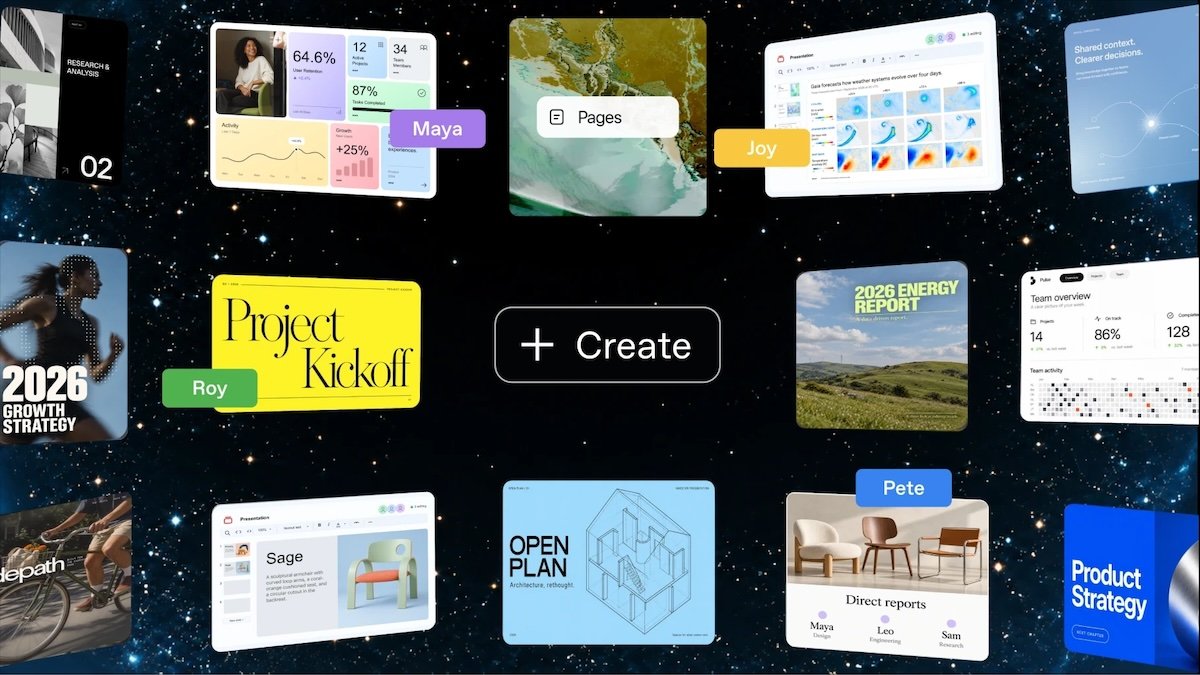
OpenAI opens ChatGPT Space to subscribers 18+, with a global launch. This space allows you to create pages and presentations, modify them together and schedule their update. However, there is a limit to sharing: recipients must also have a subscription that gives them access to Space.

Documents that remain alive after the conversation.
Space brings together content that you want to preserve and evolve: notes, interactive pages, presentations, images, and imported files. Replaces Library in ChatGPT navigation for eligible accounts. Projects, which bring together conversations, files, and work instructions, are still available separately.
The novelty is access from Plus and not the creation of the service. OpenAI previously reserved it for Pro, Business, and Enterprise offerings. This extension follows other developments in the work tool, including the reorganization of Chat and Work and the arrival of GPT-6.2 Astra and Sol. The issue here is preservation and collaboration around the result, rather than a new model.
You can create a page from a conversation or start it directly in Space, with or without a document template. The text remains editable by hand. The user can also request a specific fix from ChatGPT, for example, on a part of the document, and then continue the work without restarting a conversation or rebuilding the file.
OpenAI offers in particular to organize project monitoring, which is updated based on decisions made in Slack. Pages and slides can be updated automatically with connected apps and tools. This can reduce redundancies between a discussion and its report, as long as the agent can access useful information. The rights granted to connected services determine what you can view.
Pages may contain graphics, interactive tools, and subpages. This way, a team can maintain an overview and store detailed reports underneath, instead of multiplying separate documents.
Sharing requires paid access on both sides
The owner chooses who can read or edit a page. With editing rights, multiple people can intervene in real time. Access can also be done from the space or from a main page: therefore, withdrawing a direct invitation is not necessarily sufficient to withdraw all rights from a person.
Free accounts cannot open shared pages or presentations. OpenAI also does not provide a public link for this content. The recipient must sign in to a Plus, Pro, Business, or Enterprise account with Space. Despite previous relaxations of the free plan, this collaboration is still reserved for a paid area.
Files imported to a page follow the page’s permissions. On the other hand, a link to a document stored on another service does not automatically give access to that document. Its content becomes visible to collaborators if the user or ChatGPT copies a passage or inserts a summary on the shared page.
Privacy settings remain individual
Each participant works with their own ChatGPT. Sharing a document does not open private conversations or personal memories to other members. But the information in this memory becomes readable as soon as it is written on the common page.
There shared data documentation It also specifies that each participant’s training settings apply to their interactions with the content. Disabling this usage for your own account does not disable it for a colleague. OpenAI says it does not use business and enterprise data by default to train its models.
Exportable presentations, even outside the space
Slides allows you to correct text, images and graphics directly, or request changes from the agent. Presentations can be displayed in ChatGPT or exported from the web to PowerPoint, PDF and Google Slides. An export thus offers another way to transmit a result to someone who cannot access the collaborative document.
On some Windows PCs, the lack of the required MXC component limits local creation and editing of PowerPoint files instead of collaborative slides; web or cloud mode serves as an alternative. Finally, reaching the Plus message quota does not prevent you from continuing to manually modify pages and presentations already created.