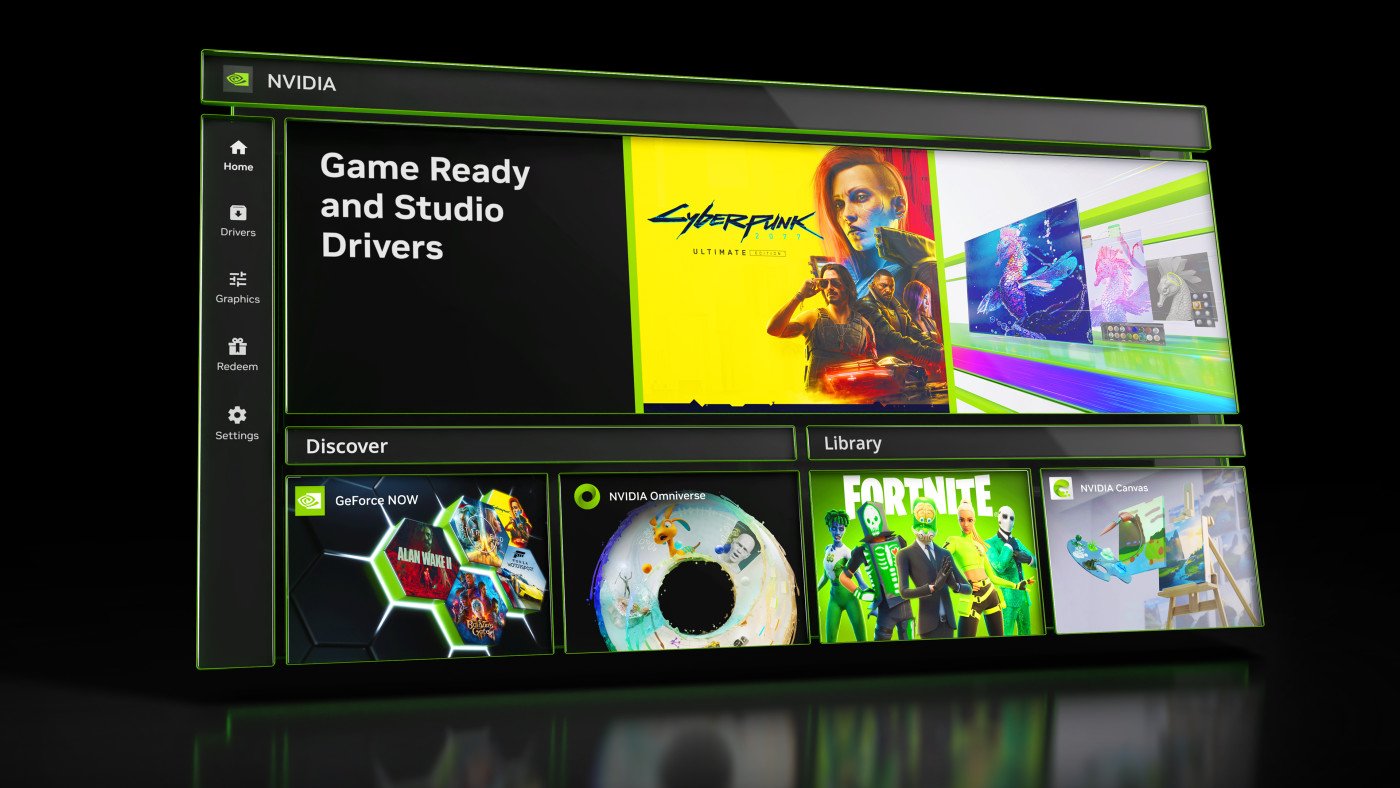
The latest Nvidia app update by default activates a server that allows AI agents to control certain app functions, including game graphics settings, without requiring explicit confirmation from the user. This new feature, included in version 11.0.9.565, raises concerns regarding the permissions granted to these agents, even if the server is running locally.

AI agents capable of modifying game settings
Nvidia App Update 11.0.9.565 adds support for Model Context Protocol (MCP). This interface allows supported assistants to communicate with the Nvidia application and execute certain actions using natural language commands. According to Nvidia documentation on GitHubAn AI agent can detect installed games, launch an app, apply recommended graphics settings, manage ShadowPlay recording features, take screenshots, or view performance statistics. You can also view driver information and change some power options on laptops.
The issue raised by several users is due to the behavior of the setting associated with this feature. The “Allow AI agents to control the NVIDIA application” option is enabled by default after installing the update, without the user necessarily choosing to allow it. Nvidia mentions the arrival of MCP support in its release notes, but doesn’t explain why the option would be enabled by default.
The MCP server runs on the computer through a local network interface whose default address is http://127.0.0.1:13508. Enabling it does not mean that Nvidia automatically sends user data to an external service. On the other hand, a compatible agent called by the user can use the functions exposed by the server. If this agent relies on an online AI service, some information it retrieves could be transmitted to you depending on how it operates.
For users not using any supported AI agents, this interface is of little immediate interest. Prudence consists of not leaving a control functionality activated that you do not use, without concluding that its mere activation constitutes a compromise of the computer.
How to disable access to Nvidia App AI agents
Deactivation is done directly in the app and does not require uninstalling the Nvidia app or downgrading to a previous version. Here is the procedure:
- Open the Nvidia app.
- Go to Settings and select the Features tab.
- Scroll down to the “Connect Agents and Apps” section.
- Disable “Allow AI agents to control the NVIDIA application”.

The button should then change from green to gray. According to Nvidia’s documentation, this core setting prevents the persistent MCP server from working. It is still possible to reactivate the functionality later from the same menu. Therefore, users who have installed version 11.0.9.565 should check these settings, even if they have never set up an AI assistant to control their PC.